Building a high-end PC in South Africa means making every ZAR count. With Intel's newest platform arriving, enthusiasts are facing some wild spec sheets. You might be wondering how much DDR5-9200 RAM support actually matters when choosing a Z890 motherboard. Is it pure marketing... or a necessary upgrade? Let us break down what these extreme memory speeds mean for your daily gaming grind.
Why DDR5-9200 RAM Support Actually Matters When Choosing a Z890 Motherboard
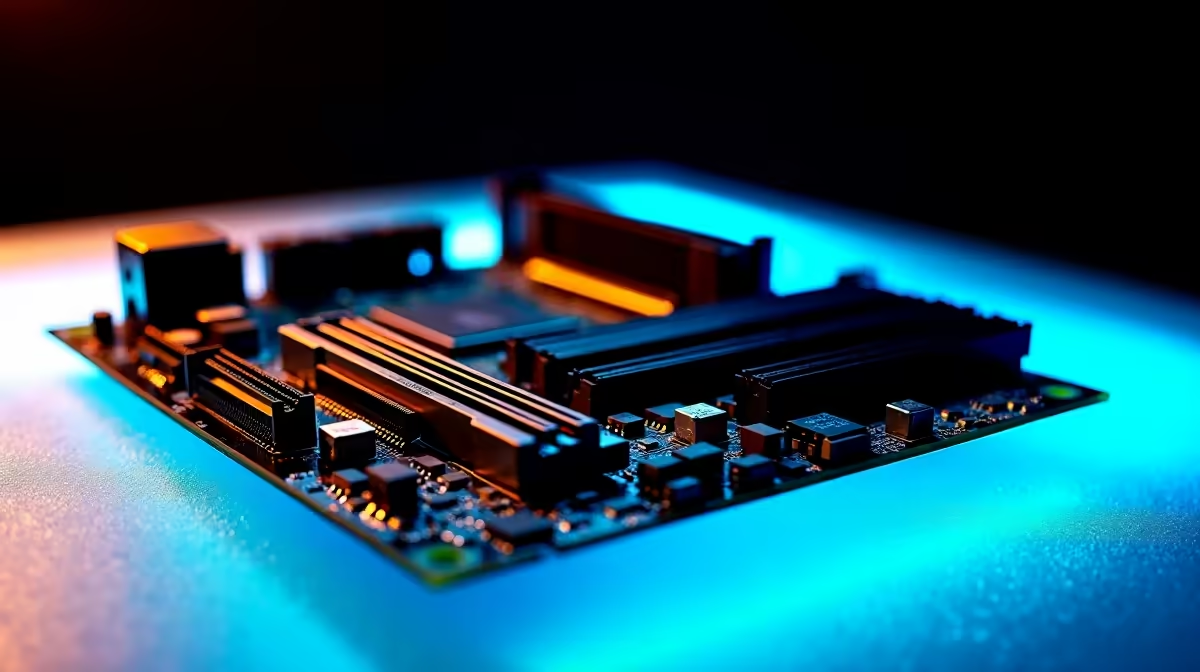
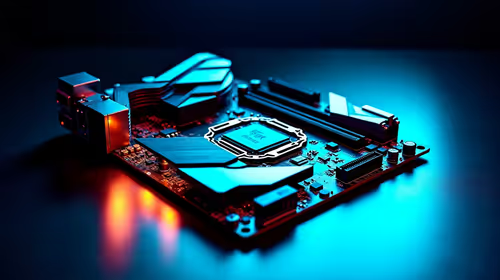
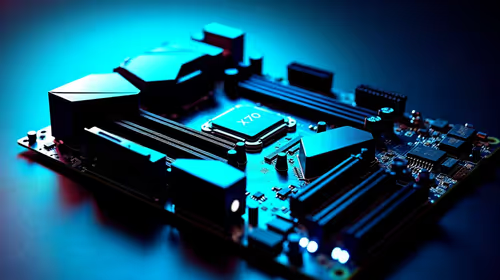
The jump to the Z890 chipset brings massive bandwidth improvements for Intel Core Ultra processors. Motherboard manufacturers are pushing limits to support blistering memory frequencies. Pushing past 9000MT/s requires incredible engineering and premium components.
If you are shopping for top-tier motherboards, you will notice flagship boards boast these massive numbers. For the average gamer playing at 1440p or 4K, 6000MT/s is often more than enough to prevent bottlenecks. However, competitive overclockers and heavy productivity users will see tangible benefits from higher bandwidth. Tasks like 8K video rendering, complex 3D modeling, and large-scale data compiling thrive on fast memory. 🔧
Pairing the Right Board with High-Speed Memory
Not all boards handle extreme frequencies equally. Signal integrity is crucial when you push memory this hard. If you prefer Team Blue, look at premium ASUS Intel motherboards. They show exactly how thick PCB layers help stabilise DDR5-9200. These boards use advanced trace layouts to minimise electrical noise. Exploring other platforms? High-end ASUS AMD motherboards also focus heavily on precise memory trace routing.
To actually hit these speeds, you need top-binned silicon. Grabbing standard sticks simply will not cut it. You must invest in enthusiast-grade memory kits designed for extreme XMP profiles. Keep in mind that running memory at 9200MT/s often requires a strict two-DIMM setup. Populating all four slots usually drops your maximum stable frequency significantly due to increased strain on the memory controller. ✨
Memory Tuning Pro Tip ⚡
Always update your motherboard BIOS before applying high-speed XMP profiles. Early BIOS versions often struggle with memory training above 8000MT s. A quick flash can save you hours of troubleshooting and blue screens.
Balancing Your Build Budget in ZAR
Dropping R10,000 on ultra-fast RAM makes little sense if you use a mid-range GPU. It is all about balancing your budget for the best overall frame rates. Putting that extra cash towards a beefier graphics card usually yields better gaming results. Sometimes, buying a pre-configured system removes the headache of memory compatibility entirely. You can often find incredible value by checking out the best gaming PC deals available right now.
So, how much DDR5-9200 RAM support actually matters when choosing a Z890 motherboard? It comes down to your goals. Want a zero-compromise rig that extracts every drop of CPU performance? Then yes, it absolutely matters. It provides a massive ceiling for future memory upgrades as DDR5 technology matures. For everyone else, a board with DDR5-7200 support still delivers a powerhouse experience without breaking the bank. 🚀
Ready to Build Your Ultimate Z890 Rig?
Whether you are chasing world-record memory overclocks or just want a stable, high-performance gaming PC, we have the hardware you need. Explore our massive range of PC components and start building your dream machine today.