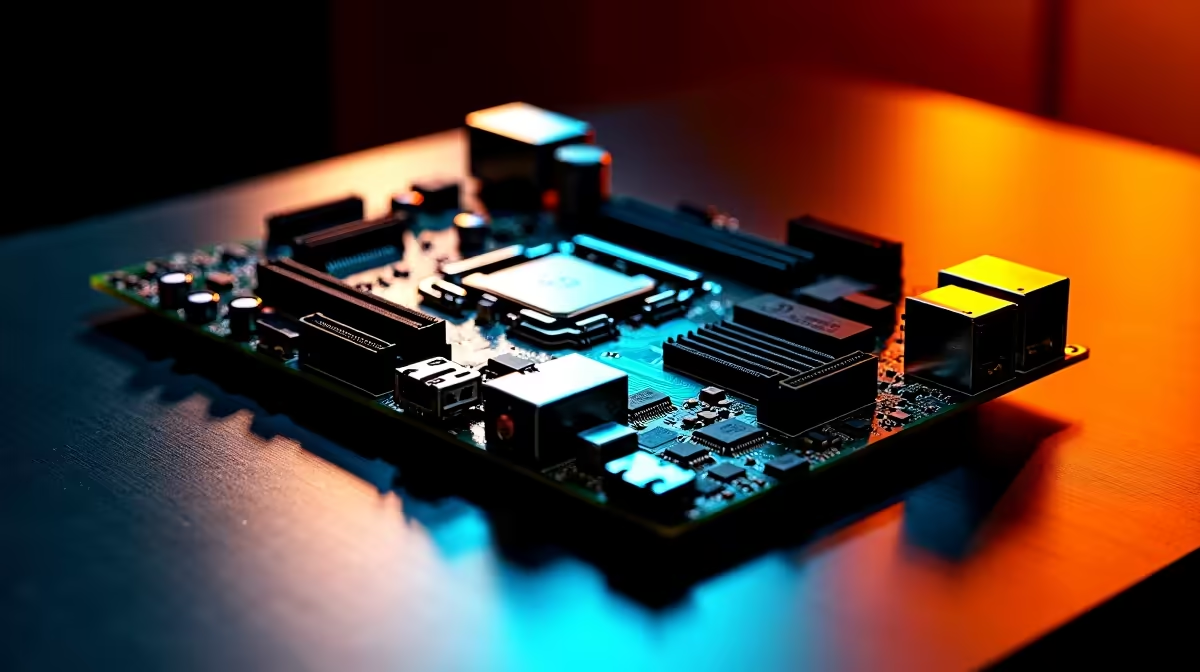
Ever stared at a spec sheet and wondered how much motherboard power do 14+2+1 80A DrMOS stages really give you? You are not alone. When building a custom rig in South Africa, navigating PC component jargon is exhausting. Whether you are chasing maximum frames or just need rock-solid stability during a summer heatwave, understanding your voltage regulator module is absolutely vital. ⚡
Breaking Down the 14+2+1 Configuration
Before dropping your hard-earned ZAR on the latest motherboards, you need to know exactly where your electrical current goes. That specific "14+2+1" sequence is essentially a detailed roadmap of your board's Voltage Regulator Module (VRM). Think of the VRM as the ultimate gatekeeper between your power supply and your sensitive PC components.
- 14 Phases: Dedicated entirely to your CPU Vcore... the beating heart of your system.
- 2 Phases: Reserved for the SOC... which handles integrated graphics and crucial memory controllers.
- 1 Phase: Auxiliary power for minor motherboard components, ensuring stable data transfer across your PCIe lanes.
Why does this matter? More phases mean the electrical load is spread out across multiple components rather than stressing a single point of failure. This keeps your entire system significantly cooler, reduces power loss, and extends the lifespan of your expensive hardware. When you are spending thousands of Rands on a build, longevity is everything.
The Raw Output of 80A DrMOS Stages
Now let us look at the math. The term "DrMOS" simply means the driver and MOSFET are combined into one highly efficient package. If you have 14 stages dedicated to the processor and each handles 80 Amps, your board can theoretically deliver a massive 1120 Amps of incredibly clean power.
To put that into clear perspective, even a modern flagship processor pulling 300 watts at 1.3 volts only requires about 230 Amps of current. This means a 14+2+1 80A setup is practically napping while running top-tier hardware at full tilt. You will easily find this robust power delivery on premium platforms... including top-end ASUS Intel motherboards and their high-performance ASUS AMD motherboards. Having this level of engineering ensures your CPU never starves for power when rendering heavy 4K video files or pushing ultra graphics settings. 🚀
Overclocking Pro Tip 🔧
When pushing your CPU to the absolute limit, VRM temperatures matter just as much as your primary CPU cooler. DrMOS stages run much cooler than older split-design MOSFETs. Always ensure your PC chassis has excellent airflow over the top-left corner of your board to keep those chunky VRM heatsinks perfectly chilled!
Is This Massive Power Delivery Actually Worth It?
The short answer is absolutely. You might never use all 1120 Amps... but having that massive overhead means your VRMs operate at a mere fraction of their maximum capacity. Less stress equals less heat, which translates to better electrical efficiency and zero thermal throttling when you are three hours into an intense competitive gaming session.
If you are currently browsing premium gaming PC deals, a motherboard with this specific specification guarantees genuine future-proofing. You can confidently upgrade to a much more power-hungry processor years down the line without needing to swap out your entire foundation. Furthermore, ultra-stable power delivery is absolutely crucial when you start manually tuning high-speed memory kits to squeeze out every last drop of performance. A strong VRM ensures your voltages remain perfectly flat, eliminating those frustrating system crashes. ✨
Ready to Build Your Dream Rig?
Now that you know exactly how much power a premium VRM setup delivers, it is time to upgrade your system. Explore our massive range of motherboards and find the perfect foundation to conquer your favourite games in South Africa.