


GTA 6 Max Settings on RTX 5070: Complete Guide
GTA 6 Max Settings on RTX 5070. Tested & verified settings for best FPS and visual quality on SA hardware budgets.
Read moreHow to clean phone screen, ports, and case without damage: step-by-step tips to remove grime, disinfect safely, and protect hardware. Quick tools and routines for daily care. 🧼📱
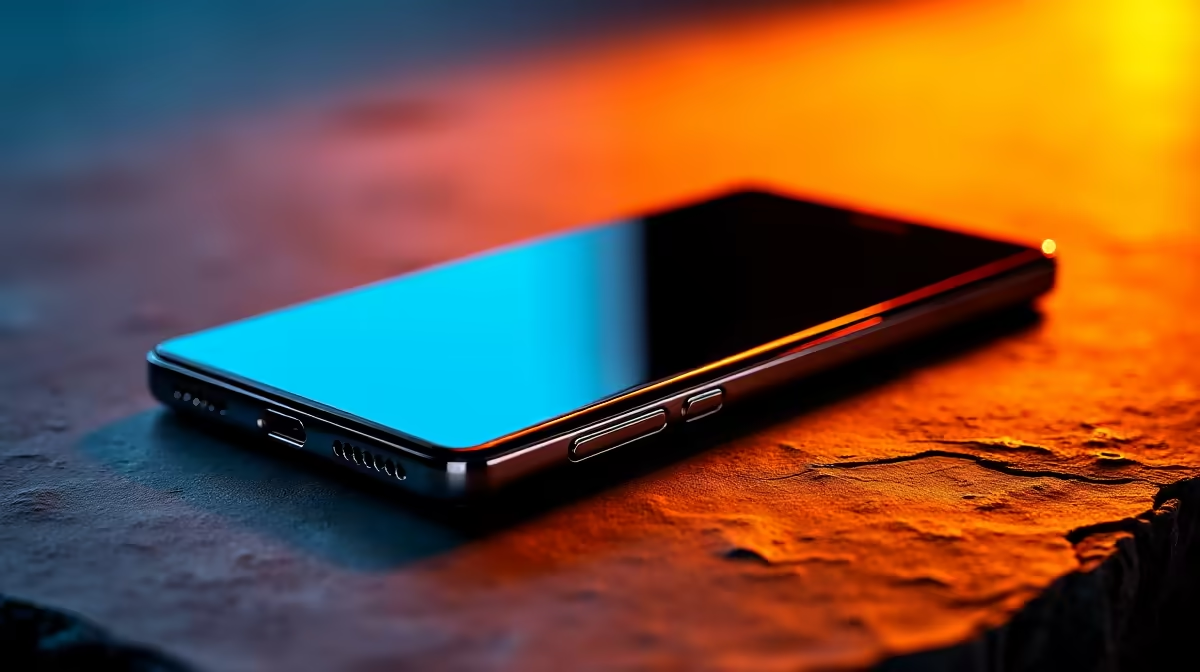
Your smartphone is likely the dirtiest item you own. From greasy fingers at a lunchtime braai to pocket lint, it survives a lot. Learning how to clean phone screen, ports, and case without damage is vital for any South African tech user. Doing it wrong could ruin your OLED display or fry your charging port... and nobody wants an expensive paperweight. ✨
The screen is the most sensitive part of your device. Most modern displays have an oleophobic coating to repel oils. Harsh chemicals like window cleaner or alcohol wipes can strip this layer away. Instead, always use a dry microfiber cloth. If the smudge is stubborn, slightly dampen the corner of the cloth with distilled water.
Avoid using paper towels or your shirt. These fabrics contain tiny fibres that can cause micro-scratches over time. If you find your device is constantly running low on juice while you're out, check out these high-quality chargers to keep your clean screen glowing all day long.
Is your phone struggling to stay connected to your cable? Before you panic, check the port for lint. Use a wooden toothpick or a plastic dental pick to gently hook out any debris. Never use metal objects like needles or SIM tools... these can short-circuit the pins.
If your phone stops fast-charging, it is often just compressed pocket lint preventing the cable from seating properly. Gently clear the port and then test it with a fresh cable. If the issue persists, your current adapter might be the culprit rather than the port itself.
If cleaning doesn't fix the connection, it might be time to upgrade your hardware. You can find excellent premium power options under R1000 that offer better reliability than generic knock-offs. 🔧
The case is where most of the bacteria live. Take the phone out of the case before you start. For silicone or plastic cases, warm soapy water works wonders. For leather cases, stick to a damp cloth and specialized leather conditioner.
While your case is drying, consider if your charging setup needs a refresh too. We stock a wide variety of Promate power solutions that are built to withstand the local South African climate and power fluctuations.
A clean phone isn't just about looks... it's about performance. Dust in the ports can cause heat build-up during charging cycles. If you are looking for affordable charging kits under R500, ensure they are certified to avoid damaging your freshly cleaned battery contacts. 🚀
Keep your tech tidy and it will serve you well for years to come.
Ready to Power Up Your Clean Tech? Keeping your device clean is only half the battle. Ensure your smartphone stays topped up with the best hardware available in South Africa. Explore our full range of mobile charging solutions and never get caught with a dead battery again.
Wipe high-touch surfaces daily and deep-clean the screen and ports weekly to reduce germs and grime.
Use 70% isopropyl on a microfiber cloth for glass screens; avoid excess liquid and don't apply directly to the phone.
Power off, use compressed air or a dry soft brush to eject debris. Avoid metal tools to protect pins.
Use manufacturer-approved wipes or a 70% alcohol cloth, apply gently, and avoid bleach or abrasive cleaners.
Remove the case and wash with warm soapy water for silicone or use alcohol wipes for hard cases; let it air dry fully.
Avoid soaking devices. Use a lightly damp microfiber cloth and keep ports dry; power down before cleaning to be safe.
Yes—use short bursts from a distance, keep the can upright, and avoid excessive force to prevent moisture or damage.
GTA 6 Max Settings on RTX 5070. Tested & verified settings for best FPS and visual quality on SA hardware budgets.
Read more
Cyberpunk 2077 Max Settings on RTX 5080. Tested & verified settings for best FPS and visual quality on SA hardware budgets.
Read more
Starfield Max Settings on RTX 5070 Ti. Tested & verified settings for best FPS and visual quality on SA hardware budgets.
Read more
AMD RX 9050 XT: Rumoured Specs, Price & Release. SA-focused analysis with local pricing data, real-world insights & actionable buying advice.

Can RTX 4080 Super Run AI Workloads for SA Developers Detailed answer with SA data, expert analysis & practical recommendations for local buyers.

Can RTX 4090 Run AI Workloads for SA Developers Detailed answer with SA data, expert analysis & practical recommendations for local buyers.

Top Settings for Intel Arc B580 at Ultrawide 1440p picks evaluated on performance, value & SA availability with current Rand pricing from Evetech.

RTX 4060 CS2 Low Settings at 1080p: FPS Results. Real-world benchmark data, FPS numbers & performance analysis. What SA gamers can actually expect.

Visual Artifacts: Possible GPU Issue Issue #1. Diagnosis steps, proven fixes & when to seek professional help. SA-specific support info included.

Can the RTX 4090 Handle 1440p 144Hz Gaming. Performance testing verdict with real data & practical recommendations for SA buyers.

Top ASUS GPU Under R15000 picks evaluated on performance, value & SA availability with current Rand pricing from Evetech.
GTA 6 Max Settings on RTX 5070. Tested & verified settings for best FPS and visual quality on SA hardware budgets.
Cyberpunk 2077 Max Settings on RTX 5080. Tested & verified settings for best FPS and visual quality on SA hardware budgets.
Starfield Max Settings on RTX 5070 Ti. Tested & verified settings for best FPS and visual quality on SA hardware budgets.

Top RTX 5090 Under R5000 picks evaluated on performance, value & SA availability with current Rand pricing from Evetech.