

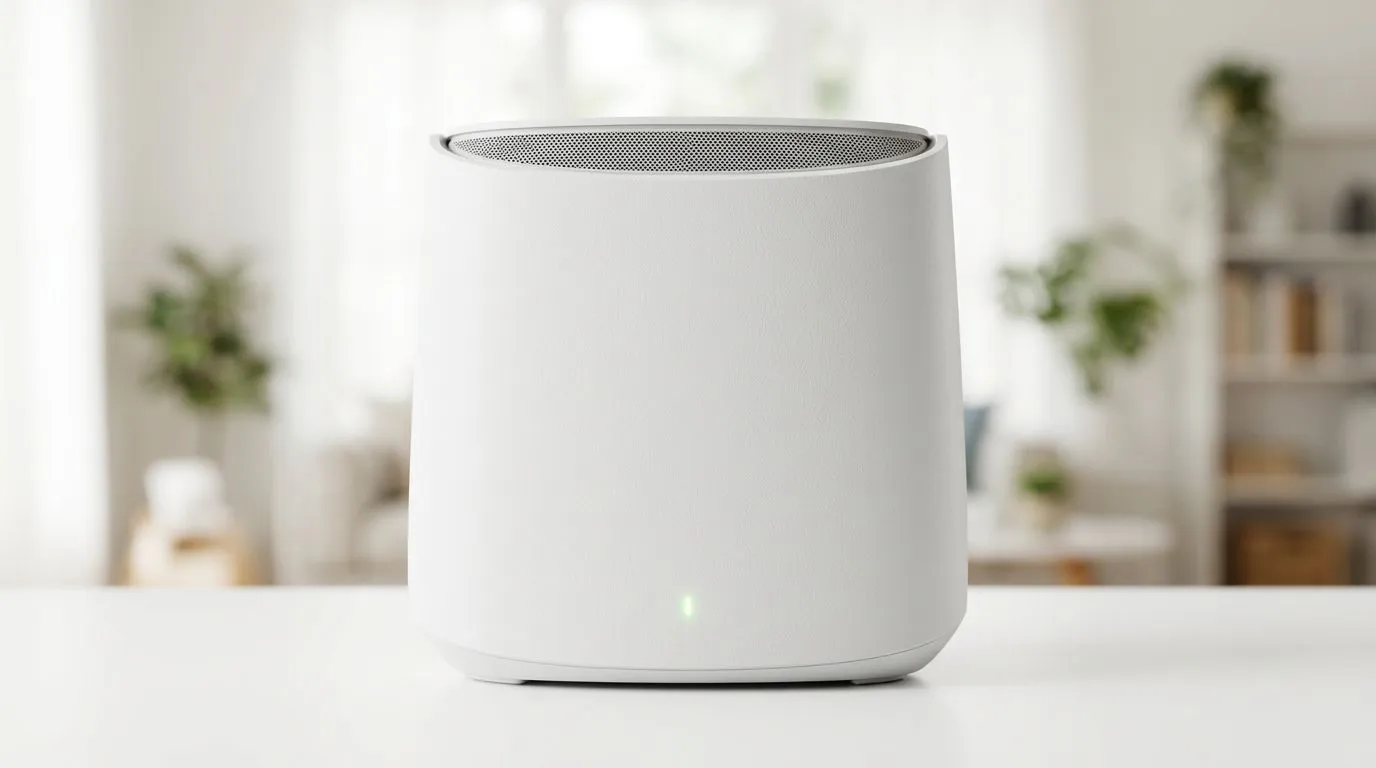
Breaking Free from WiFi Dead Zones
We have all been there... you are mid-match in a heated Valorant ranked game, or finally settling in to stream that 4K series, and suddenly the connection drops. In South Africa, where fibre is becoming the gold standard, there is nothing worse than having a lightning-fast line that dies the moment you walk into the bedroom. Learning how to use ASUS AiMesh to extend WiFi coverage at home is the definitive solution to banish those frustrating dead zones for good. ⚡
Why Choose ASUS AiMesh?
Unlike traditional range extenders that often cut your bandwidth in half, AiMesh creates a single, seamless network throughout your entire property. It intelligently connects your devices to the best available node without you ever needing to switch networks manually. If you are looking to upgrade your backbone, browsing our wireless networking hardware is the best place to start your journey toward a stable home office or gaming den.
Setting Up Your Mesh Network
The beauty of this system is its flexibility. You don't need to bin your old router if it supports AiMesh. You can simply add a new unit to your existing setup. For those building a system from scratch, we recommend checking out our latest wireless routers which are specifically optimised for high-traffic environments.
If your home has thick walls or complex layouts, consider adding dedicated wireless range extenders to bridge the gap between rooms. Don't forget that your primary connection point is just as vital; if you are still on an old ISP-provided box, upgrading to one of our high-performance fibre routers can drastically improve your ping times. 🚀
Signal Strength Pro Tip 🔧
When placing your AiMesh nodes, aim for a clear line of sight between the main router and the satellite unit. Avoid tucking them inside cabinets or behind metal appliances, as these materials reflect and dampen the 5GHz signal significantly.
Optimising Your Connection
Once your mesh is live, ensure your PC is receiving the strongest possible signal. While WiFi 6 is incredible, competitive gamers often prefer the reliability of a wired connection or a high-quality wireless adapter for their desktop builds. Keeping your firmware updated via the ASUS Router app ensures your network remains secure against the latest threats while maintaining peak performance across all connected devices in your home. ✨
Ready to Find Your Perfect Match? A stable connection is the heartbeat of your digital life. Whether you are upgrading your home network or building a new rig, we have the hardware to keep you connected. Explore our massive range of networking specials and find the perfect gear to conquer your world.











