

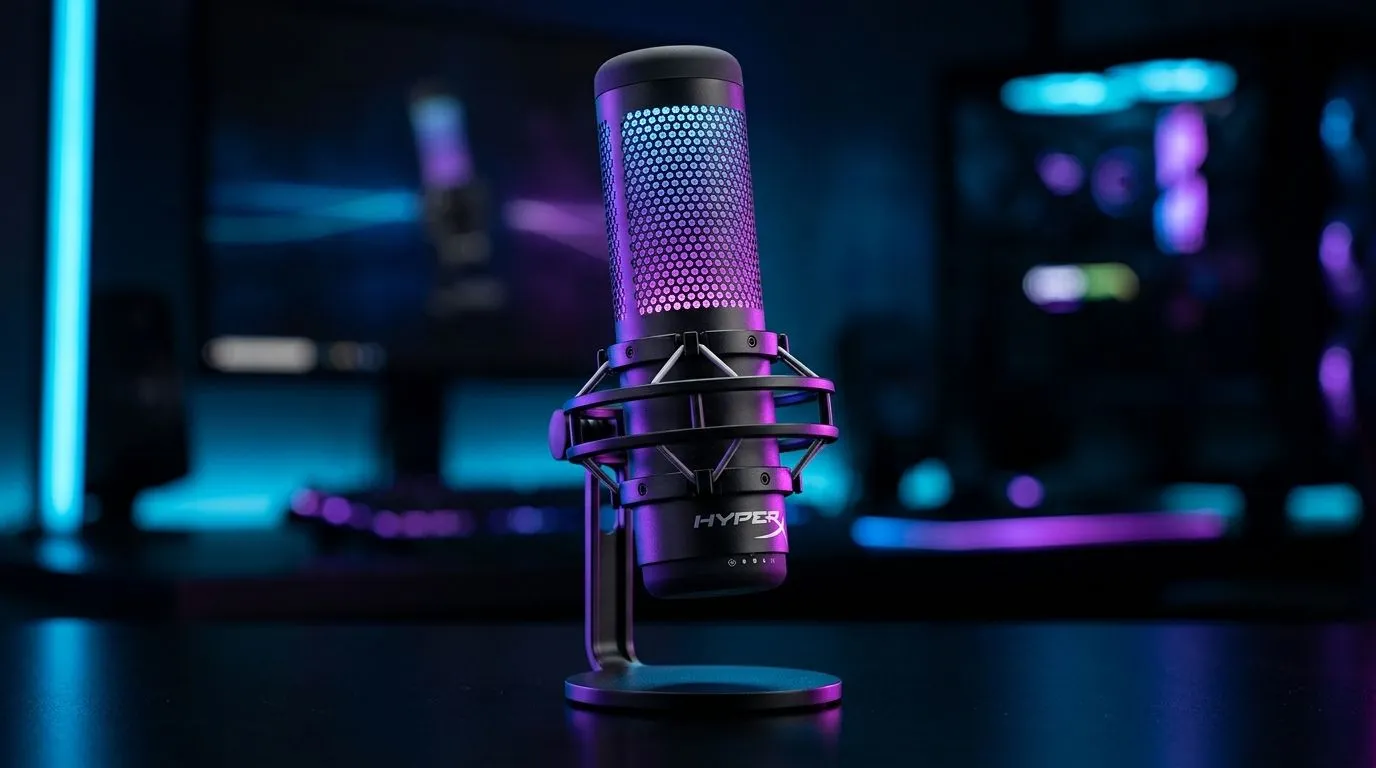
Mastering HyperX NGENUITY Microphone Settings for Clear Voice Quality 🎙️
South African gamers and streamers know that crisp, clear audio can make or break your live sessions. If you own a HyperX microphone, the HyperX NGENUITY microphone settings are your secret weapon to fine-tune sound quality with surgical precision. Getting this right means less background noise, greater voice clarity, and chats that keep your squad in sync during intense battles.
Whether you’re streaming, podcasting, or just gaming with mates, proper settings elevate your presence. Ready to optimise your voice mic setup with HyperX NGENUITY?
Understanding HyperX NGENUITY Software Features for Microphone Control
HyperX’s NGENUITY app offers advanced controls crafted for easy mic tweaking. From adjusting gain to noise suppression levels, every slider lets you tailor your microphone’s sensitivity and tone to suit your environment.
Key Settings to Focus On
- Gain Control: Too high and you hear static or distortion; too low makes you sound distant. Aim for a balanced, natural output.
- EQ Settings: Use the equaliser to soften harsh highs or boost mids. This brings warmth and clarity to your voice.
- Noise Reduction: Engage noise suppression to block chatter or keyboard clicks without muffling your tone.
The software interface is intuitive, letting you hear changes live. Installation and updates are straightforward via the official Evetech streaming essentials page.
Pro Tips for South African Streaming Setups 🚀
Streamers based in SA face unique challenges, like unpredictable internet and ambient noise. HyperX NGENUITY can help you counter these with smart mic settings:
- Lower your microphone gain slightly when streaming in noisy environments.
- Enable “sidelink” settings if you use multiple audio devices to avoid feedback loops.
- Regularly update the app for improved features and compatibility with your HyperX gear.
Consider pairing your HyperX mic with lighting and webcams from trusted brands like Cololight and CORSAIR. These enhance your stream’s visual appeal without technical headaches.
Audio Clarity Boost
Adjust your gain to just below clipping. It prevents harsh spikes, delivering a clean voice signal that feels close and natural.
Combining Your Microphone with Essential Streaming Gear
Using great mic settings is just one side of the coin. For the best broadcast quality, your setup needs quality peripherals across the board:
- Invest in a stable webcam for sharp visuals (find the right one here).
- Optimise your lighting with ambient RGB solutions that match your streaming vibe (check options here).
- Choose ergonomic peripherals that keep comfort high during long sessions, like those from CORSAIR.
The better your overall setup, the more your HyperX NGENUITY microphone settings shine through in your broadcasts.
Elevate Your Streaming Experience Today Take control of your sound and visuals—Shop now at Evetech for all the essential gear you need to perform like a pro.











