


GPU Setup Guide for SA Gamers
GPU Setup Guide Gamers. Clear setup instructions with SA-specific considerations, troubleshooting tips & recommended components.
Read moreInfinity Mirror ARGB vs Standard RGB: learn the real difference for your PC build—effects, wiring, brightness, and compatibility. Make the right choice fast ✅✨
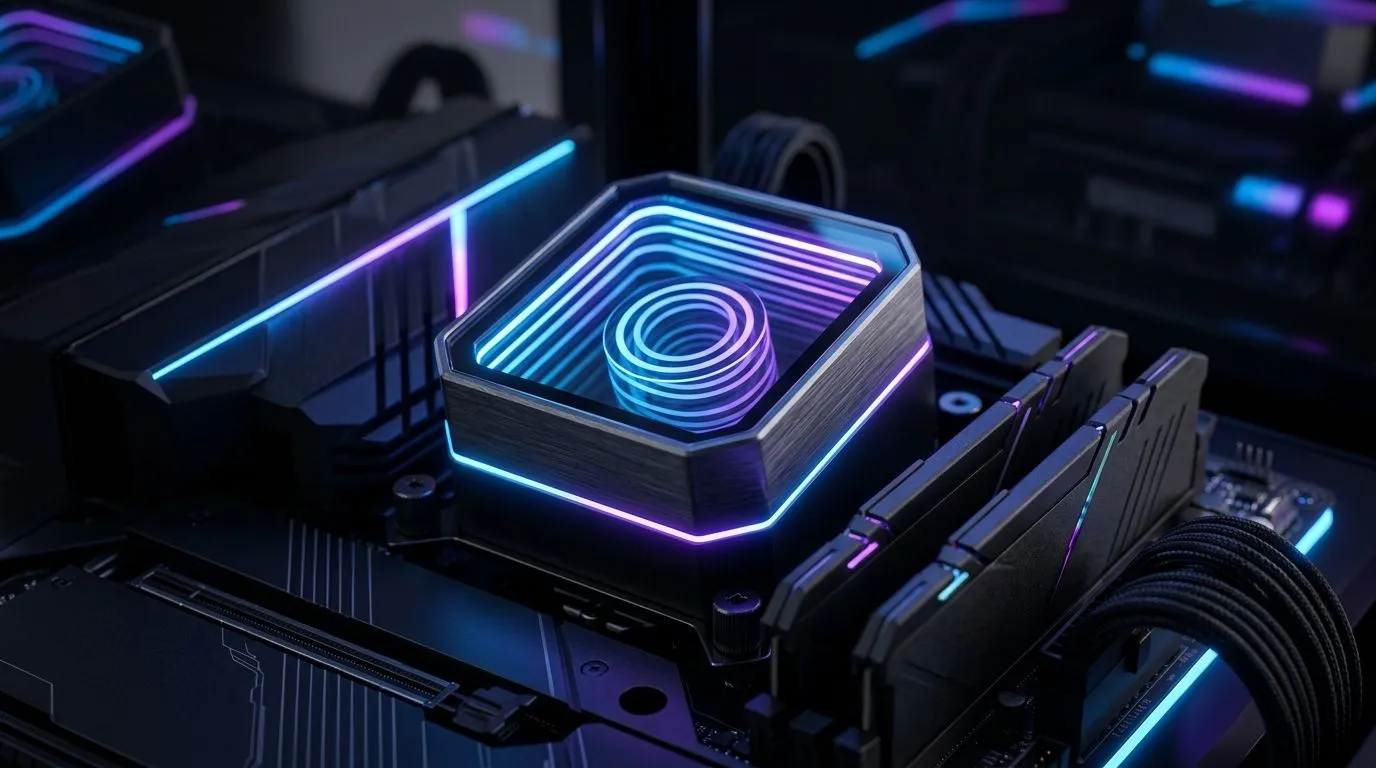
You’ve seen it... that “floating” glow effect in tempered glass cases. Gamers in SA love the look, but the real question is: does Infinity Mirror ARGB actually improve your build, or is it just aesthetics? If you’re shopping for a cooler, fans, or a full tower, the difference between Infinity Mirror ARGB and Standard RGB can affect wiring, software control, and even how well your theme holds up under stress. Let’s break it down like a proper parts check.
Standard RGB fans and strips usually provide a straightforward lighting pattern. They’re typically 12V “RGB” systems, often controlled by motherboard RGB headers or a dedicated controller. The effect is usually direct and uniform: bright where the LEDs are, and then gradients across the fan frame.
Infinity Mirror ARGB uses an optical layering approach. Instead of a “flat” glow, the lighting reflects multiple times inside a light tunnel or mirror stack. ARGB (addressable RGB) also means each LED can be controlled in different zones, so you can get wave effects, breathing patterns, and synced themes across compatible parts.
In practice, Infinity Mirror ARGB setups tend to look deeper in side panels, especially under cool white or saturated gradients. But they only look “right” if the rest of your build supports proper control and matching colour profiles.
ARGB systems are generally addressable, while Standard RGB is usually single-zone. That flexibility matters if you want your fan lighting to match your GPU sag kit, your RAM theme, or your case strips.
Before you buy, check your motherboard’s addressable RGB header count (and whether you need an ARGB hub). If you’re adding multiple RGB components, hubs are often the difference between a clean build and a spaghetti bundle.
Many ARGB ecosystems let you sync effects through motherboard software. If you stream, record, or change setups often, consistent syncing saves time. With Standard RGB, you may be limited to fewer preset effects depending on your hardware.
Lighting does not replace thermal fundamentals. Your cooler choice should still be based on fan size, heatsink design, and airflow. Infinity Mirror ARGB is a visual bonus, not a guaranteed temperature drop.
If your priority is looks with fewer compromises, pair Infinity Mirror ARGB-capable fans with a reputable air cooler that matches your case clearance.
Start here:
On a Windows gaming PC, use the motherboard vendor software only as a lighting controller, not as your main performance dashboard. For stability while you test temps, use a dedicated monitoring tool like HWiNFO to log CPU package temperature and fan RPM during a 10-15 minute stress run, then adjust fan curves in BIOS. That way your cooling tuning is data-driven, not vibe-driven.
If you’re building around clean, themed aesthetics, start by browsing air cooler options first, then choose lighting systems that match the ecosystem you’ll control most often.
You can explore the full range here: CPU coolers
Prefer a straightforward air-focused setup before going deeper on lighting? Try: Air cooler selection
Need tighter fit options for a compact tower or airflow-first case? Consider: 120mm fan air coolers
Want to keep it within a specific brand lineup? Browse: Deepcool air coolers
And if you’re comparing alternatives within the same category, check: EINAREX air coolers
The best builds usually balance three things: compatible lighting control, sensible airflow, and parts that fit without stressing your RAM clearance.
Ready to Find Your Perfect Match? The Mac vs Windows debate is complex, but for maximum power, choice, and value in South Africa, Windows is hard to beat. Explore our massive range of laptop specials and find the perfect machine to conquer your world.
Infinity Mirror ARGB usually looks more dimensional due to addressable effects, while standard RGB is simpler and often less versatile in patterns.
Most infinity mirror ARGB devices need a 5V addressable RGB header or compatible controller; standard RGB typically uses a 12V header.
It can, if your motherboard supports ARGB control (usually 5V) and uses compatible software; otherwise you may need a dedicated ARGB controller.
ARGB is addressable per LED, enabling more precise animations; standard RGB typically changes color in fewer zones or as a single group.
The lighting itself has minimal impact; temperatures depend on fan airflow and your cooling setup, not on ARGB vs RGB.
Yes, but you need the right headers/controllers for each type (5V ARGB vs 12V RGB) to avoid issues and to keep effects controllable.
Prioritize header compatibility (5V ARGB vs 12V RGB), desired effects, brightness, and whether you want advanced animations or simple color syncing.
GPU Setup Guide Gamers. Clear setup instructions with SA-specific considerations, troubleshooting tips & recommended components.
Read more
When Will the RTX 6090 Launch in South Africa Detailed answer with SA data, expert analysis & practical recommendations for local buyers.

Top Valorant Settings for RTX 5070: FPS Optimisation picks evaluated on performance, value & SA availability with current Rand pricing from Evetech.

RDNA 3.5 Graphics in Ryzen AI 400? Can You Game. Plain-English explanation of what it means, why it matters & how it affects your buying decisions in SA.

GPU Price Index : December Report. Current stock data & price tracking for SA buyers. See what is available and where prices are heading.

Core i5-14600K + B760 + RTX 5060 Build Under. Full parts list, Rand pricing & expected performance. Build confidently with SA-available components.

RX 7600 Apex Legends at 4K: FPS Benchmark. Real-world benchmark data, FPS numbers & performance analysis. What SA gamers can actually expect.

RX 7900 XTX GTA 6 at 4K: FPS Benchmark & Optimal. Real-world benchmark data, FPS numbers & performance analysis. What SA gamers can actually expect.

Head-to-head comparison of RTX 5070 vs RX 9070 XT: Gaming Performance for SA gamers. Performance benchmarks, Rand pricing & which delivers better value.

Top Laptop with Ryzen 5 + RTX 4090 Laptop: Picks picks evaluated on performance, value & SA availability with current Rand pricing from Evetech.

Top Budget GPU for Marvel Rivals picks evaluated on performance, value & SA availability with current Rand pricing from Evetech.

Valorant Settings on RTX 5070: Performance. Real-world benchmark data, FPS numbers & performance analysis. What SA gamers can actually expect.

Top Budget GPU for Assassins Creed Shadows picks evaluated on performance, value & SA availability with current Rand pricing from Evetech.