

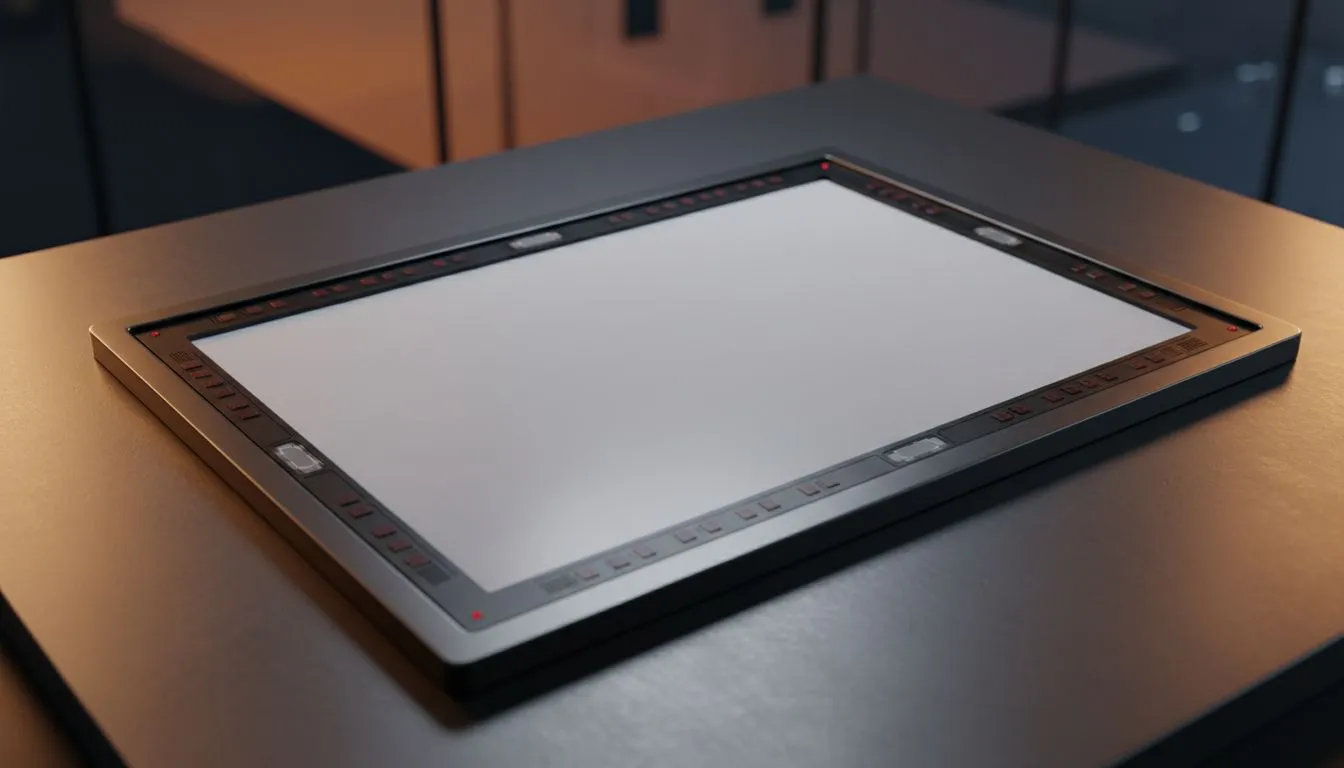
Infrared touch screen basics: what it is and why SA gamers care 🔧
South African gamers and tech buyers, pause for a sec. If you play strategy titles with heavy UI clicking or stream on-screen overlays, an infrared touch screen can change how fast you interact with software. Unlike capacitive panels, infrared systems use IR LEDs and sensors, so they respond to any object, are resilient to gloves, and stay accurate over time.
Infrared touch screen precision: the tech behind the speed
Infrared touch screen systems form a grid of invisible beams across the display. When a beam breaks, sensors calculate coordinates with low processing overhead... that yields the quick, near-instant response users notice. This method also scales well to large displays used for content creation or collaborative gaming setups. For monitors and displays that support smooth visuals alongside touch, check our general monitor range for matching features and sizes: browse our full monitor range.
Infrared touch screen latency and responsiveness ⚡
Latency matters. Infrared sensors avoid the capacitive signal processing path, which can shave milliseconds in real-world use. If you pair an accurate touch surface with a monitor that supports adaptivesync tech, animations and cursor tracking feel smoother. See specific FreeSync models for AMD-friendly sync: FreeSync monitors. If you prefer vendor-agnostic options, explore our Adaptive Sync options. NVIDIA users should look at certified hardware: G-Sync monitors. (Evetech lists these adaptive-sync filters for easy comparison.)
Infrared touch screen precision in different panel types
Panel choice still affects colour and viewing angles. Many IR overlays sit on IPS panels for consistent colour accuracy and wider viewing angles—handy for content creators who also touch-edit screenshots or streams. Explore IPS panels for touch-friendly displays: IPS panels. Flat or curved displays change how your hand reaches the screen; a flat panel usually suits touch worktops, while curved monitors wrap the view for immersion: discover flat panels or browse curved monitors.
Touch Tip ⚡
your infrared grid precise: clean bezels and edges with a microfibre cloth weekly, and disable unnecessary post-processing in your monitor menu to reduce input lag for racing and RTS titles.
Buying tips for South African buyers: what to check before checkout 🚀
- Check warranty and local support; hardware with local RMA is worth the premium.
- Match resolution to GPU power; high-res touch plus high refresh needs a capable GPU.
- Consider ergonomics: VESA mounts and tilt make sustained touch sessions comfortable. For quick shopping, filter monitors by panel, curve, or sync tech directly on Evetech: start with our curated monitor categories and narrow to what matters to you.
Setup and maintenance for long-term precision
Mounts, cleaning, and driver updates keep infrared touch screens accurate. Always use the driver recommended by the manufacturer and test multi-touch calibration tools after installation. If a monitor supports multiple input modes, verify the display is set to the intended input to avoid unexpected processing delays.
Ready to Find Your Perfect Match? The Mac vs Windows debate is complex, but for maximum power, choice, and value in South Africa, Windows is hard to beat. Explore our massive range of laptop specials and find the perfect machine to conquer your world.











