


RTX 4060 Ti Throttling Under Load: SA Temperature Guide
RTX 4060 Ti Throttling Under Load: Temperature. Everything you need to know with SA pricing, step-by-step instructions & expert recommendations.
Read moreInteractive displays vs projectors: compare cost, brightness, installation, engagement, and long-term ROI to choose the best classroom solution. Clear pros, cons, and buying tips included. 🧑🏫📊
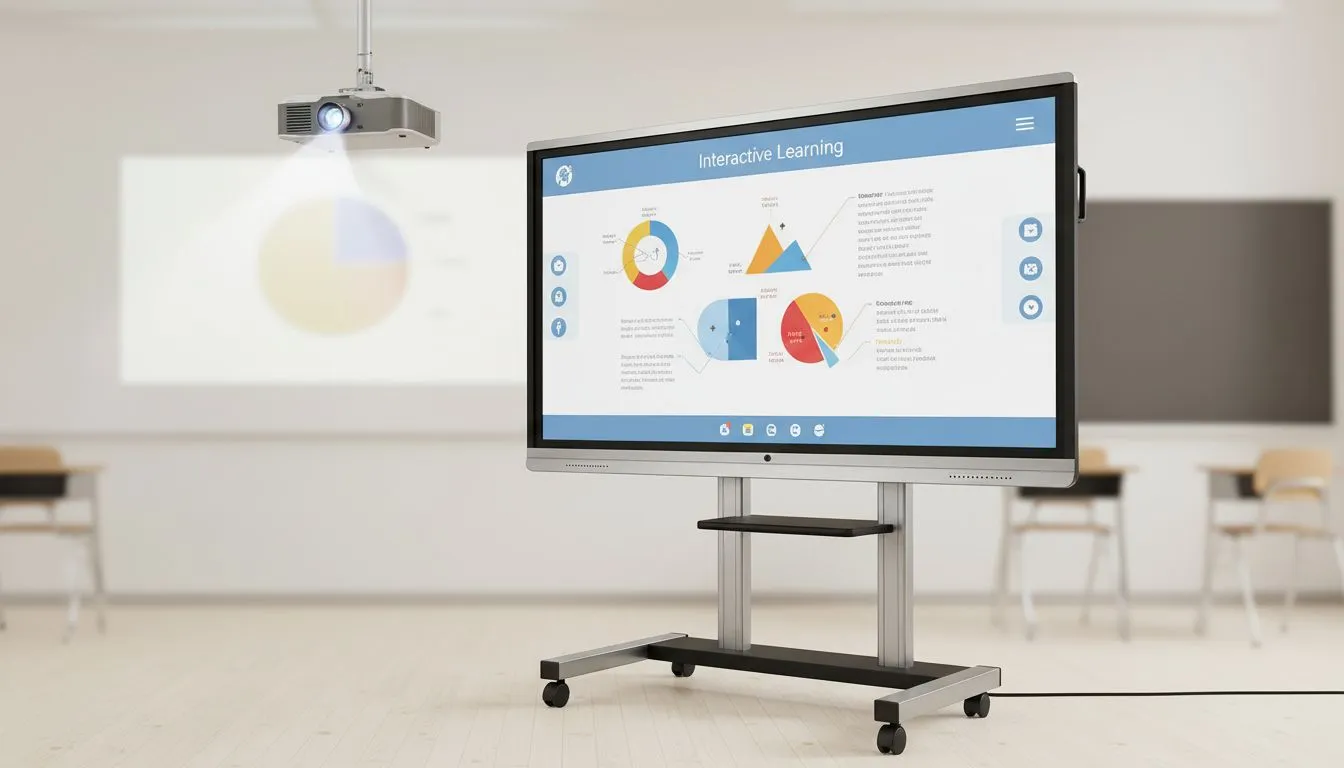
Teachers and IT buyers in South Africa need clarity fast. Should your school invest in interactive displays or stick with projectors? This short guide cuts through noise with practical tips, classroom stories, and clear trade‑offs so you can decide with confidence.
Interactive displays deliver consistent, high‑contrast images in well‑lit classrooms. If your lessons rely on crisp text and video, a display often outperforms a projector in daylight. For smoother motion and fewer visual artefacts connect sources that support adaptive sync — Evetech lists displays with FreeSync for stable video and animation playback FreeSync monitors on Evetech. Want wider monitor options? Browse the full PC monitor range to compare sizes and outputs PC monitors at Evetech.
Projectors still win for very large shared surfaces and immersive maps or films. But remember: projector image quality depends on bulb/lamp life and ambient light control. If your venue can't darken reliably, a bright interactive display may reduce eye strain and lesson interruptions.
Look for IPS panels for accurate colours and wide viewing angles — useful in group seating arrangements; Evetech surfaces the most popular IPS options here IPS panel monitors. If students will use the screen for creative work, text and spreadsheets, flat screens minimise distortion; check flat panel options Flat screens at Evetech. For specialised setups such as immersive curved displays in labs, explore curved choices too Curved displays at Evetech.
For dynamic content, adaptive sync options reduce tearing and make interactive whiteboard apps feel more responsive. Compare Adaptive Sync and G‑Sync choices to match your hardware budget and teaching needs: Adaptive Sync and G‑Sync (NVIDIA).
On Windows, use the PowerToys FancyZones utility to create custom snap layouts for your windows. It's a lifesaver for managing multiple apps on an ultrawide monitor, letting you organise your timeline, preview window, and asset folders perfectly for video editing.
Upfront, projectors often cost less for very large images. But operational costs matter: lamp replacements, alignment, and regular cleaning add overhead. Interactive displays can be pricier initially but reduce ongoing maintenance and calibration work. Factor in warranty, local support, and spare‑parts availability when calculating total cost of ownership. For affordable monitors that balance features and value, check Evetech’s monitor listings to compare specs and warranties compare monitors.
Small classrooms (under 30 learners): a mid‑sized interactive display gives reliable visibility and touch interaction. Bigger lecture halls: a high‑lumens projector still makes sense if you can control light. For hybrid teaching, prioritise inputs and wireless mirroring. Want teacher‑friendly setups? Choose displays with multiple HDMI/USB‑C ports and built‑in speakers to simplify installs.
Micro‑story: A Cape Town primary school swapped a failing projector for an interactive display. Lessons resumed faster, teachers reported fewer interruptions, and the IT budget stabilised because there were no more monthly lamp purchases.
Ready to Find Your Perfect Match? The Mac vs Windows debate is complex, but for maximum power, choice, and value in South Africa, Windows is hard to beat. Explore our massive range of laptop specials and find the perfect machine to conquer your world.
Interactive displays offer brighter, touch-enabled lessons and lower ambient-light issues, while projectors give larger images for less initial cost.
Upfront, interactive displays cost more, but lower maintenance and longer lifespan can improve ROI versus projectors over several years.
Projectors struggle in high ambient light; higher-lumen models help, but interactive display vs projector for classroom lighting favors displays.
Interactive displays enable touch, multi-user activities, and easy annotation, driving stronger engagement than standard projectors.
Projectors need lamp or bulb replacements and filters; interactive flat panels require minimal maintenance and fewer consumables.
High-end projectors can match size and resolution, but interactive flat panels maintain consistent color and contrast in varied lighting.
Consider room size, ambient light, budget, collaboration needs, and long-term maintenance to decide between projector or interactive display.
RTX 4060 Ti Throttling Under Load: Temperature. Everything you need to know with SA pricing, step-by-step instructions & expert recommendations.
Read more
Apex Legends Max Settings on RTX 4080. Tested & verified settings for best FPS and visual quality on SA hardware budgets.
Read more
GPU Buying Guide. Everything you need to know with SA pricing, step-by-step instructions & expert recommendations.
Read more
GPU Terms Guide. Everything you need to know with SA pricing, step-by-step instructions & expert recommendations.
Read more
AMD Adrenalin Download & Setup Guide: GPU. Clear setup instructions with SA-specific considerations, troubleshooting tips & recommended components.
Read more
Back-to-School GPU Buying Guide. Everything you need to know with SA pricing, step-by-step instructions & expert recommendations.
Read more
Can RTX 4080 Super Run AI Workloads for SA Developers Detailed answer with SA data, expert analysis & practical recommendations for local buyers.

Can RTX 4090 Run AI Workloads for SA Developers Detailed answer with SA data, expert analysis & practical recommendations for local buyers.

Top Settings for Intel Arc B580 at Ultrawide 1440p picks evaluated on performance, value & SA availability with current Rand pricing from Evetech.

RX 7600 Overclocking Guide: Safe OC Settings for. Real-world benchmark data, FPS numbers & performance analysis. What SA gamers can actually expect.

RTX 4060 CS2 Low Settings at 1080p: FPS Results. Real-world benchmark data, FPS numbers & performance analysis. What SA gamers can actually expect.

Visual Artifacts: Possible GPU Issue Issue #1. Diagnosis steps, proven fixes & when to seek professional help. SA-specific support info included.

Can the RTX 4090 Handle 1440p 144Hz Gaming. Performance testing verdict with real data & practical recommendations for SA buyers.

Top ASUS GPU Under R15000 picks evaluated on performance, value & SA availability with current Rand pricing from Evetech.
RTX 4060 Ti Throttling Under Load: Temperature. Everything you need to know with SA pricing, step-by-step instructions & expert recommendations.
Apex Legends Max Settings on RTX 4080. Tested & verified settings for best FPS and visual quality on SA hardware budgets.
GPU Buying Guide. Everything you need to know with SA pricing, step-by-step instructions & expert recommendations.
GPU Terms Guide. Everything you need to know with SA pricing, step-by-step instructions & expert recommendations.