

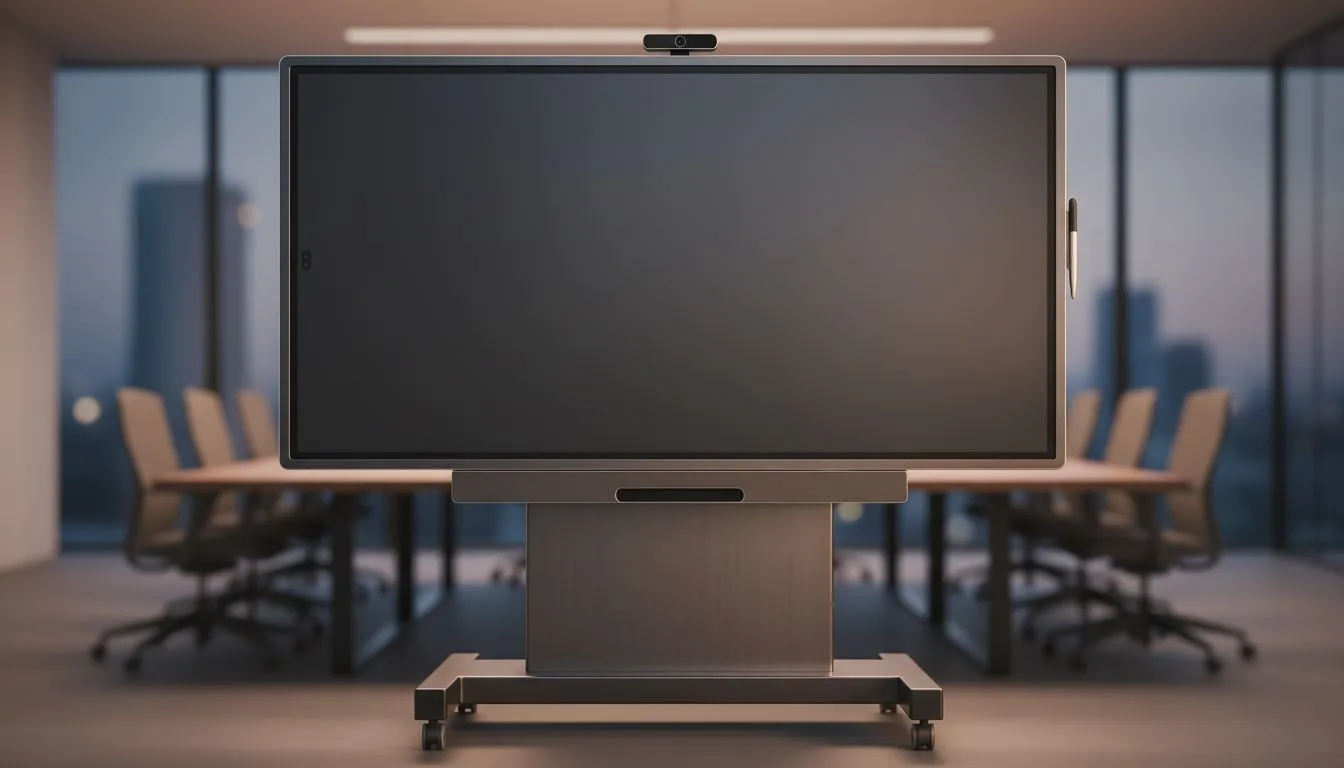
Interactive Whiteboard Software: Why hybrid teams in SA should care 🚀
South African gamers, educators and tech buyers are increasingly running hybrid sessions — and interactive whiteboard software can turn a clumsy video call into a smooth, creative workshop. It gives remote participants real-time control, sticky notes and annotations that actually stick. For hardware and price searching in ZAR, start with Evetech's monitor hub to match your software needs: https://www.evetech.co.za/PC-Components/pc-monitors-89
Interactive Whiteboard Software: Match the display to the experience
Not all displays are equal when you're sketching live or annotating game design docs. If you want low-latency pen input and fluid screen sharing, look for monitors with adaptive refresh technologies. Compare Adaptive Sync options here to understand the basic trade-offs: https://www.evetech.co.za/PC-Components/pc-monitors-89?attributes-adaptivesync=Adaptive+Sync
For teams that mix AMD and budget GPUs, FreeSync-compatible panels help avoid tearing during live demos: https://www.evetech.co.za/PC-Components/pc-monitors-89?attributes-adaptivesync=FreeSync+%28AMD%29
If your studio or gaming café uses NVIDIA hardware, G-Sync certified panels reduce stutter for smoother pointer and drawing motion: https://www.evetech.co.za/PC-Components/pc-monitors-89?attributes-adaptivesync=G-Sync+%28NVIDIA%29 ⚡
Interactive Whiteboard Software: Choose between curved, flat and IPS panels ✨
Workspace layout matters. Flat screens are compact and wall-mount friendly for classrooms or meeting rooms: https://www.evetech.co.za/PC-Components/pc-monitors-89?attributes-curved%2Fflatscreen=Flat
Curved monitors give a more immersive single-user canvas — useful for designers working solo on presentations before sharing: https://www.evetech.co.za/PC-Components/pc-monitors-89?attributes-curved%2Fflatscreen=Curved
For colour accuracy and wide viewing angles, go IPS when you need consistent annotations across a room full of participants: https://www.evetech.co.za/PC-Components/pc-monitors-89?attributes-paneltype=IPS
Interactive Whiteboard Software: Setup tips, workflows and quick wins 🔧
Start with a consistent resolution and aspect ratio across contributors to avoid scaling headaches. Use cloud-synced whiteboards plus local recording to keep a searchable archive of sessions. Keep bandwidth in mind — tip: limit livestream resolution for remote attendees during heavy annotation periods.
Productivity Pro Tip ⚡
Use a wired connection for the presenter where possible. If using Windows, combine the built-in pen support with your whiteboard app's pressure settings. This reduces latency and ensures handwriting looks natural across different monitor types.
Use plugins for popular collaboration suites so annotations can be exported as PNG or PDF for quick feedback cycles. If you charge for training sessions, display ZAR rates clearly in invitations and link hardware recommendations in your resource list.
Interactive Whiteboard Software: Final checklist before you buy
Decide whether you need touch/pen input or just a crisp display for sharing. Confirm adaptive sync compatibility with your GPU to avoid jitter. Test your chosen software with your preferred monitor model, then scale across shared spaces.
Ready to Find Your Perfect Match? The Mac vs Windows debate is complex, but for maximum power, choice, and value in South Africa, Windows is hard to beat. Explore our massive range of laptop specials and find the perfect machine to conquer your world.











