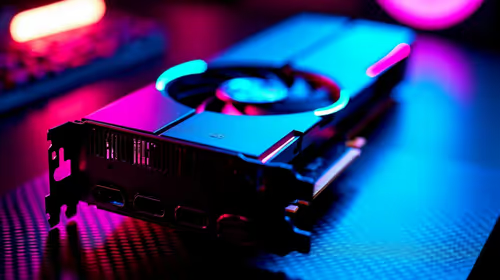
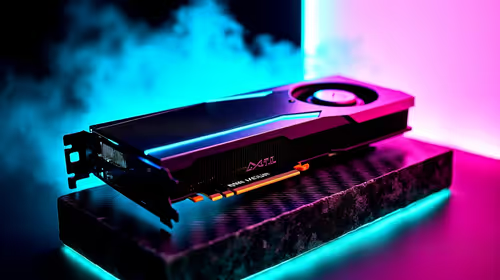
Building your first gaming rig in South Africa can be daunting. You have saved your hard-earned ZAR, picked out a killer graphics card, and suddenly a wild question appears... wait, do my peripherals need to match? If you are frantically searching, "Is this GPU compatible with mouse? SA guide", you can breathe a massive sigh of relief. Let us clear up this common PC building misconception and explore how these vital components actually interact.
Understanding PC Component Compatibility 🔧
The short answer is yes... because they do not actually connect to each other. Your PC is an ecosystem where the motherboard acts as the central hub. Whether you are eyeing the latest graphics cards to push 4K frames or a budget-friendly pixel pusher, it slots directly into the PCIe lane on your board.
Meanwhile, picking out a high-performance gaming mouse comes down to your preferred grip style, sensor accuracy, and USB polling rates. Your mouse communicates with the CPU via USB, while your GPU handles the visual heavy lifting. The two components operate entirely independently on a hardware level.
When Does a GPU and Mouse Actually Intersect? ⚡
While hardware compatibility is not an issue, software synergy is becoming crucial for competitive gamers. NVIDIA Reflex is a prime example of this crossover. This technology optimises the render queue between your GPU and CPU to drastically reduce system latency.
If you own a Reflex-compatible mouse and a modern NVIDIA card, you can actually measure and minimise the exact millisecond delay between your physical click and the on-screen muzzle flash. If you want to skip the headache of tweaking these intricate settings yourself, grabbing one of our pre-built PC deals ensures your rig is tournament-ready straight out of the box.
Additionally, your GPU dictates your monitor resolution, which directly impacts how your mouse feels. A mouse set to 800 DPI behaves very differently on a standard 1080p screen compared to a sprawling 4K display. You will need to fine-tune your sensitivity to match your visual output.
What About RGB and Software Syncing?
If you want your setup to glow in perfectly synchronised colour, brand ecosystems do matter. While your mouse will always function perfectly regardless of your GPU brand, syncing their lighting often requires matching manufacturers or using third-party open-source software. Balancing your budget to afford matching premium brands is much easier when you hunt down the best gaming PC deals available locally.
Portability vs Desktop Setups 🚀
Prefer to avoid the cable clutter entirely? Sometimes the easiest way to guarantee perfect hardware harmony is to take your gaming on the move. Modern mobile graphics and trackpads are engineered to work flawlessly together... though you will still want a dedicated peripheral for serious ranked matches. You can browse our extensive selection of notebooks for sale in South Africa for the ultimate plug-and-play experience.
Latency Pro Tip 🎯
If you play competitive shooters like CS2 or Valorant, plug your mouse into the dedicated high-speed USB port on the back of your motherboard. Avoid front-panel case USB ports to ensure the lowest possible input delay between your physical mouse click and your GPU rendering the action.
Ready to Upgrade Your Setup?
Whether you are hunting for pixel-perfect peripheral accuracy or massive GPU frame rates, we have the gear you need. Explore our massive range of Evetech specials and build the ultimate South African gaming rig today.