

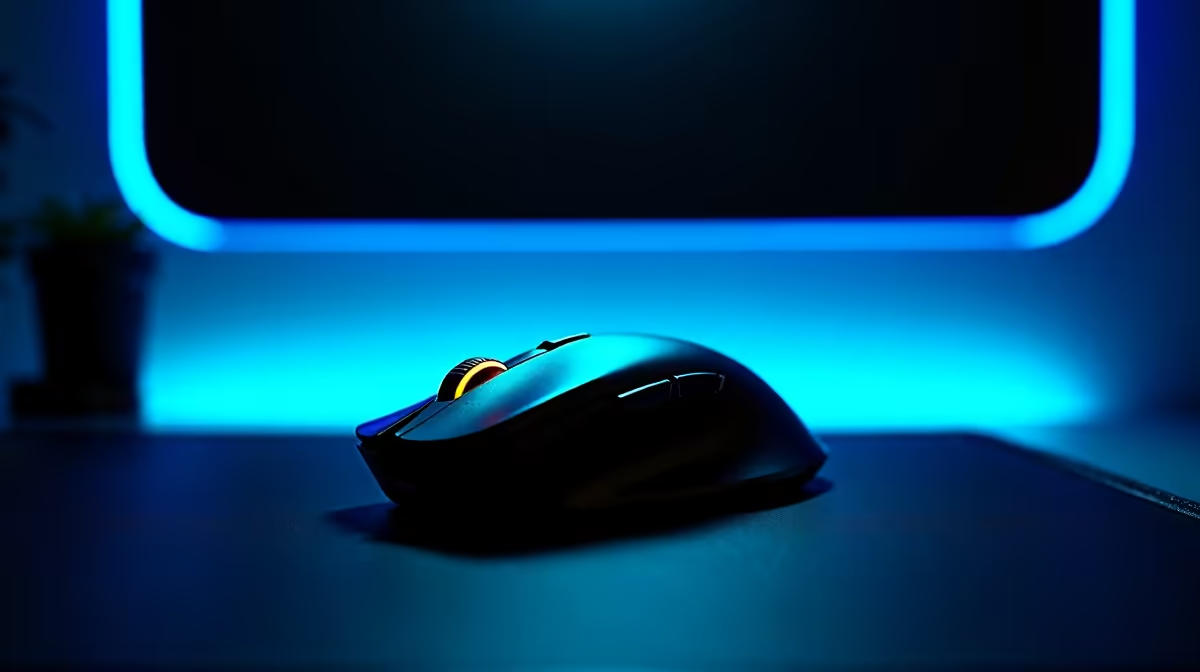
Understanding Mouse and Case Compatibility in South Africa 🔧
If you've ever wondered, is this mouse compatible with case? you're not alone. South African gamers and tech enthusiasts often focus on specs like DPI or RGB for their gaming mice, but overlook compatibility with their PC case. It's crucial to consider this before buying to avoid surprises that could affect your gaming setup's comfort and performance. Getting it right means your gear feels seamless — no awkward placement or cable tangles ⚡.
Why Compatibility Between Your Mouse and Case Matters
When we talk about mouse compatibility with a case, it isn’t about the mouse physically fitting inside the case but rather how well they work together in your gaming environment. For instance, certain gaming PC cases from Evetech offer USB passthroughs or specialised cable management that can optimise your mouse’s connection and reduce desk clutter. This subtle synergy enhances responsiveness and comfort during extended sessions.
South African gamers who invest in premium gaming mice, like those found in Evetech’s gaming mouse selection, expect flawless integration with their rigs. Ensuring your case supports your mouse’s features, such as high polling rates or RGB control, maximises your hardware’s potential.
Key Factors to Check for Mouse and Case Compatibility
USB Port Placement and Accessibility
Many gaming mice have braided cables or custom connectors that need easy access. A case with front or top USB ports, like those in Evetech’s gaming cases, can help you connect without hassle and keep cables tidy.
Desk and Mousepad Space Relative to Case Size
If you’ve picked a compact or mid-tower case, consider your desk space. A smaller case might mean your mouse has less room to glide freely, especially if the case sits flush against your mousepad area. Check your mouse’s DPI settings and adjust sensitivity for better control.
Extra Tips for South African Gamers Picking Mouse and Case Combos 🚀
- Choose a case with thoughtful airflow and USB placement based on your mouse’s power needs.
- Match your mouse’s polling rate with your motherboard’s USB capabilities for smoother input.
- Explore Evetech’s best gaming PC deals where cases and peripherals are curated to work well together.
Quick Tip for Smooth Gaming
Always test USB 3.0 vs USB 2.0 ports for your mouse – some gaming mice perform better on USB 2.0. It’s a simple fix for unexpected lag or jitter.
How Pre-Built PCs and Laptops Influence Your Choice
In South Africa, many opt for pre-built systems or high-performance laptops for convenience. If you’re eyeing a pre-built gaming rig from Evetech’s pre-built PC deals, confirm the case’s front panel ports and cable routing. Also, laptops now come with gaming-optimised mice and cases, so shop smarter by browsing notebooks for sale designed for esports or graphic-heavy tasks.
This holistic approach ensures your mouse won’t just be compatible on paper — your entire setup will feel cohesive and pro-level.
Ready to Build Your Perfect Rig? Connect the dots between your mouse and case effortlessly by exploring the latest gaming mouse options at Evetech. Shop now at Evetech for performance that leaves lag in the dust.











