

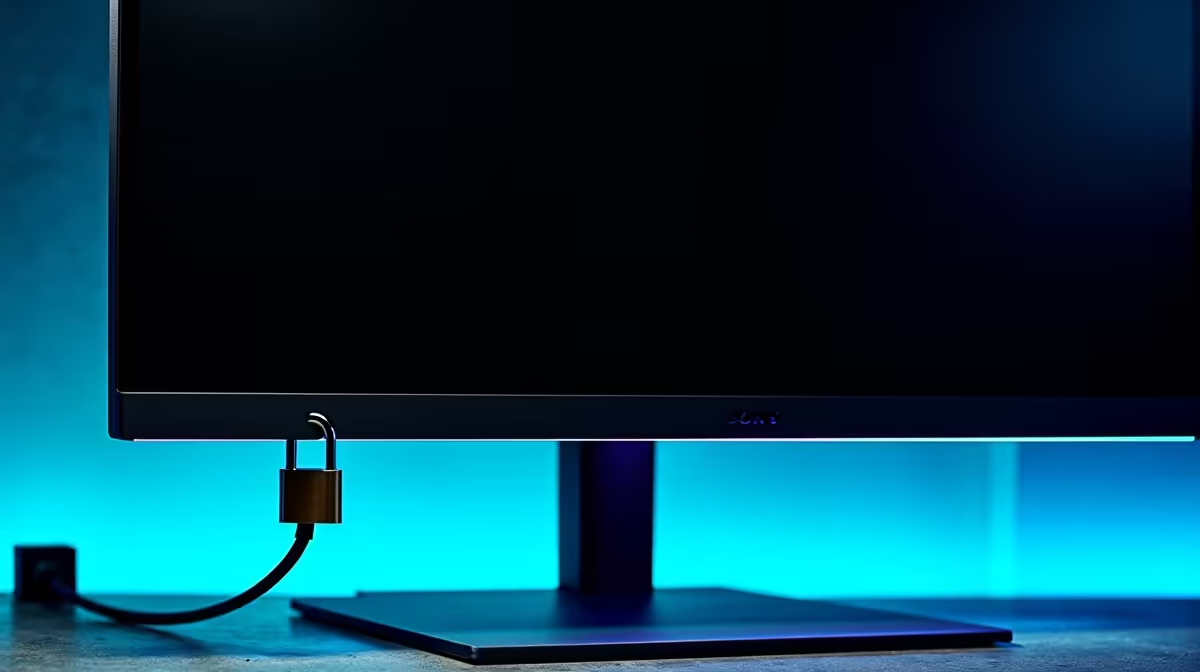
You’ve just unboxed your glorious new monitor. The colours pop, the refresh rate is buttery smooth… it’s the heart of your setup. But what about when you’re at a LAN, the office, or even a busy co-working space? That expensive piece of tech is a tempting target. That’s where a tiny, often-overlooked feature comes in: the Kensington Lock port. It’s the simple, effective way to secure your monitor and your peace of mind. 🛡️
What Exactly is a Kensington Lock Port?
Look closely at the back or side of your monitor, and you'll likely spot a small, rectangular hole, often marked with a tiny lock icon. That’s the Kensington Security Slot, or K-Slot. It’s a standardised, reinforced hole built into the chassis of thousands of electronic devices, from laptops to projectors and, most importantly, the vast majority of modern PC monitors.
Think of it as the anchor point. A compatible steel cable lock clicks into this port, and you loop the other end around a fixed object, like a sturdy desk leg. It’s a brilliantly simple system designed to deter opportunistic theft.
Why You Should Care About Monitor Security
Imagine this: you’re at rAge, deep in a clutch moment. You get up to grab a cooldrink, and when you come back… your screen is gone. It’s a nightmare scenario that can turn a great day sour. This physical security is crucial for anyone who uses their gear in a shared or public environment.
Your monitor is an investment, especially when you’ve splashed out on high-resolution 5K or 4K monitors for crisp visuals or one of those stunning immersive curved monitors that pull you right into the game. Using the built-in Kensington Lock port gives you the freedom to step away without constantly looking over your shoulder. It’s a small step for massive peace of mind.
Pro Tip: Anchor Smart
When securing your monitor, always loop the cable around an object that's heavy or bolted down. A flimsy table leg won't do much good. For the best security, use the thickest part of your desk frame. This makes it significantly harder for a thief to simply walk away with your gear.
How to Use a Kensington Lock Port Effectively 🔧
Using a Kensington-compatible lock is incredibly easy. While the exact mechanism varies slightly between brands and models (keyed vs. combination), the core principle is the same:
- Loop It: Wrap the steel cable around a secure, immovable object.
- Insert It: Line up the lock's T-bar with the Kensington Lock port on your monitor and push it in.
- Lock It: Turn the key or scramble the combination dial. Give it a gentle tug to ensure it’s secure.
That’s it! Your monitor is now physically tethered to your workspace. You can find a variety of locks and other compatible monitor accessories to complete your secure setup.
Finding the Right Monitor with a Security Slot ✨
The great news is you don’t have to hunt for this feature. The Kensington Security Slot is an industry standard, so it's present on almost every reputable monitor on the market today.
Whether you're looking at our full range of gaming monitors for the highest refresh rates or need one of the latest portable monitors for your on-the-go setup, you can bet it has a K-Slot ready to go. It’s a silent guardian, waiting to protect your prized display from the moment you unbox it.
Protect Your Pixels, Upgrade Your View Ready to find the perfect screen worth protecting? Explore our massive selection of displays, from high-FPS powerhouses to stunning 4K canvases, and check out the latest monitor deals at Evetech to find your next upgrade.











