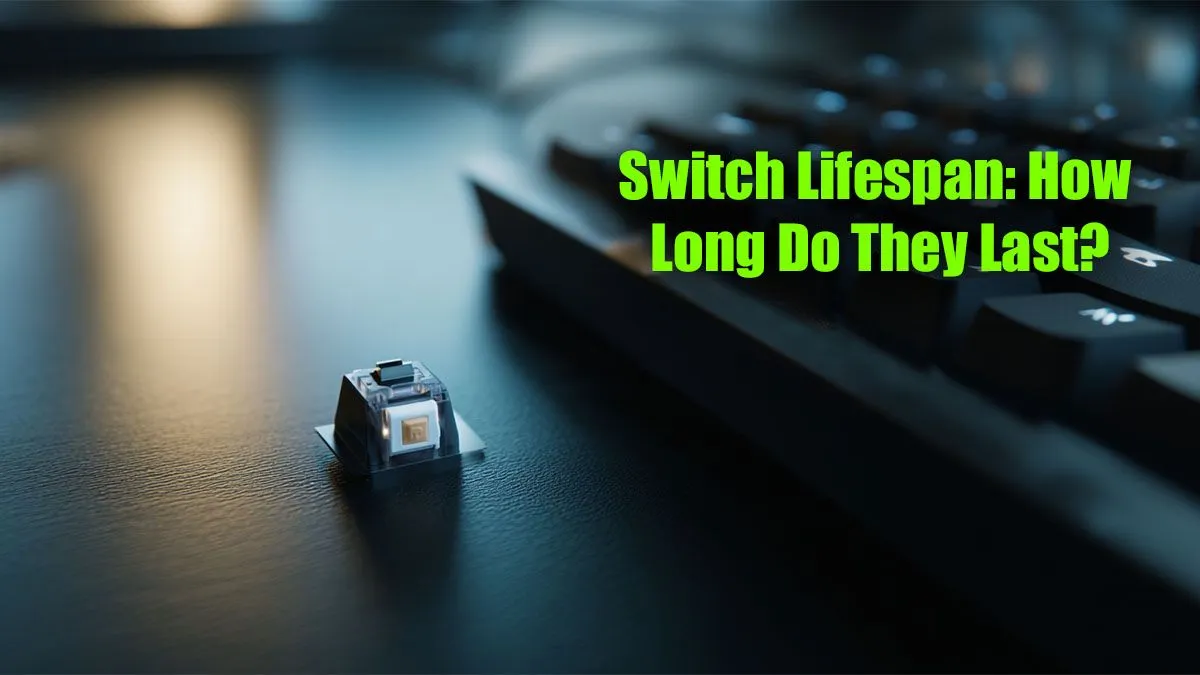
That satisfying thock, clack, or click... it’s the sound of victory, the rhythm of productivity, and the core of your PC experience. But have you ever wondered about your keyboard switch lifespan? Manufacturers boast of 50 or even 100 million keystrokes, but what does that number actually mean for your daily grind in CS:GO or that urgent report? Let's break down how many clicks your trusty keyboard switches can really last.
Understanding Keyboard Switch Lifespan Ratings
When you see a keyboard box advertising a 50-million-keystroke lifespan, it's referring to the durability of the individual switches under the keycaps. This rating, determined through robotic lab testing, measures how many times a key can be pressed before it's likely to fail. A "failure" could mean it stops registering completely, or it might "chatter" (registering multiple presses from a single tap).
For most premium brands like Cherry MX, Gateron, and Kailh, a rating of 50 million clicks is the standard. Newer technologies, especially optical switches, often push this to 100 million or more. While these numbers are impressive, they represent a statistical average, not a guarantee for every single switch. The overall quality and design are why browsing the best gaming keyboard deals is about more than just the highest click rating.
So, How Long is 50 Million Clicks Anyway?
Let's put that massive number into a real-world South African context. The average person types around 40 words per minute, with about 5 characters per word. If you typed non-stop for 8 hours a day, 5 days a week, you'd hit roughly 25 million keystrokes... in a decade! 🤯
For most gamers and professionals, the keyboard switch lifespan is so long that you're far more likely to upgrade for new features, a different feel, or a fresh aesthetic long before the switches themselves wear out. The feel of a keyboard is crucial, and sometimes all it takes is a new set of high-quality keyboard keycaps to make an old board feel brand new again.
Switch Types and Their Real-World Durability
Not all switches are created equal. The technology inside plays a huge role in how long they last and how they feel over time.
Mechanical Switches (The Gold Standard)
These are the workhorses of the gaming world. Using a physical spring and metal contact points, brands like Cherry MX set the standard for reliability. Their typical 50-100 million click rating is more than enough for years of intense use. If you're a DIY enthusiast, you can even buy individual keyboard switches to repair a faulty key or build a custom board from scratch.
Optical Switches (The Speed Demons)
Instead of a metal contact, optical (or opto-mechanical) switches use a beam of light. When you press the key, it breaks the beam, sending the signal. With fewer moving parts and no metal-on-metal friction, they boast incredible durability (100 million+ clicks) and slightly faster response times.
Membrane Keyboards (The Budget Choice)
Found in most office keyboards and budget gaming models, membrane boards use a rubber dome under each key. They offer a much lower lifespan, typically around 5-10 million clicks. While they are a great entry point, you can find some of the cheapest gaming keyboards in South Africa that use more durable "mem-chanical" hybrid switches.
How to Maximise Your Keyboard's Lifespan 🔧
While switch durability is high, the real threat to your keyboard is often dust, debris, and spills. A little care goes a long way.
Deep Clean Pro Tip ⚡
For a thorough clean, carefully remove your keycaps (use a keycap puller!). Use a can of compressed air to blow out dust and debris from the keyboard base. Then, wipe down the plate with an isopropyl alcohol wipe. You can even wash the keycaps in warm, soapy water—just make sure they are 100% dry before putting them back on.
Another simple way to improve your setup's longevity and comfort is by ensuring good ergonomics. Using a proper keyboard wrist rest can reduce strain on both you and your hardware by promoting a more natural typing angle.
The Final Verdict: When Should You Upgrade?
Ultimately, the keyboard switch lifespan is more of a marketing number than a practical concern for most users. You are highly unlikely to wear out a quality mechanical keyboard from normal use.
The real reasons to upgrade are usually:
- Inconsistent performance: Keys that stick, chatter, or don't register.
- A desire for new features: RGB lighting, dedicated macro keys, or a different layout.
- A change in preference: You might want to try a different switch type (e.g., linear instead of tactile).
If your current setup is feeling a bit tired, consider a full refresh with a keyboard and mouse combo to ensure your peripherals are perfectly matched for performance.
Ready to Find Your Perfect Match?
Whether you're chasing multi-million click durability or the perfect tactile feel, your keyboard is the key to your setup. Explore our massive range of gaming keyboards and find the perfect board to conquer your world.