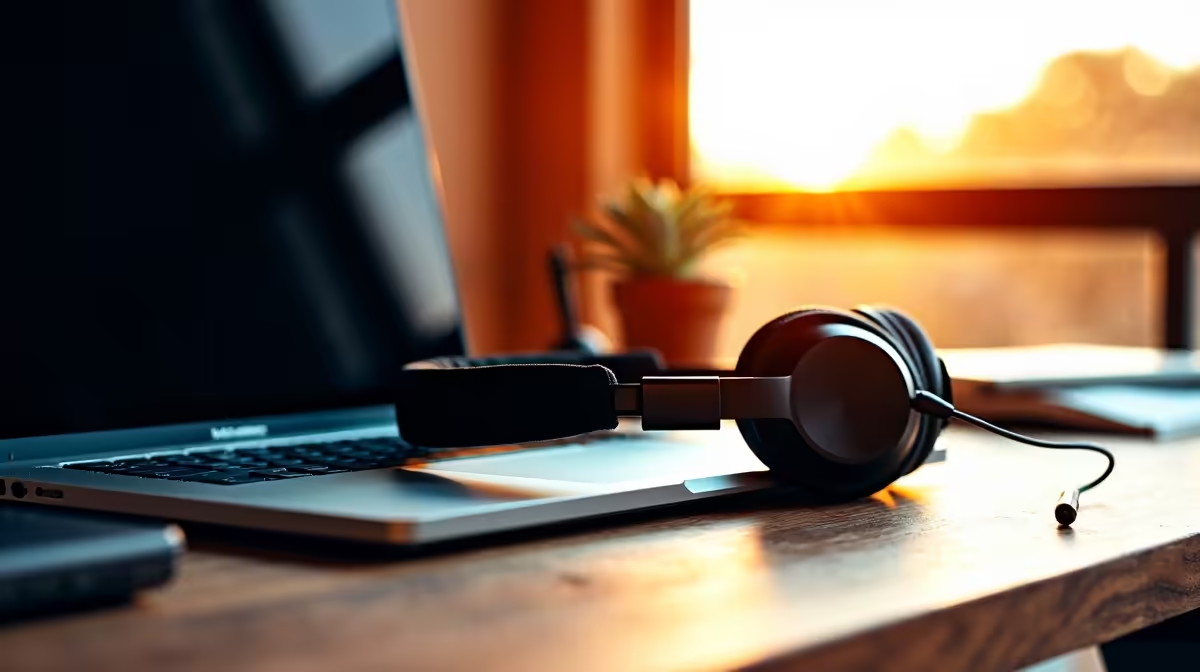
You've just nailed that perfect 4K shot. The lighting is moody, the colours pop... Sound familiar? For South African creators, a poor laptop audio setup for video editing can ruin an otherwise brilliant project. Great visuals hook your audience, but crystal-clear sound keeps them watching. This guide will walk you through the essentials to make your content sound as professional as it looks. 🚀
Why Your Laptop's Built-in Audio Isn't Cutting It
Let's be honest: the tiny microphones and speakers crammed into a laptop chassis are designed for Zoom calls, not for capturing professional-grade audio. They pick up every click of your keyboard, the whir of the fans, and all the ambient noise in your room. While the hardware inside even the best gaming laptops is phenomenal for processing video, the built-in audio components are an afterthought.
To elevate your content, you need to bypass them entirely. A dedicated audio setup gives you control, clarity, and the professional sheen that separates amateurs from pros.
Core Hardware for Your Laptop Audio Setup 🎤
Building a great laptop audio setup for video editing doesn't have to cost a fortune. It's about investing in a few key pieces of gear that do the heavy lifting. Think of these as your audio toolkit.
1. A Quality External Microphone
This is your number one priority. A good microphone is the gateway to clean audio. For laptop-based creators, a high-quality USB condenser microphone is the perfect starting point. It's plug-and-play, requires no complex interface, and offers a massive upgrade over the built-in mic.
- Condenser Mics: Ideal for voiceovers and studio work, capturing rich detail.
- Dynamic Mics: Great for recording in less-than-perfect rooms as they are less sensitive to background noise.
The audio data these mics capture requires processing power, something that powerful AMD-powered laptops handle without breaking a sweat, especially when you start adding effects and plugins in your editing software.
2. An Audio Interface (The Next Level)
When you're ready to get more serious, an audio interface is your next step. This little box connects to your laptop via USB or Thunderbolt and acts as a high-quality external sound card. It provides cleaner power to your microphone (known as phantom power for professional mics), offers better audio conversion, and gives you physical knobs to control levels on the fly. Many modern Intel laptops feature Thunderbolt ports, which are perfect for ultra-low latency audio interfaces.
3. Decent Monitoring Headphones
How can you edit what you can't hear properly? "Studio monitor" headphones are designed for a flat, neutral sound, so you hear your audio exactly as it is—warts and all. This is crucial for catching background hums, mouth clicks, or uneven volume levels that you'd miss on standard consumer headphones. Look for a "closed-back" design to isolate sound while you record. ✨
Quick Audio Fix 🔧
Can't afford acoustic panels? A quick and easy 'hack' is to record your voiceovers under a thick duvet or blanket. This makeshift vocal booth absorbs sound reflections and dramatically reduces room echo, giving you a cleaner, more direct vocal recording. It looks silly, but it works wonders!
Simple Software Tips for Cleaner Sound
Your hardware is only half the battle. The software you use plays a massive role in the final product.
- Record in Dedicated Software: Don't record your audio directly into your video editor. Use a free program like Audacity or a Digital Audio Workstation (DAW) to capture the audio. This gives you more control and better editing tools.
- Item
Investing a little time in learning these tools will pay huge dividends in the quality of your final video.
Ready to Build Your Creation Powerhouse?
A killer audio setup needs a powerful laptop at its core to handle demanding video and audio workflows. Explore our massive range of laptop specials and find the perfect machine to bring your vision to life.