

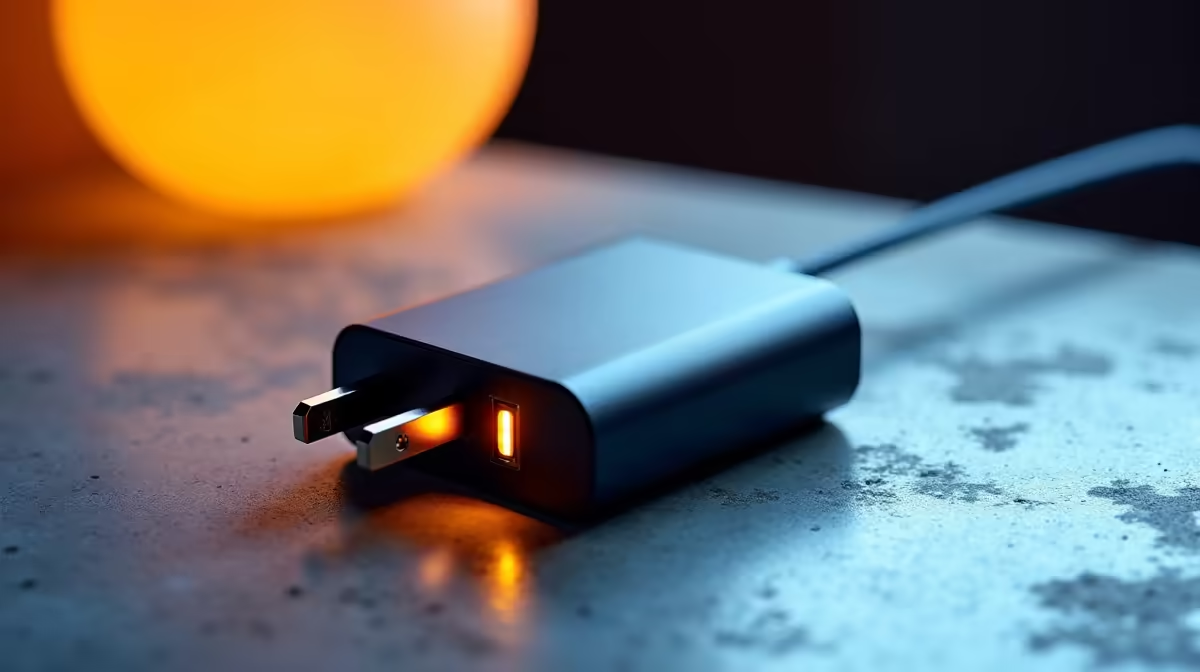
Laptop charger overload protection explained ⚡
If your laptop dies mid-match or when a deadline looms, it’s not always the battery. Laptop charger overload protection quietly stops surges, overheating and component damage. In South Africa, where power spikes and unstable supplies are common, understanding this feature can save you a costly repair or replacement. Read on for practical tips, simple checks, and buying advice that actually helps.
How overload protection works
Overload protection limits current and shuts off the charger when it senses excessive load or a short. That prevents the charger from delivering harmful voltage to your laptop motherboard. It’s a hardware safety layer built into many modern chargers and power adapters. If you're browsing options, Evetech groups chargers across price bands — see the full charger range here for specs and options: https://www.evetech.co.za/PC-Components/charger-397.aspx.
Why it matters in South Africa
Loadshedding plus occasional grid instability raise the risk of surges when power is restored. A charger with overload protection reduces the chance of permanent damage to your laptop. If you're price-sensitive, there are reliable budget choices. For example, Evetech lists chargers under R500 that still include basic protections — worth a look: https://www.evetech.co.za/PC-Components/charger-397.aspx?max-price=500. Consider swapping old adapters that show wear.
Signs your charger has protection
- It runs slightly warmer but not hot.
- It trips safely if a short occurs.
- Built-in fuses or regulator components are visible in spec sheets. If you want a known brand with documented safety features, check curated brand filters — for instance, Promate chargers on Evetech: https://www.evetech.co.za/PC-Components/charger-397.aspx?brands=Promate.
Charger Care Tip ⚡
When you plug your laptop in after loadshedding, wait 10–20 seconds before powering on. Use a quality surge protector or UPS to smooth out voltage spikes. Regularly inspect the cable and connector; frayed wires or loose tips indicate it's time to replace the adapter.
Choosing the right charger: practical checklist 🔧
- Match voltage and amperage exactly to your laptop's specification.
- Prefer chargers with short-circuit, overcurrent and thermal protection.
- Buy from reputable sellers and check return policies. Evetech’s full charger category is a good starting place: https://www.evetech.co.za/PC-Components/charger-397.aspx.
- If you need more power or USB‑C PD features, verify wattage and compatibility.
Micro‑story: a quick SA example
A Cape Town designer kept restarting a faulty charger for weeks. After a surge during a storm, the laptop’s charging circuit failed. Replacing the charger with a model that had overload protection and using a small UPS saved them from a motherboard repair that would have cost thousands of rand.
Installation and maintenance tips
- Keep connectors clean and dry.
- Avoid coiling the cable tightly while charging.
- Replace adapters showing swelling or exposed wiring.
- Consider a surge protector or UPS for critical workstations.
Final thoughts
Overload protection in laptop chargers is a low‑cost safety step with outsized benefits. It helps guard your investment—especially in areas affected by unstable power. When you shop, compare protections and trusted sellers, and prioritise compatibility.
Ready to Find Your Perfect Match? The Mac vs Windows debate is complex, but for maximum power, choice, and value in South Africa, Windows is hard to beat. Explore our massive range of laptop specials and find the perfect machine to conquer your world.











