

import TipBox from "@components/blocks/TipBox" import CallToAction from "@components/blocks/CallToAction"
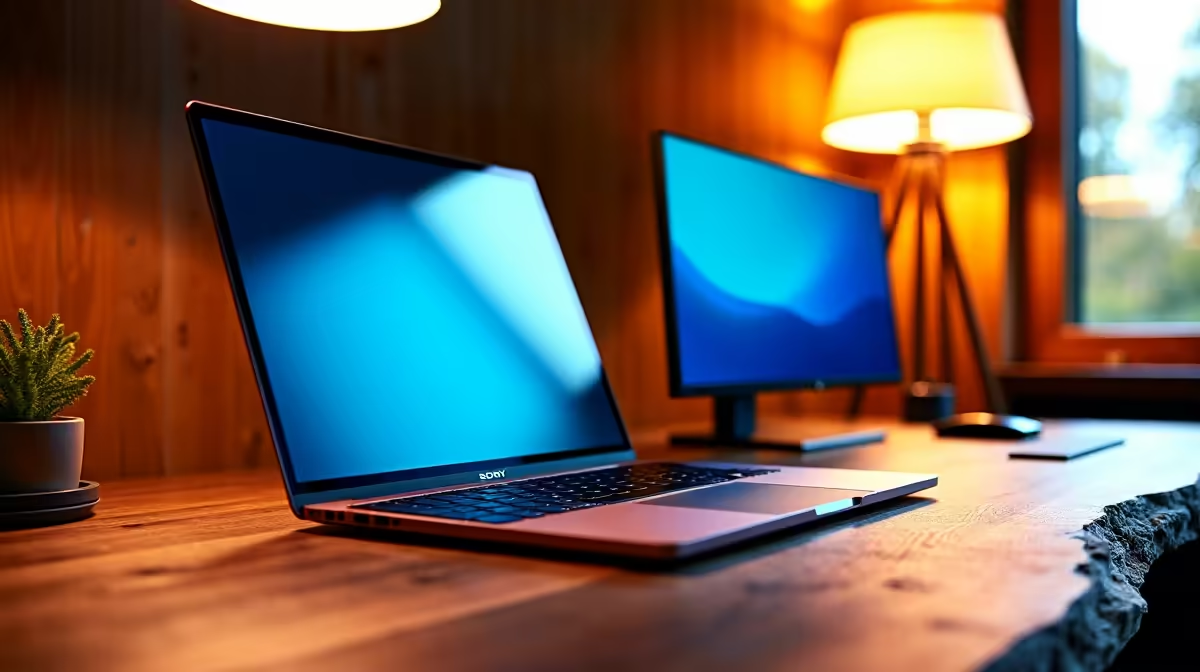
Tired of alt-tabbing through a sea of windows on your laptop? That single screen can feel like a digital cage, especially when you're trying to code, write, or dominate a game. What if you could break free and expand your digital workspace anywhere? A laptop and portable monitor dual display isn't just a luxury for a fancy home office; it's a mobile productivity powerhouse you can set up in minutes. 🚀
Why a Dual Display Is Your Productivity Cheat Code
The logic is simple: more screen real estate means less time switching between apps and more time in the zone. Studies have consistently shown that using two monitors can increase productivity by 20-30%. For South Africans juggling remote work, studies, and a side hustle, that's a massive win.
Imagine this: you're finalising a report. On your main laptop screen, you have your document open. On your second, portable screen, you have your research, emails, and team chat visible at a glance. No more minimising and maximising windows. This setup allows for a seamless workflow, whether you're a developer comparing code, a designer tweaking assets, or a student referencing lecture notes. This principle applies across all kinds of PC monitors, but portability is the key advantage here.
Choosing the Right Portable Monitor for Your Laptop
When you decide to boost your productivity with a laptop and portable monitor dual display, picking the right second screen is crucial. You don't need to break the bank, but there are a few key features to look for.
Key Specifications to Consider
- Connectivity: Look for USB-C. A single USB-C cable can often handle both power and video, making your setup incredibly clean and simple. Most modern laptops support this. HDMI is also a great, reliable option.
- Resolution & Size: A 1080p (Full HD) resolution is the sweet spot for most 14- to 16-inch portable displays, offering sharp text and clear images. If your work involves high-detail graphics or you're used to high-resolution 4K screens at home, consider a 4K portable option for consistency.
- Portability: A slim profile and lightweight design are non-negotiable. The whole point is to have a screen you can slide into your laptop bag without a second thought.
Evetech has a fantastic selection to help you find the perfect portable monitor that matches your laptop and your budget.
Master Your Windows with Snap Assist
On Windows 10 or 11, press Win Key + Arrow Key (left right) to instantly snap a window to one half of a screen. This is incredibly powerful on a dual-display setup, letting you neatly organise four apps across two monitors in seconds. ✨
Setting Up Your Mobile Command Centre 🔧
Getting your laptop and portable monitor dual display running is easier than you think.
- Connect It: Plug your monitor into your laptop. If you're using USB-C, one cable might be all you need. For HDMI, you'll likely need to connect a separate power cable to the monitor, often via another USB port.
- Configure Your Display: Right-click on your desktop and select "Display settings." Under the "Multiple displays" dropdown, choose "Extend these displays." This turns the portable monitor into a true extension of your workspace, not just a copy.
- Arrange Your Screens: In the same settings menu, you can drag and drop the display icons to match their physical position on your desk. This ensures your mouse cursor moves naturally between them.
With the right cables and perhaps a compact stand from our range of monitor accessories, your mobile setup will feel as robust as a permanent one.
It’s Not Just for Work… It’s for Play Too!
South African gamers, we see you. A portable second screen is brilliant for your mobile gaming rig. While you’re running your main game on your laptop’s high-refresh-rate screen, you can use the portable monitor for:
- Keeping Discord or TeamSpeak open to coordinate with your squad.
- Following a walkthrough or build guide for a tough boss fight.
- Monitoring your stream performance with OBS.
While it won't replace the epic feel of the immersive curved monitors or other dedicated gaming monitors in your main setup, it brings a new level of convenience to gaming on the go.
Ready to Expand Your Workspace? Stop juggling windows and start optimising your workflow. Check out our latest monitor deals and find the perfect portable screen to unlock your productivity potential.











