

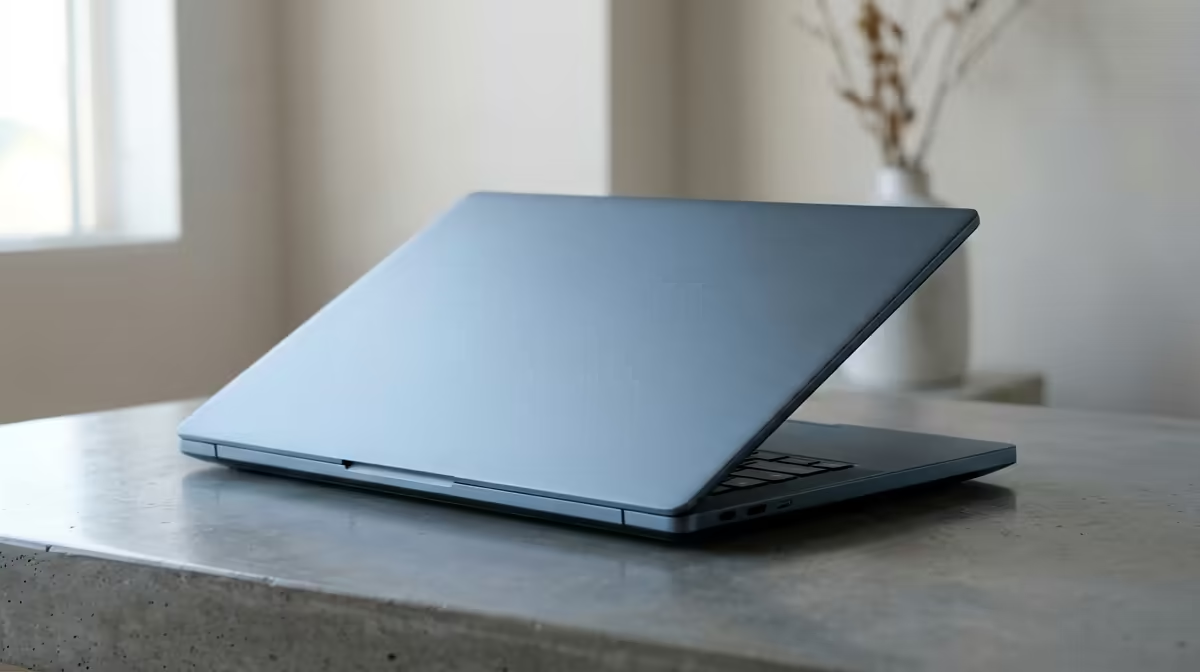
So, you're a student in South Africa, and your laptop is starting to feel... a bit slow. Juggling assignments, research tabs, and maybe a sneaky round of Valorant between lectures demands a machine that keeps up. That’s why we put the legendary Lenovo ThinkPad to the test, simulating a typical student workload to get real-world speed test results. Forget confusing benchmarks; we're talking about pure, practical performance when you need it most. 🎓
Unpacking the Lenovo ThinkPad Student Speed Test
Before diving into the numbers, what did our Lenovo ThinkPad student speed test actually involve? We didn't just run synthetic benchmarks. Instead, we mimicked a high-pressure university day:
- Multitasking Mayhem: Opening 20+ Chrome tabs (think research papers, YouTube tutorials, and your student portal), a large PDF textbook, Spotify, and a Word document simultaneously.
- Boot & Load Times: Measuring how quickly the laptop boots from cold and launches essential apps like VS Code and Microsoft Word.
- Light Creative Load: A quick photo edit in GIMP and compiling a simple program to test its processing grunt under a real-world load.
The goal was to see if the ThinkPad's reputation for reliability translates into the speed modern South African students need.
Real-World Performance Results in South Africa
So, how did it do? The Lenovo ThinkPad student speed test results for South Africa were impressive, showing that this machine is more than just a business tool. It's a proper student powerhouse.
Multitasking and Productivity ⚡
The ThinkPad barely broke a sweat during our multitasking test. Switching between dozens of tabs, referencing the PDF, and typing notes was seamless. There was no stutter or lag, which is critical when you're on a tight deadline. This fluid performance is a testament to its efficient architecture, whether you're looking at models powered by the latest Intel laptops on special or the impressive multi-core capabilities found in our range of AMD laptops on special. It simply handles the academic grind without complaint.
Pro Tip: Optimise Your Power Plan
On Windows, click the battery icon and slide it to 'Best Performance' when plugged in for assignments. When you're in a long lecture, slide it to 'Best Battery Life' to squeeze out every last minute of power. It makes a huge difference!
After-Hours Gaming and Creative Work
Let's be honest, your laptop isn't just for work. While a ThinkPad isn't a dedicated gaming rig, its performance was solid for light gaming. It handled titles like League of Legends and CS:GO at respectable frame rates on lower settings. For students who need more graphical horsepower for serious gaming or video editing, exploring Evetech's best gaming laptop deals would be the next logical step. For everyday tasks and casual fun, however, the ThinkPad holds its own remarkably well. ✨
The Verdict: Is a ThinkPad Your Ideal Study Partner?
Based on our speed test results, the Lenovo ThinkPad is an exceptional choice for the vast majority of students in South Africa. Its blend of rapid multitasking performance, legendary durability, and an unbeatable keyboard makes it a long-term investment. It's built to survive late-night study sessions, trips to and from campus, and the occasional coffee spill. For reliable, consistent speed that won't let you down, the ThinkPad is a true academic champion. 🚀
Find Your Perfect Student Laptop Ready for a laptop that can keep up with your studies and your life? Explore our massive range of student-friendly notebooks and find the perfect match for your budget and needs. Shop all laptop specials for sale in South Africa for performance that leaves lag in the dust.











