

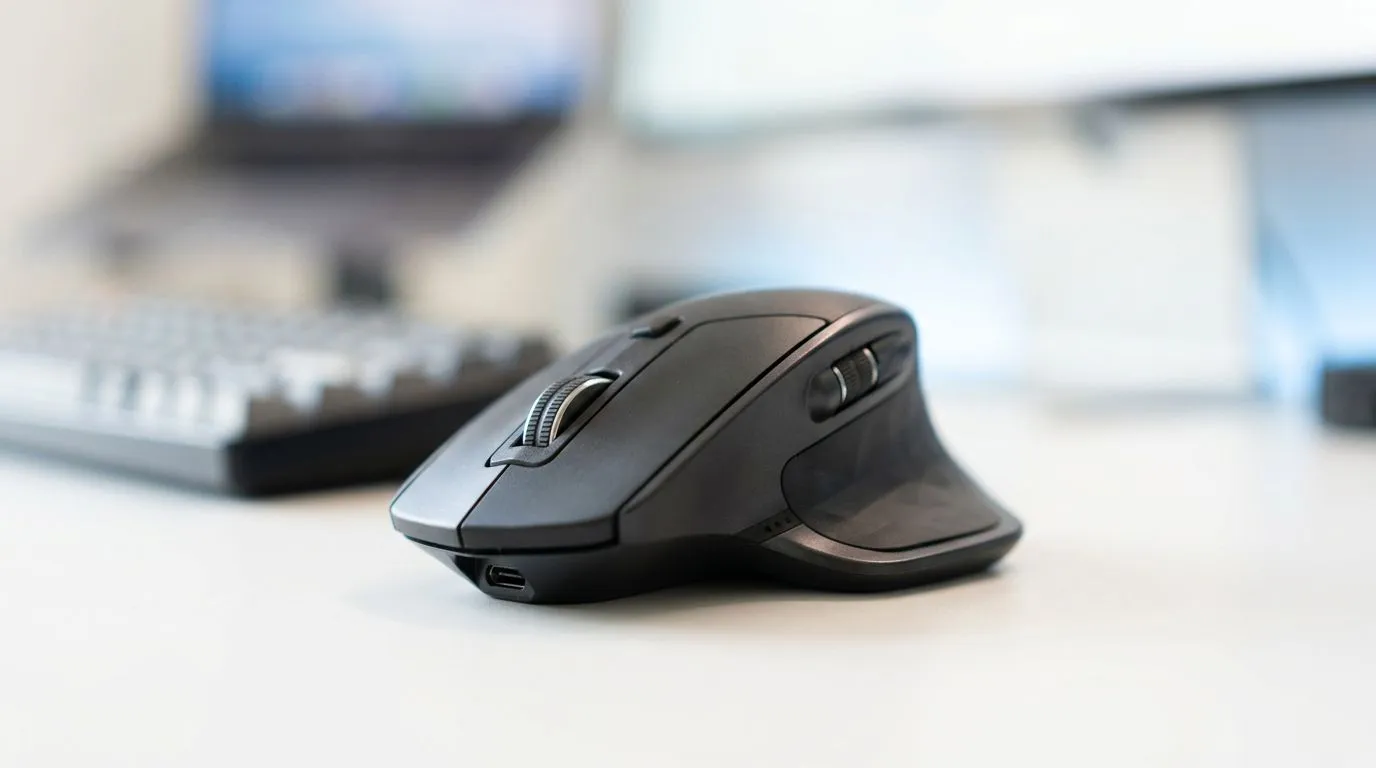
Lightweight Ergonomic Mice for Wrist Fatigue Relief: Why Weight Still Matters
If your wrist feels like it’s “working overtime” after a few ranked matches, the mouse might be the culprit… not your aim. In South Africa, where long sessions are common (and desk space can be tight), small comfort upgrades can make a big difference.
Lightweight ergonomic mice for wrist fatigue relief help reduce strain by lowering the effort your hand needs to stabilise. Less pulling, less pressure, and fewer micro-pauses can mean smoother gameplay and calmer everyday use. ✨
Lightweight Ergonomic Mice for Wrist Fatigue Relief: What to Look For (Before You Buy)
A good ergonomic mouse is more than “nice shape”. Here’s what usually helps most:
Grip style fit (the overlooked spec)
Palm, claw, or fingertip grip changes everything. If the mouse sits too high or low, you’ll compensate with your wrist. That compensation is fatigue.
Weight and balance
A lighter mouse can feel easier to control, especially during fast tracking. That said, “light” should still feel planted. Look for a shape and balance that matches how you move your hand across your mousepad.
Cable management and drag
If you’re wired, cable drag can force subtle wrist corrections. A flexible cable and good mousepad help. If you go wireless, battery life becomes your “invisible spec”.
Sensor + DPI for smooth movement
You don’t need fake marketing DPI numbers. A reliable sensor and sensible DPI steps help you adjust without over-gripping. For many players, that means fewer tense corrections.
Lightweight Ergonomic Mice for Wrist Fatigue Relief: Wired vs Wireless Comfort Choices
This is where buyers often get stuck. Wired can be “set and forget” and usually avoids battery anxiety. Wireless can reduce cable tension, but you’re trading in charge cycles and occasional latency considerations (which modern kits largely handle).
If you’re leaning wired, browse Evetech’s range here: wired gaming mice and options. If you want wireless for a cleaner desk, compare your best-fit shapes and connectivity in this section: wireless gaming mice.
And if you want to fine-tune the feel without changing the whole setup, check out mouse accessories for pads, feet, and the little details that actually affect glide. 🔧
Lightweight Ergonomic Mice for Wrist Fatigue Relief: The Setup That Actually Saves Your Wrist
Even the best mouse won’t fix a bad posture loop. Try this during your next week of play:
- Keep your forearm supported. If your desk is too high, fatigue builds fast.
- Use a mousepad that matches your motion range. Too small means bigger wrist turns.
- Set DPI so you can move with your arm more often than your wrist.
Comfort Check ⚡
your wrist aches during desktop work, lower your sensitivity slightly so you can move the mouse using your arm. Then do a 60-second reset every hour: relax your shoulders, shake out tension, and test your grip before returning to matches.
Lightweight Ergonomic Mice for Wrist Fatigue Relief: Budget-Friendly Ways to Get It Right
In South Africa, you want value. The easiest way to stay within budget is to shop deals first, then filter by shape and comfort features. For current pricing that can fit different budgets, start with best gaming mouse deals. 🚀
For deeper comparison across sizes and styles, use this category to narrow your options: gaming mouse models and specs. ✨
Lightweight Ergonomic Mice for Wrist Fatigue Relief: Your Next Step
If you’ve been ignoring wrist discomfort, you’re not alone. Most players only notice after it impacts aim consistency or after work gets tough too. A lighter, better-fitted ergonomic mouse plus a smart desk setup can remove the “constant micro-strain” without changing your whole gaming style.
Ready to Find Your Perfect Match? The Mac vs Windows debate is complex, but for maximum power, choice, and value in South Africa, Windows is hard to beat. Explore our massive range of laptop specials and find the perfect machine to conquer your world.











