

Ever finished a six-hour session in Apex Legends or Counter-Strike 2 and felt that nagging ache in your wrist? It is a common complaint among South African gamers. We often blame our posture or desk height... but the culprit is often the weight of your peripheral. Switching to a lightweight gaming mouse is not just about speed. It is about the science of biomechanics and long-term health. ✨
The Biomechanics of a Lightweight Gaming Mouse
The primary reason professional players are moving toward lighter peripherals is simple physics: inertia. A heavier object requires more force to start moving and, crucially, more force to stop. When you are performing hundreds of micro-adjustments per minute, those extra grams add up. By choosing a high-performance gaming mouse, you reduce the torque required from your wrist tendons to initiate a flick shot.
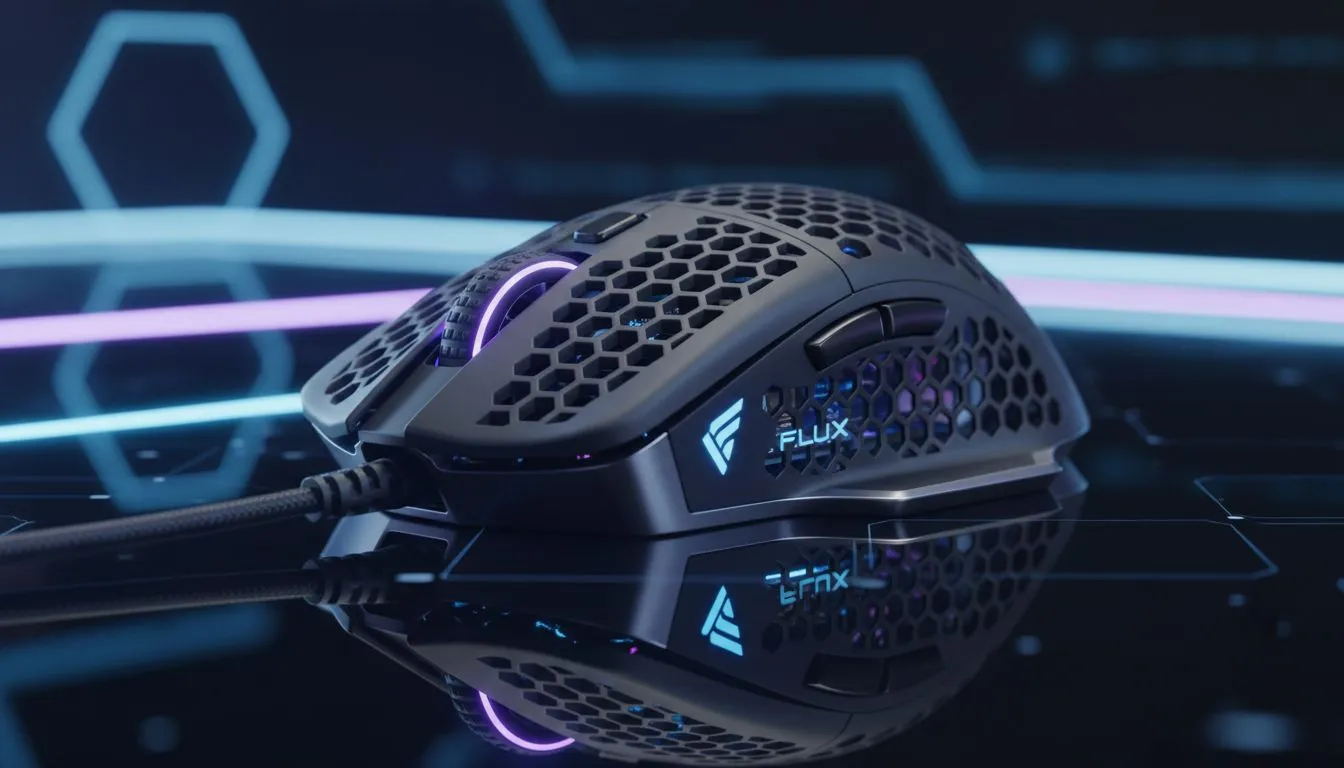
In the South African competitive scene, where latency and precision are everything, reducing the physical demand on your hand can be the difference between a win and a loss. Many of the latest gaming mouse deals now feature "honeycomb" shells or ultra-thin internal structures that bring total weight down to under 60 grams... often for less than R1,500. 🔧
How Reduced Mass Combats Wrist Fatigue
Repetitive Strain Injury (RSI) is a genuine concern for anyone spending hours at a desk. Wrist fatigue occurs when the small muscle groups in your forearm are overworked by moving heavy weights over long distances. Science suggests that by lowering the mass of your pointer, you decrease the "activation energy" needed for every movement.
This is particularly noticeable during long weekend grinds. If you are using a 120g mouse, your hand is essentially lifting double the weight of a modern 60g alternative every time you reposition. Over a single match, that equates to kilograms of unnecessary physical work. 🚀
Ergonomic Pro Tip ⚡
If you find your wrist aching even with a light mouse, try lowering your DPI and using your entire arm to move the mouse rather than just your wrist. This "arm aiming" technique distributes the physical load across larger muscle groups, significantly reducing the risk of long-term strain during those intense competitive matches.
Comparing Wired and Wireless Efficiency
There was a time when "lightweight" meant you had to use a cable to save on battery weight. However, modern wireless mouse technology has evolved. You can now find cable-free options that weigh less than their tethered ancestors. The lack of "cable drag" further reduces the resistance your wrist has to fight against.
If you prefer a traditional wired mouse, look for models with "paracord" cables. These are incredibly flexible and mimic the feel of a wireless setup, ensuring that the science of your lightweight build isn't ruined by a stiff, heavy plastic cord.
Optimising Your Setup with Mouse Accessories
Weight is only half of the equation... friction is the other. To truly reduce the strain on your hand, your mouse needs to glide effortlessly. High-quality mouse accessories like 100% PTFE (Teflon) skates can further lower the coefficient of friction. When your mouse moves with less resistance, your muscles don't have to work as hard to overcome "stiction," the static friction that makes a mouse feel muddy or slow to start. ⚡
Ready to Find Your Perfect Match? Reducing wrist fatigue is essential for any serious gamer looking to stay in the game for longer. For the best performance and value in South Africa, choosing the right weight is the first step toward a healthier, faster setup. Explore our massive range of gaming mouse deals and find the perfect tool to elevate your play style.











