


GPU Setup Guide for SA Gamers
GPU Setup Guide Gamers. Clear setup instructions with SA-specific considerations, troubleshooting tips & recommended components.
Read moreLive stream from your phone without effort. 📱 Start broadcasting instantly with our simple guide. 🚀 Boost your reach today!
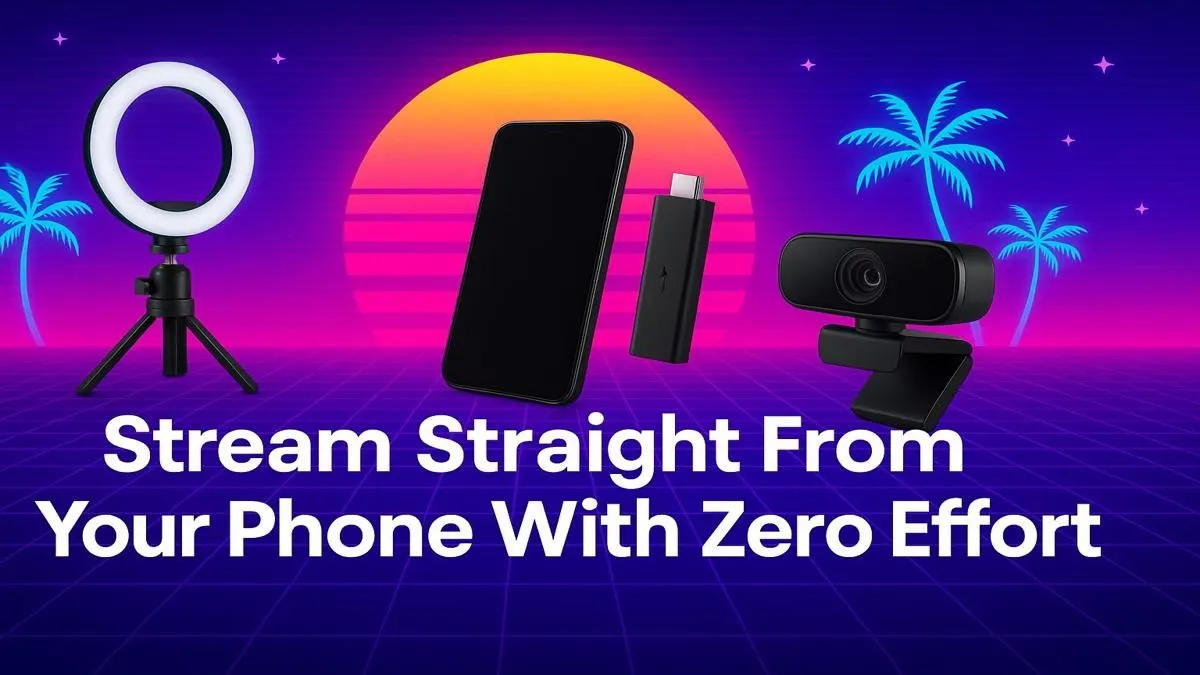
That supercomputer in your pocket? It's more than just for WhatsApp and TikTok. It's a full-blown broadcast studio ready to go live. For South African creators, learning to live stream from phone devices opens up a world of possibilities, from sharing your mobile gaming skills to broadcasting a local event. It’s the simplest way to connect with an audience, right now, without needing a beastly PC rig. Let's get you started. 📱
The biggest win for mobile streaming is accessibility. You already have the core piece of equipment. There's no need to spend thousands on a dedicated setup just to test the waters. Whether you're showing off your skills in Call of Duty: Mobile or giving your followers a tour of a local market, streaming from a phone is immediate, authentic, and incredibly engaging.
It connects you directly with your audience in a raw, unfiltered way that polished PC streams sometimes miss. It's perfect for:
To live stream from phone effectively, you only need a few key things: your smartphone, a stable internet connection (fibre is king, but a solid 4G/5G connection works too), and good lighting. To avoid shaky footage that makes viewers feel seasick, a simple tripod or gimbal is a fantastic investment.
But what if you want to share your stream with people in the same room? Imagine hosting a watch party for your stream. By connecting your phone to a projector, you can create an instant big-screen experience. You can find some seriously quality Viewsonic models that deliver a crisp, bright picture perfect for any room.
Before you go live, run a speed test. For a smooth 720p stream, you'll want an upload speed of at least 3-4 Mbps. For 1080p, aim for 5-6 Mbps or more. Don't let laggy internet spoil your broadcast!
The app you use is your command centre. Each has its own strengths, so pick the one that fits your style.
Ready to go from casual streamer to local legend? It's time to think bigger. A great audio setup (like a lapel mic) can make a huge difference, but the real impact comes from how you present your content.
Imagine this: you're hosting a small, local Wild Rift tournament at your place. Instead of everyone crowding around a tiny phone screen, you can project the main feed onto a wall. This turns a simple get-together into a proper esports event. You don't even need to break the bank; there are plenty of powerful projectors under R20,000 that can handle the job beautifully, creating a vibrant, immersive viewing experience for everyone. ✨
This simple addition elevates your entire setup, making your content more shareable and impressive, whether it's for friends at home or a potential sponsor at a business pitch.
Ready to Go Big With Your Stream? Turn any room into a viewing arena and share your content like a pro. Explore the full range of projectors at Evetech and find the perfect fit for your setup.
Yes! 🎥 Stream directly from your phone using apps like StreamYard or Restream for seamless mobile broadcasting.
Begin live streaming on mobile by installing an app 📲, connecting your accounts, and hitting ‘Go Live.’
No! 🚫 Equipment isn’t needed for basic phone streaming—just a stable internet connection and an app.
Top apps for live streaming on mobile are StreamYard, Restream, and YouTube Live for quality and ease of use 📱.
To stream live to YouTube from phone, use YouTube’s mobile app, create a stream name 📝, and hit ‘Go Live.’
Guarantee smooth streaming 📶 by connecting to Wi-Fi, closing background apps, and selecting 1080p resolution.
GPU Setup Guide Gamers. Clear setup instructions with SA-specific considerations, troubleshooting tips & recommended components.
Read more
When Will the RTX 6090 Launch in South Africa Detailed answer with SA data, expert analysis & practical recommendations for local buyers.

Top Valorant Settings for RTX 5070: FPS Optimisation picks evaluated on performance, value & SA availability with current Rand pricing from Evetech.

RDNA 3.5 Graphics in Ryzen AI 400? Can You Game. Plain-English explanation of what it means, why it matters & how it affects your buying decisions in SA.

GPU Price Index : December Report. Current stock data & price tracking for SA buyers. See what is available and where prices are heading.

Core i5-14600K + B760 + RTX 5060 Build Under. Full parts list, Rand pricing & expected performance. Build confidently with SA-available components.

RX 7600 Apex Legends at 4K: FPS Benchmark. Real-world benchmark data, FPS numbers & performance analysis. What SA gamers can actually expect.

RX 7900 XTX GTA 6 at 4K: FPS Benchmark & Optimal. Real-world benchmark data, FPS numbers & performance analysis. What SA gamers can actually expect.

Head-to-head comparison of RTX 5070 vs RX 9070 XT: Gaming Performance for SA gamers. Performance benchmarks, Rand pricing & which delivers better value.
GPU Setup Guide Gamers. Clear setup instructions with SA-specific considerations, troubleshooting tips & recommended components.

Top RTX 5090 Under R12000 picks evaluated on performance, value & SA availability with current Rand pricing from Evetech.

Call of Duty Warzone 2 Settings on RX 7600. Real-world benchmark data, FPS numbers & performance analysis. What SA gamers can actually expect.

GTA 6 Settings on RTX 5070 Ti: Performance. Real-world benchmark data, FPS numbers & performance analysis. What SA gamers can actually expect.