

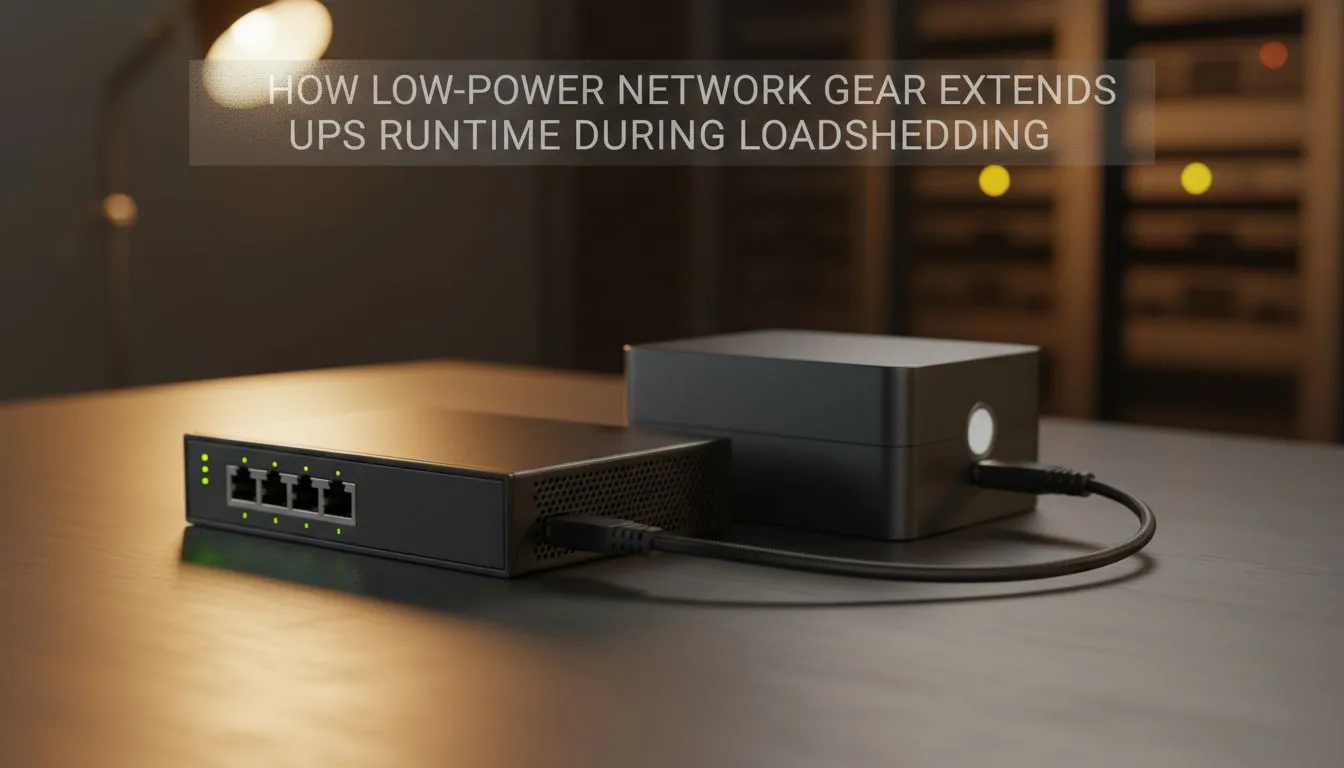
If you live in South Africa, you know the sound of a UPS beep all too well. When Stage 4 hits, every watt counts. Most gamers focus on their PCs, but your router and switch are the lifeline for your connection. Choosing low-power network gear is the smartest way to extend UPS runtime during loadshedding without breaking the bank. Stay online longer while the lights are out.
Why Wattage Matters for Your UPS Runtime
Every device connected to your Uninterruptible Power Supply (UPS) pulls a specific amount of current. While a few watts might seem negligible, they add up over a two-hour blackout. Standard networking equipment can be surprisingly inefficient. Older models often waste energy as heat... which is the enemy of battery longevity.
By upgrading to modern, energy-efficient switches, you can significantly reduce the idle draw on your backup system. This ensures that your battery capacity is reserved for keeping your fibre ONT and router alive. In many cases, swapping out a power-hungry old switch can add thirty minutes or more to your total uptime. ⚡
Selecting Efficient Hardware for South African Homes
Not all networking hardware is built with power saving in mind. You should look for devices that support IEEE 802.3az, also known as Energy-Efficient Ethernet. This technology automatically powers down ports that are not actively sending or receiving data.
If you want a reliable balance between performance and power consumption, Cudy network switches are an excellent choice. These units are designed to be compact and highly efficient. They provide the high-speed backbone your home network needs without draining your inverter during those long evening loadshedding slots. 🚀
UPS Efficiency Pro Tip ⚡
To maximise your uptime, identify which devices are essential. Unplug non-essential gear like printers or secondary access points from your UPS before the power goes off. By only powering your primary router and a low-power switch, you can often double your internet connectivity time during a standard blackout block.
Investing in Quality to Beat the Blackout
It is often tempting to buy the cheapest networking gear available. However, cheaper units often use lower-quality voltage regulators that waste energy. When you invest in better hardware, you are paying for superior engineering that handles power more effectively.
For those looking for robust build quality and better energy management, browsing switches priced from R1153 is a wise move. These mid-to-high-range options usually feature better thermal designs. This means they stay cooler and pull less current from your batteries... a vital factor for anyone trying to stay productive during the dark hours. ✨
Future-Proofing Your Setup
Loadshedding is likely here to stay for the foreseeable future. Optimising your home network is no longer just about speed... it is about efficiency. Transitioning to low-power network gear is a proactive step to extend UPS runtime during loadshedding. It keeps your pings low and your connection stable when it matters most. 🔧
Ready to Stay Connected Through the Dark? Don't let power cuts interrupt your win streak or your workday. Upgrading to energy-efficient networking gear is the best way to get the most out of your UPS. Explore our range of high-performance switches and keep your home office running no matter the stage.











