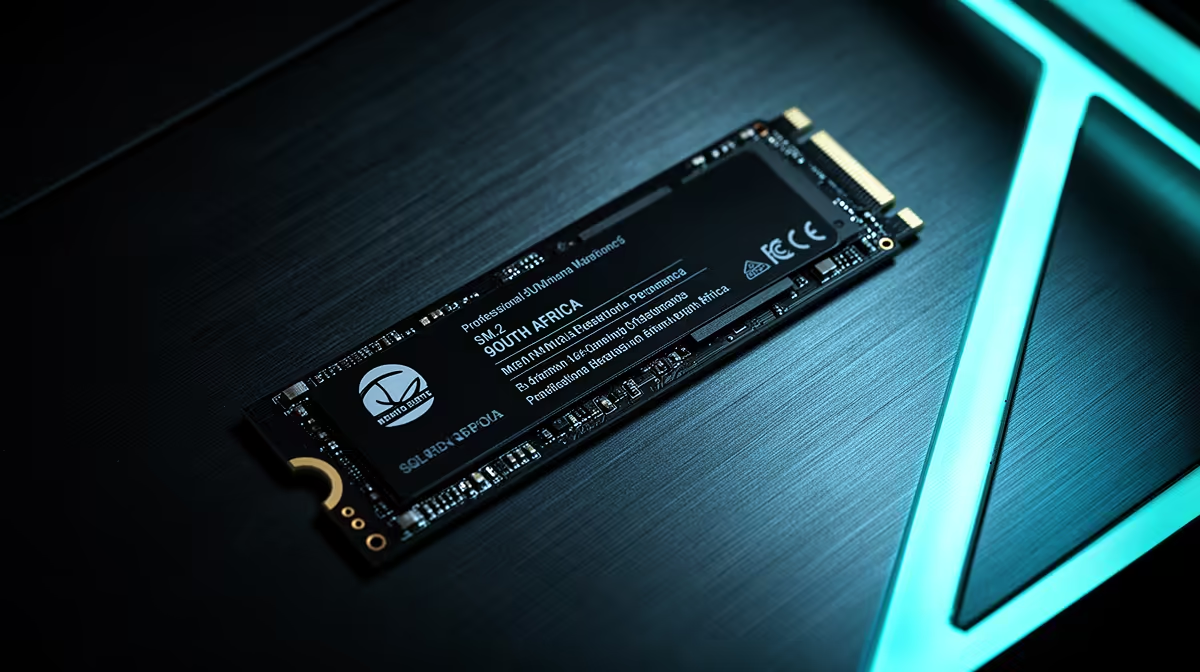
For competitive esports, M.2 NVMe is the mainstream choice; U.2 only makes sense in specific high-capacity or server-style setups. Confirm the slot type before you buy.
Quick Answer
For competitive esports, M.2 NVMe is the right pick: it slots straight onto the motherboard, costs less, and a Gen4 drive already hits 5,000 to 7,000 MB/s. U.2 needs special cabling or an adapter and targets servers, so skip it unless you specifically need its high-capacity, hot-swap design.
Fit On A Desktop Board
M.2 drops into the slot on nearly every modern motherboard with no cables, while U.2 needs a dedicated port or an adapter most consumer boards lack. For competitive esports, that fit alone usually settles it.
Capacity And Cost
M.2 1 to 2TB drives are affordable at around R1,000 to R2,800 and plenty for most libraries. U.2 reaches very high capacities but at enterprise prices, so it only pays off when you genuinely need huge, durable storage.
When U.2 Actually Fits
U.2 makes sense in workstation or NAS builds that need hot-swap bays and extreme endurance. For a normal competitive esports rig, M.2 is faster to fit, cheaper, and more than fast enough.
Heat And Endurance
High-end M.2 drives run warm under sustained writes, so a heatsink helps for heavy use. U.2's larger body handles heat and write endurance better, which is why servers favour it, but desktops rarely push that hard.
FAQ
How much NVMe storage do I need?
Treat 1TB as the floor and 2TB as comfortable for a modern library plus your files. M.2 drives at these sizes are affordable, so size up if your library is large.
Should competitive esports choose M.2 or U.2 NVMe?
M.2, in almost every case. It fits the board directly, costs less, and a Gen4 drive already hits 7,000 MB/s. U.2 is an enterprise format that rarely fits a desktop cleanly.
Can my motherboard take a U.2 drive?
Most consumer boards cannot without an adapter, since they lack a U.2 port. Check your board's spec sheet; if U.2 is not listed, M.2 is the practical and cheaper route.
Buyer Tip
For sustained writes, pick a Gen4 M.2 drive with a heatsink and confirm the slot runs at full Gen4 speed in the manual.