


Wi-Fi 6e vs Wi-Fi 6: Practical Difference for SA Buyers
Wi-Fi 6e vs Wi-Fi 6 is a fit question, not a blanket winner. Compare compatibility, setup limits, upgrade path, cost planning, and South African availability signals before choosing.
Read moreM.2 2230 and 2280 drives are both 22 mm wide, but they are 30 mm and 80 mm long respectively. Match the mounting point, interface and single-sided clearance before buying an SSD for a laptop or handheld in South Africa.
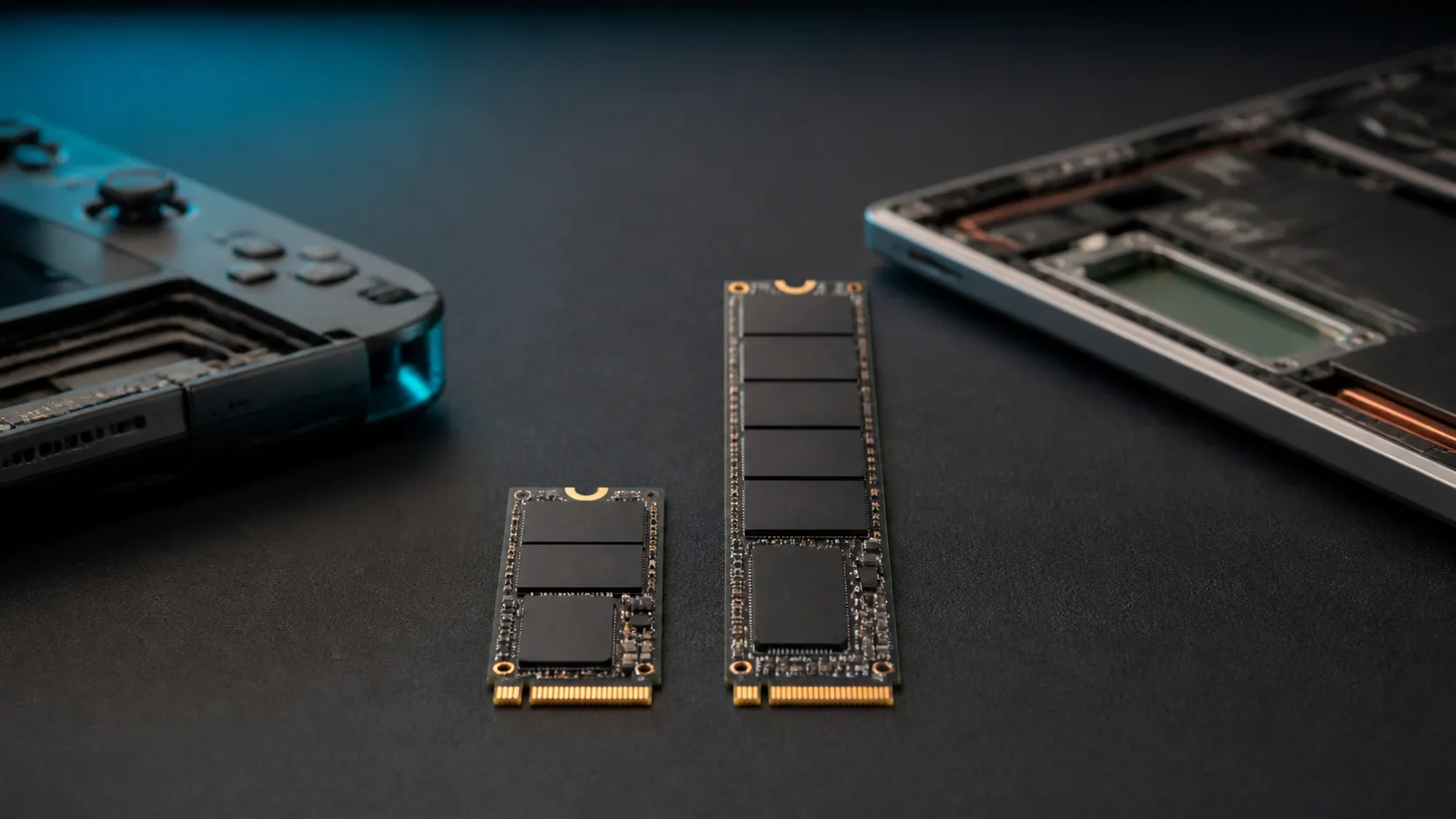
An SSD can have the right connector and still be physically impossible to install. M.2 2230 vs 2280 is mainly a length question: both modules are 22 mm wide, while 2230 is 30 mm long and 2280 is 80 mm long. That difference decides whether the mounting screw lines up inside a compact handheld, thin laptop or full-size notebook.
Start with an R0 compatibility check: read the device service manual, identify the supported M.2 length, confirm NVMe or SATA protocol, and inspect whether the slot requires a single-sided drive. Buy a 2230 only for a device with a 30 mm mounting point or approved bracket; buy a 2280 only where the 80 mm board fits without fouling a shield, battery or cable.
M.2 names look like model numbers, but the size code is literal. Kingston's SSD guidance explains that the first two digits are the width in millimetres and the remaining digits are the length. A 2230 card is therefore 22 x 30 mm, while a 2280 card is 22 x 80 mm. Other common lengths include 2242, 2260 and 22110.
That code does not state speed, capacity or protocol. A 2230 drive is not automatically slower because it is shorter, and a 2280 is not automatically faster because it has more board area. Kingston sells its NV3 PCIe 4.0 x4 NVMe family in both sizes. The 2230 model reaches the same quoted top sequential figures as some capacities of the 2280 line, although available capacities and endurance vary by model.
The longer board can provide room for more NAND packages, a separate DRAM package or a different controller layout. It can also spread heat over a larger area. Those design possibilities matter, but they do not override the specification printed for the exact drive. Compare the controller, NAND, warranty, endurance and sustained behaviour rather than using length as a performance score.
Use the Evetech NVMe SSD range to compare listed form factors and interfaces after the host requirements are known.
Open the service manual before opening the chassis. The storage section should name the accepted module length, interface and sometimes the maximum supported capacity. A photograph of the inside is useful, but the manual is stronger evidence because two revisions of the same laptop family can use different brackets or board layouts.
The retaining screw or clip must line up with the semicircular cut-out at the end of the drive. A 2230 placed in a 2280-only bay will connect electrically but float above the board unless the manufacturer provides a movable stand-off or approved extension. Leaving a drive unsecured is not a solution: vibration or flex can stress the connector and thermal pad.
Keying is another independent check. Many consumer NVMe drives use an M-key edge connector, while some SATA M.2 drives use B+M keying. A card that slides into a socket can still use a protocol the host does not understand. Look for explicit wording such as "PCIe NVMe" or "SATA" in both the drive and device documentation.
Thickness and component placement matter in small machines. Some handhelds and slim laptops have space only for a single-sided module. A double-sided drive can press into a shield or battery even if its length is correct. Do not remove a thermal shield or bend a battery cable to force clearance.
A handheld usually values compact dimensions, controlled power draw and predictable heat. The 2230 format leaves more space for cooling and the battery, which is why it appears in many portable gaming devices. That does not create a universal handheld standard. Some models use soldered storage, a proprietary arrangement or a different M.2 length, so the exact manual remains decisive.
A conventional laptop has more room and often uses 2280. The longer format also has a broader choice of capacities and designs. If a notebook accepts both lengths through an adjustable stand-off, choose on measured specification, warranty and workload instead of assuming the physically larger drive is always best.
For a boot-drive replacement, plan the software work before touching hardware. Make a tested backup, record any recovery key, decide whether to clone or perform a clean Windows installation, and prepare the correct installer. A physically successful upgrade can still become a bad afternoon if the old drive is removed before essential data is recoverable.
Current SSD best sellers can help identify mainstream capacity choices, while the broader internal SSD category is useful when comparing NVMe with other internal formats. Filter only after excluding sizes and interfaces the device cannot use.
Shut the machine down fully, disconnect external power and follow the manufacturer's battery-disconnection procedure. Use an ESD-safe workspace and the correct screwdriver bit. A rounded screw in a confined handheld is much harder to solve than taking an extra minute to seat the tool properly.
Insert the module at the angle shown in the service manual, press it down gently and secure it without over-tightening. Refit the original thermal pad or shield exactly as documented. Pads that are too thick can bow the PCB; missing pads can raise controller temperature.
After reassembly, confirm that firmware detects the new drive before starting migration or installation. In Windows, verify capacity and partition layout, then check that the drive operates as NVMe when that was the intended interface. Copying one large test file and checking health data can expose a loose connection or thermal issue before the old drive is erased.
Keep the original SSD untouched until the replacement has booted reliably and important files have been checked. That conservative sequence costs R0 and gives you a recovery path if the new module, clone or enclosure behaves unexpectedly.
Only with a bracket or adaptor approved for the device and drive clearance. A loose third-party extension can interfere with shields or thermal pads, so the service manual must take priority.
No. The extra board area contains electrical traces and components. Cutting it destroys the drive and can damage the host if the altered board is installed.
Yes. Kingston's NV3 family demonstrates PCIe 4.0 x4 NVMe in both 2230 and 2280. Actual speed still depends on the exact capacity, controller, cooling and host lanes.
Length affects how many components can fit, so the available capacity range may differ. It is not a fixed industry-wide ceiling; check the exact product specification and host support.
Clone when the old installation is healthy and the new drive is large enough. A clean installation is useful when you want a fresh system, but both approaches require a verified backup first.
Ready to shortlist a correctly sized SSD? Confirm the slot length and NVMe support in your device manual, then compare compatible Evetech storage options without paying for a drive that cannot be mounted.
Not automatically. A 2230 is 50 mm shorter, so the device needs a 30 mm mounting point or a manufacturer-approved bracket.
Yes. Both are 22 mm wide; the final digits identify their 30 mm and 80 mm lengths.
No. Size describes dimensions, not speed. Kingston offers its NV3 as PCIe 4.0 x4 NVMe in both 2230 and 2280 versions.
Only if the host supports that protocol. Matching 22 x 80 mm dimensions do not guarantee SATA and PCIe electrical compatibility.
A 22 x 30 mm module occupies less board space. The exact handheld manual still decides capacity, thickness and sidedness support.
Some thin laptops require it because components on the underside can hit the board or shield. Check the service manual before purchase.
Wi-Fi 6e vs Wi-Fi 6 is a fit question, not a blanket winner. Compare compatibility, setup limits, upgrade path, cost planning, and South African availability signals before choosing.
Read more
ATX 3.1 vs ATX 3.0 for couch co-op gaming buyers - what changes is mostly about compatibility, budget, upgrade path, and setup fit. SA buyers should check device support and real needs before expecting a clear win from either option.
Read more
80+ Platinum vs 80+ Titanium for SA AAA needs a workload-first comparison. For SA buyers, judge real performance, platform fit, warranty path, power needs, and upgrade timing before choosing either side.
Read more
80+ Platinum vs 80+ Titanium depends on Video editing in 4K needs, platform limits, and budget fit. Compare compatibility, latency, upgrade path, and real setup constraints before choosing for an SA build.
Read more
AM5 vs AM4 for couch co-op gaming Difference explained is mostly about compatibility, budget, upgrade path, and setup fit. SA buyers should check device support and real needs before expecting a clear win from either option.
Read more
DisplayPort 2.1 and 1.4 esports differences depend on refresh rate, resolution, and GPU output support. Use this real world difference between displayport 2 1 displayport 1 4 guide for competitive esports monitor choices in SA.
Read more
A 650W PSU can be a tight but possible RTX 5080 Super match when the unit is strong. SA builders should check CPU draw, cabling, cooling, PSU age, and power spikes before trusting it for daily gaming.

How to fix low FPS on ROG Ally X starts with power mode, thermals, drivers, and per-game profiles. Use this South Africa-focused handheld checklist to improve consistency before lowering every setting or changing hardware during longer sessions.
Gen 5 NVMe vs Gen 4 NVMe for video editing in 4K Difference explained is mostly about compatibility, budget, upgrade path, and setup fit. SA buyers should check device support and real needs before expecting a clear win from either option.
A mechanical keyboard upgrade is a timing clue, not a likely display cause. To fix color banding after a mechanical keyboard upgrade, recheck Windows colour depth, GPU settings, monitor profiles, and cables.

Xbox Insiders can test disc-to-digital from 31 August 2026. Supported Xbox One and Series X discs gain a digital entitlement, but older discs, regions and title coverage still need exact checks.

Microsoft says Windows on Arm now has over 7,000 verified apps and games. SA buyers should still check each driver, game and work tool before switching.

ASUS calls the ROG GT-BN98 the first Wi-Fi 8 gaming router. SA buyers should fix coverage and client limits before paying for a future wireless standard.

Apple's M6 Mac mini adds faster AI, graphics and networking in the same compact format. SA buyers should wait for a rand listing before comparing value.
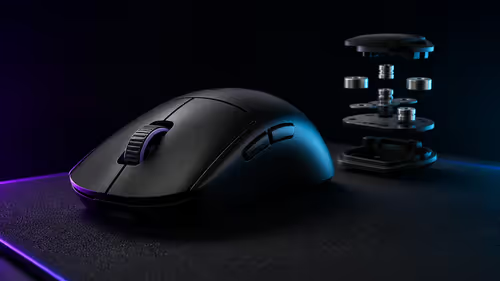
ASUS has announced the ROG Gladius IV Ace with an ergonomic shell and adjustable weight design. No exact SA listing was found, so the first useful comparison costs R0: check fit and control.
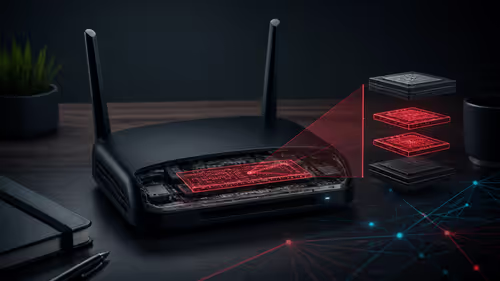
Researchers found two implants on internet-facing ZBT routers, including a hidden root account and remote command channel. SA users can start with an R0 model, firmware and exposure check.
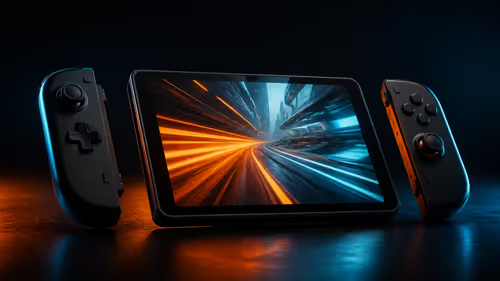
The X2 Mini pairs an 8.8-inch 144Hz OLED screen with Intel Arc G3 Extreme hardware and detachable controls. Current SA handhelds from R12,799 to R19,999 set the value test.
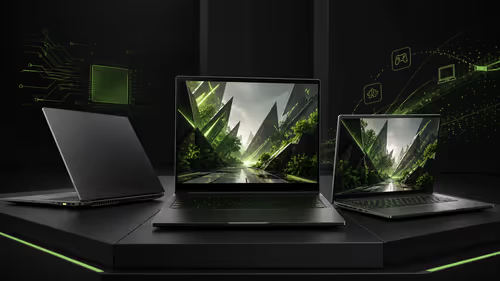
RTX Spark laptops ran modern games at Gamescom, adding a practical signal for NVIDIA's Arm-based Windows platform. Current SA gaming laptops start at R18,999 in the checked sample.