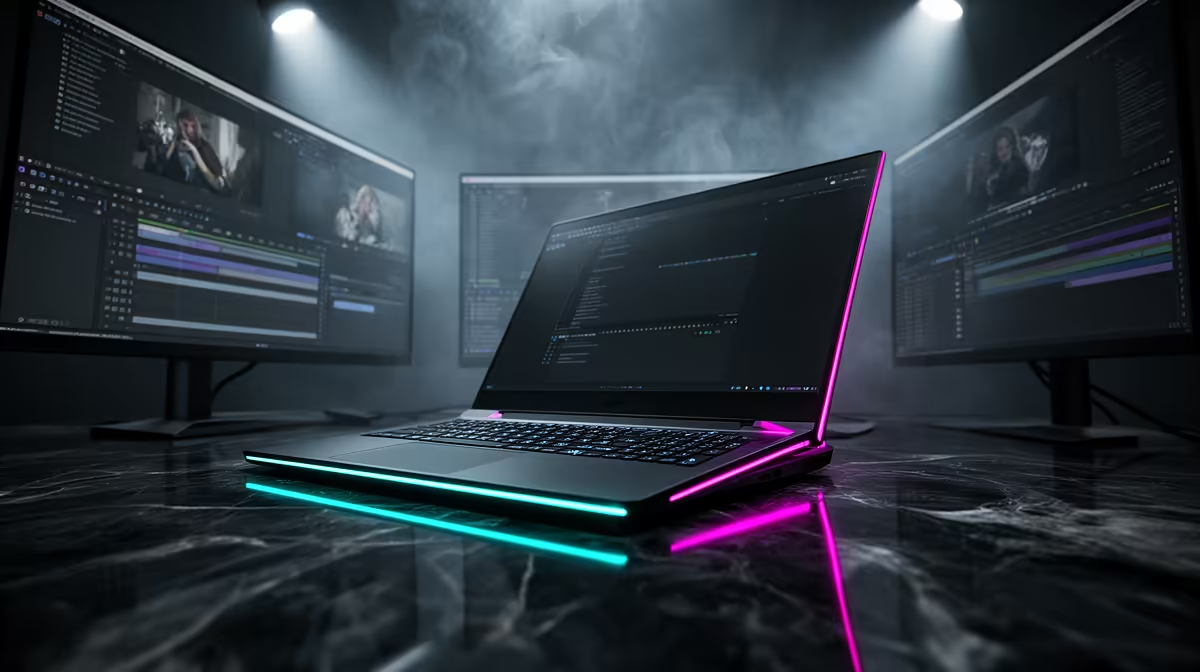
For an editor running a real desk, the question that decides between the M5 Pro and M5 Max is rarely raw render speed alone. It is how many screens you can light up at once. Timeline on one, full-screen reference on another, client preview on a third, and maybe a scopes panel on a fourth. The two chips draw a hard line right there: the M5 Pro tops out at three external displays, the M5 Max at four.
Quick Answer
The M5 Pro drives up to 3 external displays; the M5 Max drives up to 4. For most solo editors three is plenty, but a four-monitor or multi-reference setup needs the Max. The Max also adds memory bandwidth and GPU cores, so ProRes timelines scrub and render faster. If display count or heavy 4K grading is your bottleneck, the Max earns its premium; if not, the Pro is the smarter spend.
Display count: the deciding spec
This is the cleanest difference between the two chips, and it is binary. The M5 Pro supports three external displays. The M5 Max supports four. There is no setting or dongle that closes that gap, because it is built into each chip's display engine.
Why three is enough for most editors
A typical edit suite runs the laptop's own panel plus two externals: one for the timeline and program monitor, one for the source viewer or a full-screen reference. That is well inside the M5 Pro's limit, with a slot to spare. Most freelancers, YouTubers, and solo documentary editors never feel constrained here.
When you genuinely need four
The four-display case is specific. Colourists who want a calibrated grading monitor separate from the editing UI, multicam editors juggling several feeds, and anyone keeping a dedicated client-preview screen running alongside their working layout. If your current frustration is "I keep running out of screen," the M5 Max removes that ceiling. Before you commit either way, it is worth browsing the current MacBook Pro lineup at Evetech to see which chip ships in the configuration you actually want.
Memory bandwidth and why ProRes loves it
Display count gets the headline, but for video work the quieter story is memory bandwidth. The M5 Max moves data between the CPU, GPU, and unified memory faster than the M5 Pro. ProRes editing is bandwidth-hungry because the codec is light on the CPU but heavy on the sustained read and write of large frames, and that is exactly where extra bandwidth pays off.
What this looks like in practice
On a single 4K ProRes timeline with a few colour nodes and some noise reduction, both chips scrub smoothly. The Max's advantage shows up when the project gets heavy: multicam 4K, stacked effects, large ProRes RAW files, or exports of long timelines. Renders that take the Pro a few minutes can land noticeably quicker on the Max, and the gap widens as the project grows. For a one-hour documentary export, that difference adds up across a working week.
Unified memory ceilings
The Max configurations also reach higher maximum unified memory than the Pro. That matters for editors holding large caches, running background renders, or keeping a colour app and an edit app open at once. If you regularly push memory pressure into the yellow, the Max's higher ceiling buys headroom that translates directly into fewer beachballs.
GPU cores and effects-heavy timelines
The M5 Max carries more GPU cores than the M5 Pro. Most cuts-only editing does not stress the GPU much, but modern post does plenty that does: temporal noise reduction, optical-flow retiming, neural-powered masking, and real-time grading all lean on the GPU.
If your timelines are mostly straight cuts with light colour, you will rarely see the extra cores working. If you live in effects-heavy grades, stabilisation passes, and AI-assisted tools, the Max's GPU keeps playback real-time where the Pro starts dropping frames and forcing render-to-preview. That is the difference between editing live and waiting on a progress bar.
Battery, heat, and the working day
The trade-off for the Max's extra performance is power draw and heat under sustained load. For all-day battery on lighter edits, the M5 Pro tends to run cooler and longer. Under a heavy export the Max will pull more and warm up, though the chassis cooling is built for it.
For an editor working plugged in at a desk most of the time, this barely registers. For someone cutting on location, on battery, in a single-monitor setup, the Pro's efficiency is a real and practical advantage. Match the chip to where you actually work, not to the spec sheet.
Which Mac should you buy
Pick the M5 Pro if you run three displays or fewer, edit mostly cuts and light colour, and value battery life and a lower price. It handles 4K ProRes comfortably and will not feel slow for the vast majority of editing work.
Pick the M5 Max if you need a fourth display, grade and finish heavily, work with multicam 4K or ProRes RAW, or push unified memory hard. The display ceiling, bandwidth, and GPU cores all compound for demanding finishing work, and the time saved on exports adds up fast for anyone billing by the project.
Either way, the smart move is to match the chip to your real bottleneck. If you are unsure which way to lean or want to compare against other portable options, the laptop best sellers at Evetech give a sense of where each configuration sits on value.
Frequently Asked Questions
Can the M5 Pro drive four monitors with an adapter?
No. The three-display limit is built into the M5 Pro's display engine, so no dock or adapter adds a fourth external screen. If you need four, the M5 Max is the only option in this family.
Is the M5 Max worth it for 4K ProRes editing?
If your projects are heavy, multicam, or effects-rich, yes. The extra memory bandwidth and GPU cores keep playback real-time and shorten exports. For single-stream 4K with light colour, the M5 Pro already handles it well.
Does either chip struggle with a single 4K timeline?
Neither does. Both scrub and play a standard 4K ProRes timeline smoothly. The Max only pulls ahead once the project stacks up multicam feeds, effects, or large RAW files.
How much faster are ProRes renders on the M5 Max?
It depends on the project, but heavy timelines render meaningfully quicker thanks to higher bandwidth and more GPU cores. On long or effects-laden exports the gap is most noticeable; on short simple ones it is minor.
Which is better for editing on battery?
The M5 Pro. It runs cooler and lasts longer on lighter edits away from power. The Max's extra performance comes with higher draw under sustained load, which suits a desk-bound, plugged-in workflow.
The right Mac comes down to your real bottleneck, display count, render load, or battery. Compare the M5 Pro and M5 Max configurations in the MacBook Pro range at Evetech and pick the chip that matches how you actually edit.