

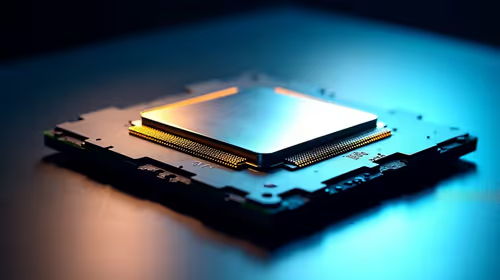
Ryzen 5 9600X Thermal Paste Dry: Reapplication Guide
Ryzen 5 9600X Thermal Paste Dry: Reapplication. Everything you need to know with SA pricing, step-by-step instructions & expert recommendations.
Read moreMacBook for Interior Design: Software and. Clear setup instructions with SA-specific considerations, troubleshooting tips & recommended components.
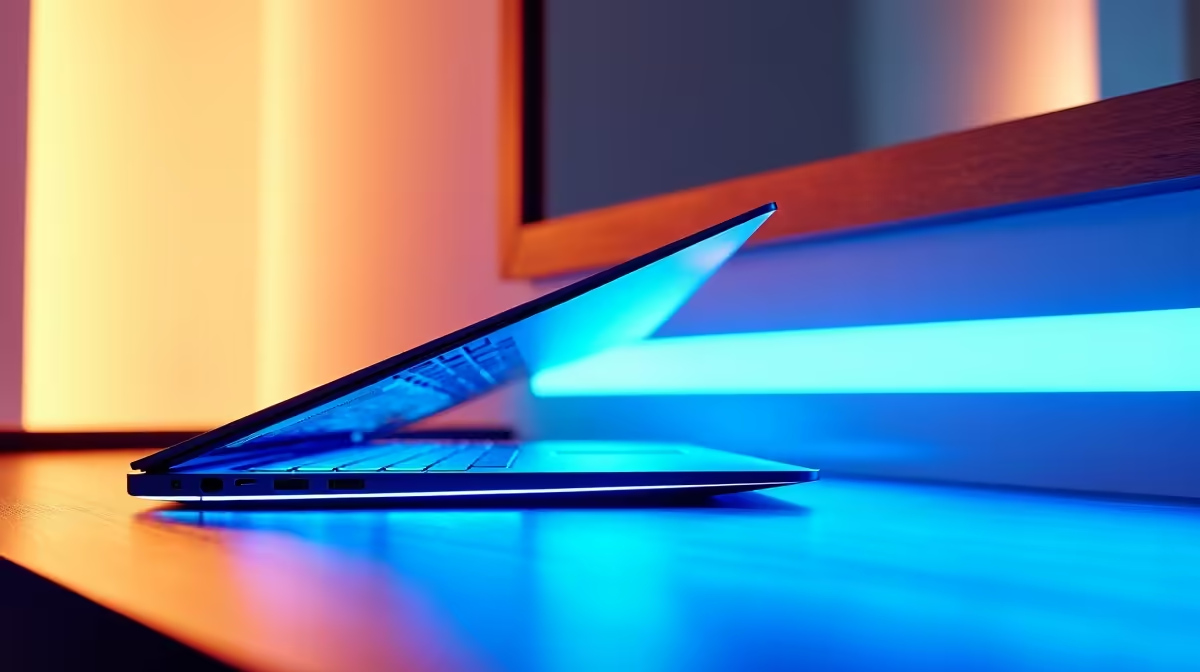
If you’re passionate about interior design, you’ll agree your laptop shapes your creative flow. South African designers often choose a MacBook for interior design thanks to its blend of reliability, sleek build, and macOS-exclusive software. But which configuration is ideal? And what software really makes a difference in turning ideas into visual realities? Let’s explore exactly what you need to craft stunning interiors without compromise.
Choosing the right software is crucial. Many interior designers trust tools like SketchUp, AutoCAD, and Adobe Creative Cloud for precise floor plans, 3D models, and high-quality visuals. The MacBook supports these smoothly—and more. For instance, SketchUp offers robust 3D modelling features native on macOS, enhancing both speed and accuracy in your designs. If you want a professional edge, incorporating Adobe Photoshop and Illustrator makes finishing touches sharper and more compelling.
For South African creatives looking to combine graphic work with 3D models, macOS’s stability is a real bonus. You avoid the lag or compatibility issues that some Windows laptops can present. Plus, apps like Affinity Designer offer wallet-friendly alternatives to Adobe, fitting local budgets better.
Performance is king when handling complex design files. We recommend models equipped with Apple’s M1 or M2 chips, offering fast rendering speeds and impressive battery life—crucial when capturing inspiration at client sites or cafés.
At minimum, go for 16GB RAM, especially if you rely on multitasking with heavy programs. Storage-wise, 512GB SSD is a safe bet, but if you handle many high-res textures or extensive project files, 1TB or more is ideal.
Don’t forget connectivity: investing in a good external monitor or docking station can transform your workspace, making it easier to map out designs in detail. And for those who prefer a custom gaming PC setup alongside MacBooks for multitasking, exploring the best gaming PC deals at Evetech might unlock even more power for rendering tasks.
Use macOS shortcuts and trackpad gestures to speed up workspace navigation. Customising these saves time on repetitive tasks, helping keep your focus on creativity.
While MacBook is popular, South African users sometimes ask how it stacks against Windows laptops. Dedicated notebooks are more budget-friendly and often boast better upgrade options. For those wanting a versatile rig, browsing notebooks for sale in South Africa reveals excellent alternatives with comparable specs.
However, the MacBook’s cohesive hardware-software synergy generally means fewer crashes or freezes. This reliability becomes a decisive factor when deadlines loom, and flawless performance matters most.
For designers curious about other hardware enhancements, checking out PC components like high-end graphics cards offers options to boost rendering and visual fidelity, especially when paired with secondary Windows machines.
Buying the perfect MacBook or an equivalent rig can be a significant investment. Luckily, Evetech offers regular specials tailored to South African buyers. Whether you're upgrading your design laptop or building a multitasking setup, these specials often bundle software, peripherals, or hardware discounts.
Also, if you’re looking for a ready-to-go system purpose-built for creative work and gaming, consider browsing pre-built PC deals. These can be custom-configured for rendering and multitasking at competitive ZAR pricing.
Upgrade Your Design Workflow Today Unlock smooth creativity with the ideal MacBook configuration and related tech solutions. Shop now at Evetech and start designing with confidence.
MacBook for Interior Design: Software an available at Evetech.co.za with local warranty and fast delivery.
MacBook for Interior Design: Software an - check Evetech for latest stock and SA pricing.
Depends on your use case. MacBook for Interior Design: S offers good value at current Rand pricing.
Ryzen 5 9600X Thermal Paste Dry: Reapplication. Everything you need to know with SA pricing, step-by-step instructions & expert recommendations.
Read more
Running LLaMA and Mistral on Your Gaming PC. Everything you need to know with SA pricing, step-by-step instructions & expert recommendations.
Read more
CS2 Max Settings on RTX 5090. Tested & verified settings for best FPS and visual quality on SA hardware budgets.
Read more
GTA 6 Low FPS: Complete Optimization Guide. Real-world benchmark data, FPS numbers & performance analysis. What SA gamers can actually expect.
Read more
Apple M5 Media Engine: Hardware Video Encoding. Plain-English explanation of what it means, why it matters & how it affects your buying decisions in SA.
Read more
DDR5 32GB Setup and Configuration: Complete. Clear setup instructions with SA-specific considerations, troubleshooting tips & recommended components.
Read more
AMD RX 9050 XT: Rumoured Specs, Price & Release. SA-focused analysis with local pricing data, real-world insights & actionable buying advice.

Can RTX 4080 Super Run AI Workloads for SA Developers Detailed answer with SA data, expert analysis & practical recommendations for local buyers.

Can RTX 4090 Run AI Workloads for SA Developers Detailed answer with SA data, expert analysis & practical recommendations for local buyers.

Top Settings for Intel Arc B580 at Ultrawide 1440p picks evaluated on performance, value & SA availability with current Rand pricing from Evetech.

RTX 4060 CS2 Low Settings at 1080p: FPS Results. Real-world benchmark data, FPS numbers & performance analysis. What SA gamers can actually expect.

Visual Artifacts: Possible GPU Issue Issue #1. Diagnosis steps, proven fixes & when to seek professional help. SA-specific support info included.

Can the RTX 4090 Handle 1440p 144Hz Gaming. Performance testing verdict with real data & practical recommendations for SA buyers.

Top ASUS GPU Under R15000 picks evaluated on performance, value & SA availability with current Rand pricing from Evetech.

GTA 6 Max Settings on RTX 5070. Tested & verified settings for best FPS and visual quality on SA hardware budgets.

Cyberpunk 2077 Max Settings on RTX 5080. Tested & verified settings for best FPS and visual quality on SA hardware budgets.

Starfield Max Settings on RTX 5070 Ti. Tested & verified settings for best FPS and visual quality on SA hardware budgets.

Top RTX 5090 Under R5000 picks evaluated on performance, value & SA availability with current Rand pricing from Evetech.