


Humidity Damage to PC Components: Recovery Guide
Humidity Damage to PC Components: Recovery Guide. Everything you need to know with SA pricing, step-by-step instructions & expert recommendations.
Read moreLearn macro layers on mechanical keyboards—setup, layer logic, and secondary key functions—for faster gaming and cleaner workflows. Includes tips to avoid misclicks and common pitfalls. ⌨️✨
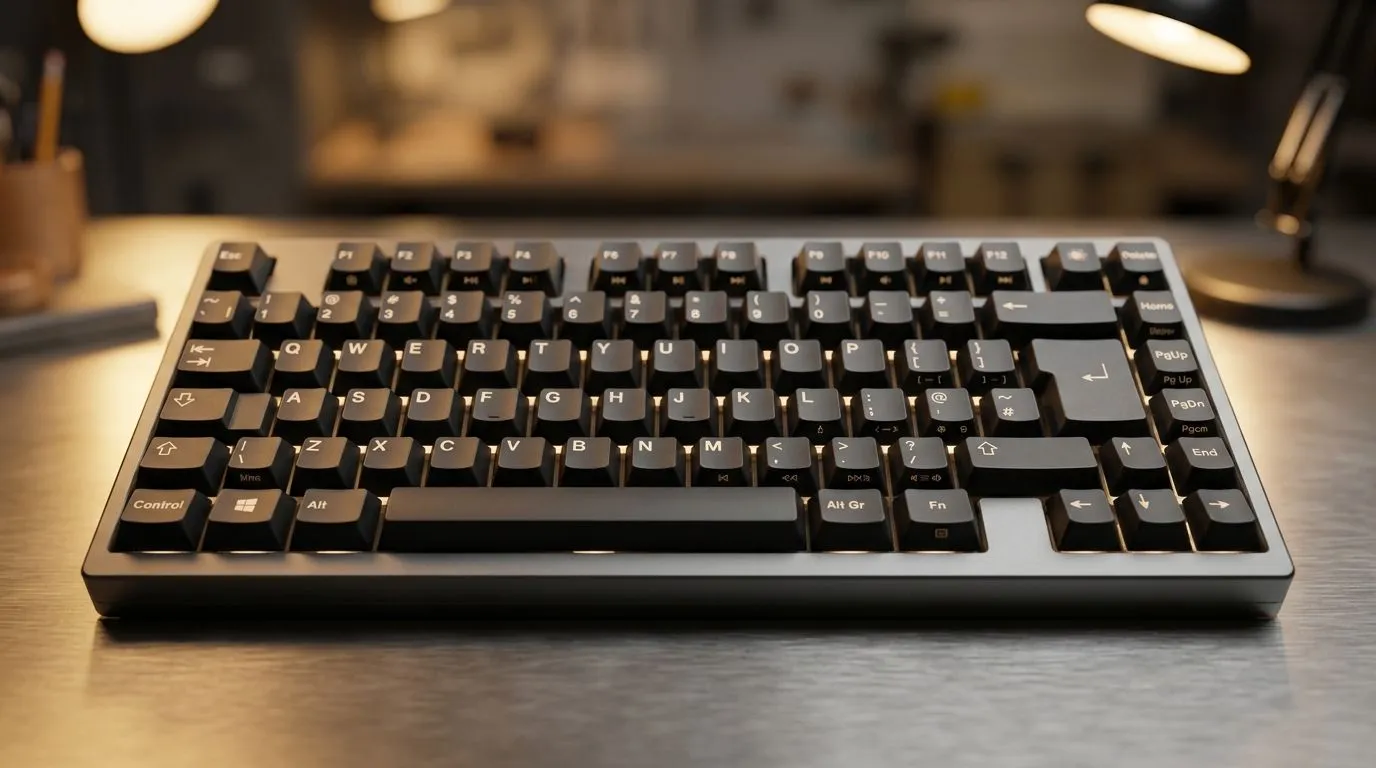
If you’ve ever thought “my keyboard can do more”, you’re already halfway there. Macro layers let you turn one keyboard into multiple toolsets, depending on what game or app you’re using. That means faster reloads, smarter inventory management, and cleaner binds for your whole squad… or your next LAN night.
This complete guide is built for South African gamers and tech buyers who want real control, not gimmicks. Let’s break down macro layers on mechanical keyboards and how to set them up safely. 🔧
Macro layers are like “keyboard modes”. Instead of pressing a key and hoping you remembered the right shortcut, you switch layers. Each layer can remap keys for a different purpose.
Most macro-capable mechanical keyboards let you store profiles or layers in onboard memory or via software. When a layer is active:
Many of us play across different genres: FPS on weekdays, MMO or strategy on weekends, plus work or study in between. Layers keep you from maintaining separate keyboards for “work mode” and “gaming mode”.
Here’s a practical workflow you can follow tonight.
Pick the game you play most. Create one “Base” layer for movement and essential combat binds. Then add a second “Utility” layer for grenades, inventory, and quick tools.
Long macros are harder to debug when something goes wrong. A good rule: if you can’t describe the macro in one sentence, it’s probably too complex.
In most keyboard software:
If you’re unsure, start with simple remaps first.
On Windows, use Microsoft PowerToys FancyZones to create custom snap layouts for your windows. It helps you organise your gaming guides, Discord, and launcher panels in a consistent layout, so you switch apps faster while you test and refine your macro layers.
Software changes are great… until they’re not. Onboard profiles keep your bindings consistent when you game on another PC or after updates. If your keyboard supports it, prioritise that feature when shopping.
Not every “gaming keyboard” has the same macro depth. When you’re comparing options, check for:
If you want to start simple, browse current keyboard options from Evetech and then choose a model with the macro features you need:
Check the best gaming keyboard deals for models that fit your budget in ZAR, then narrow down based on macro and layer support.
If you’re focused on getting value fast: Shop for a cost-effective gaming keyboard in South Africa and only lock in after confirming macro-layer capability.
For streamlined setups: Go for a keyboard and mouse combo if you’re building a whole rig and want fewer compatibility headaches.
If your priority is stability over range, you may prefer: Wired macro keyboard options for consistent input timing.
But if you want desk freedom and easier cable management: Wireless macro-ready keyboards can be a solid choice when battery life and latency are acceptable.
Imagine you play Valorant and also dabble in co-op shooters. On Layer 1, your keys handle:
On Layer 2, you repurpose the same keys for:
When you test, watch for accidental activations. If your layer key is too close to frequent movement keys, remap it. Small layout changes prevent big frustration.
Ready to dial in a setup that feels custom… not generic?
Ready to Find Your Perfect Match? The Mac vs Windows debate is complex, but for maximum power, choice, and value in South Africa, Windows is hard to beat. Explore our massive range of laptop specials and find the perfect machine to conquer your world.
Macro layers let one physical key run different functions depending on the active layer, enabling complex shortcuts without extra keys.
Use your keyboard software to create layers, assign a layer toggle or momentary key, then map macros to keys within each layer.
Secondary key functions are alternate behaviors like Shift/Alt-style modes, usually triggered by modifiers or layer states to expand controls.
Keystroke macros replay key sequences, while action macros trigger specific commands. Choose based on your app/game support.
Enable debouncing if available, use momentary layers for testing, confirm hotkeys are unassigned, and avoid overlapping layer toggles.
Yes. In gaming, layers speed up abilities and inventory actions; in productivity, they streamline shortcuts and repetitive workflows.
Common issues include conflicting bindings across layers, using overly long macros, and forgetting to document which layer does what.
You can only use macro layers if the keyboard and firmware/software support onboard layers or macro programming in their companion app.
Humidity Damage to PC Components: Recovery Guide. Everything you need to know with SA pricing, step-by-step instructions & expert recommendations.
Read more
Gamer Spending Trends April : Complete Setups. Clear setup instructions with SA-specific considerations, troubleshooting tips & recommended components.
Read more
Setting Up DDR5 32GB Kit. Tested & verified settings for best FPS and visual quality on SA hardware budgets.
Read more
Tech Setup Guide for SPU Res Students. Clear setup instructions with SA-specific considerations, troubleshooting tips & recommended components.
Read more
Monster Hunter Wilds Ultrawide Support: 21:9 and. Clear setup instructions with SA-specific considerations, troubleshooting tips & recommended components.
Read more
Apple iPad Durability Guide: Cases, Screen. Practical breakdown of costs, regulations & whether it makes financial sense for SA buyers.
Read more
AMD RX 9050 XT: Rumoured Specs, Price & Release. SA-focused analysis with local pricing data, real-world insights & actionable buying advice.

Can RTX 4080 Super Run AI Workloads for SA Developers Detailed answer with SA data, expert analysis & practical recommendations for local buyers.

Can RTX 4090 Run AI Workloads for SA Developers Detailed answer with SA data, expert analysis & practical recommendations for local buyers.

Top Settings for Intel Arc B580 at Ultrawide 1440p picks evaluated on performance, value & SA availability with current Rand pricing from Evetech.

RTX 4060 CS2 Low Settings at 1080p: FPS Results. Real-world benchmark data, FPS numbers & performance analysis. What SA gamers can actually expect.

Visual Artifacts: Possible GPU Issue Issue #1. Diagnosis steps, proven fixes & when to seek professional help. SA-specific support info included.

Can the RTX 4090 Handle 1440p 144Hz Gaming. Performance testing verdict with real data & practical recommendations for SA buyers.

Top ASUS GPU Under R15000 picks evaluated on performance, value & SA availability with current Rand pricing from Evetech.

GTA 6 Max Settings on RTX 5070. Tested & verified settings for best FPS and visual quality on SA hardware budgets.

Cyberpunk 2077 Max Settings on RTX 5080. Tested & verified settings for best FPS and visual quality on SA hardware budgets.

Starfield Max Settings on RTX 5070 Ti. Tested & verified settings for best FPS and visual quality on SA hardware budgets.

Top RTX 5090 Under R5000 picks evaluated on performance, value & SA availability with current Rand pricing from Evetech.