

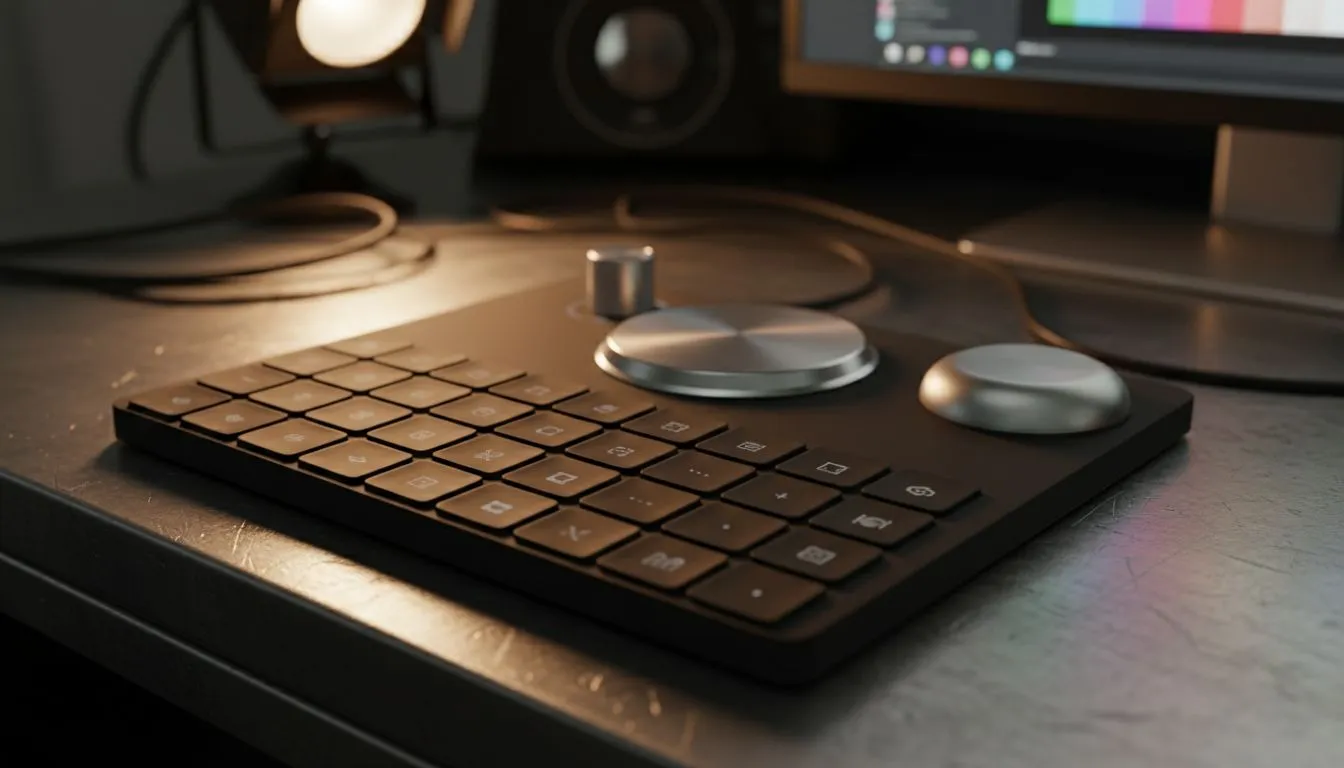
Ever feel like you need three hands to manage your editing timeline, handle a live stream, and chat on Discord simultaneously? You aren't alone. In 2025, the secret weapon for South African creatives isn't just a faster CPU... it's the humble macro pad. These dedicated keypads streamline complex inputs into single keystrokes, saving you hours of frustration and keeping your focus purely on creating. 🚀
Beyond the Standard Keyboard
Most of us rely on a standard gaming keyboard for everything. While a full-sized board is essential for typing, it isn't always optimised for specialized workflows. Macro pads fill that gap. They act as a dedicated command centre, allowing you to separate your typing from your execution commands.
When you pair a programmable pad with a high-precision gaming mouse, you create an ergonomic workspace where your hands barely have to move to trigger complex actions. It’s about working smarter, not harder.
The Streamer’s Best Friend
If you are broadcasting to Twitch or YouTube, you know that timing is everything. Fumbling for a mute key can ruin a moment. This is why dedicated decks are considered top-tier streaming essentials.
With a macro pad, you can programme a single button to switch scenes, trigger sound effects, or cut the feed. More importantly, you can instantly mute your microphones if a dog starts barking or a family member walks in. It gives you professional control without the need for a massive mixing desk.
Accelerating Video and Audio Production
For video editors and sound engineers, the workflow benefits are massive.
Timeline Mastery
Imagine scrubbing through a 4K timeline on your ultrawide PC monitor using a rotary encoder knob instead of dragging a mouse. It offers precise frame-by-frame control. You can also map keys to instantly import footage from your high-speed solid state drives, drastically cutting down administrative time during edits.
Audio Control
Audio pros can benefit too. Instead of clicking tiny icons on a screen, map your track arming, solo, and mute functions to physical keys. This allows you to keep your eyes on the levels and your ears focused on the mix coming through your headphone headsets.
Layering Logic 🔧
Don't just stick to one layer of commands. Most macro pad software allows for 'Layers'. Set Layer 1 for your general Windows shortcuts (copy, paste, screenshot), and Layer 2 specifically for your creative app (Adobe Premiere, OBS, or Blender). This doubles your available keys without taking up more desk space.
Not Just for Work: Gaming Applications
While we focus on creators, macro pads are incredible for simulation games. Even if you usually prefer gaming controllers for driving or flying, a macro pad can serve as your "button box." Map your ignition, landing gear, or pit-stop requests to the pad to heighten the immersion without needing a full cockpit setup.
Choosing the Right Pad for 2025
When looking for the best macro pads for creators, consider build quality and software support. You want switches that feel satisfying to press and software that doesn't crash mid-stream. Whether you are automating Excel spreadsheets or orchestrating a complex live show, these devices are the ultimate productivity hack for the modern PC user.
Ready to Optimise Your Workflow? Whether you need a Stream Deck to manage your broadcast or a custom keypad to speed up your editing, the right tools make all the difference. Browse our peripherals and accessories to find the gear that takes your creativity to the next level.











