

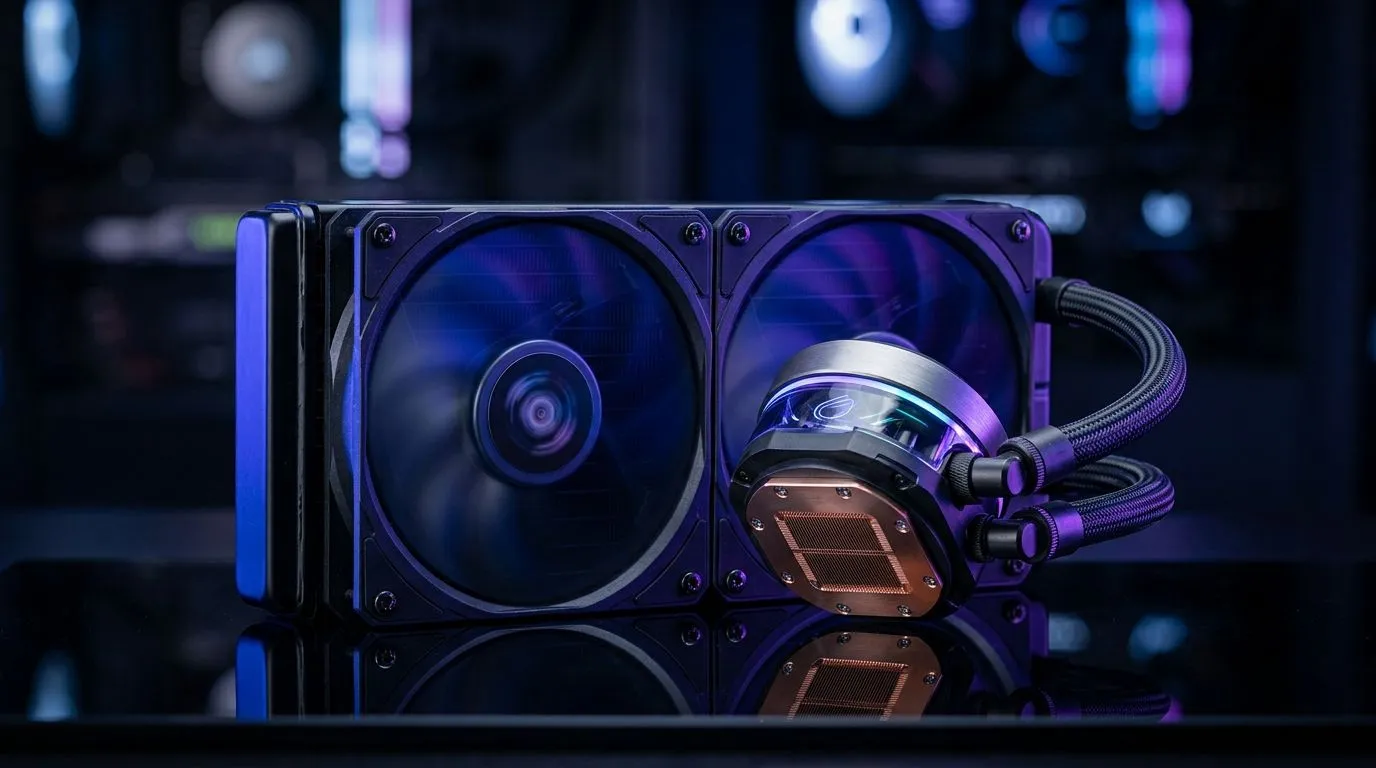
Maintain a 240mm AIO Cooler for Stable CPU Temperatures
If your rig spikes temperatures during long raids or streaming sessions, keeping your 240mm AIO in top shape is the difference between smooth framerates and thermal throttling. This quick guide helps South African builders and gamers perform maintenance steps that protect performance and longevity, without expensive trips to a repair shop. 🔧
Maintain a 240mm AIO Cooler: Cleaning and inspections
Before you open the case, power down and unplug. Inspect radiator fins from outside for dust and check fans spin freely. If you plan to swap fans, browse a wide selection of case fans to match airflow or silence priorities — https://www.evetech.co.za/PC-Components/case-fans-97.aspx is a good place to start for parts and specs.
Remove the radiator and treat it gently. Use compressed air in short bursts from the opposite side to push dust out, then a soft brush to clear stubborn debris. Avoid bending fins and keep liquid cleaners away from the pump block. A small bottle brush or an old toothbrush works wonders for tight channels.
Maintain a 240mm AIO Cooler: Brand choices and mounts
If you prefer brand recommendations, Corsair offers proven fan and mounting combos for many AIOs — check their range at https://www.evetech.co.za/PC-Components/case-fans-97.aspx?brands=CORSAIR. I swapped to Corsair MLs last year and saw steadier RPMs during MP matches.
Deepcool also has solid fan options and radiator-friendly mounts; their designs can be quieter at similar airflow levels. Compare the models and mounting compatibility at https://www.evetech.co.za/PC-Components/case-fans-97.aspx?brands=Deepcool. Small fitment differences avoid headaches when installing in compact South African cases.
Productivity Pro Tip ⚡
On Windows, use the PowerToys FancyZones utility to create custom snap layouts for your windows. It's a lifesaver for managing multiple apps on an ultrawide monitor, letting you organise your timeline, preview window, and asset folders perfectly for video editing.
Maintain a 240mm AIO Cooler: Aesthetics and lighting
Want RGB flair or a stealth look? Pick fans listed with RGB features to match your build lighting — browse RGB options here: https://www.evetech.co.za/PC-Components/case-fans-97.aspx?attributes-lightingeffects=RGB. Or choose no-lighting fans for a minimalist setup: https://www.evetech.co.za/PC-Components/case-fans-97.aspx?attributes-lightingeffects=None ✨
Maintain a 240mm AIO Cooler: Fan size and airflow tips
Most 240mm AIOs use 120mm fans. If you want alternate airflow or quieter operation, confirm whether your radiator supports 140mm variants; see 120mm choices at https://www.evetech.co.za/PC-Components/case-fans-97.aspx?attributes-size=120mm and 140mm options at https://www.evetech.co.za/PC-Components/case-fans-97.aspx?attributes-size=140mm. Balance intake and exhaust, keep case cable management tidy, and you’ll lower dust build-up.
Final checks before closing: confirm pump LED behaviour, tighten mounting screws evenly, and run a stress test while monitoring temps. If pump noise or unusual temps persist, consider a warranty claim or professional inspection.
Make a habit of quick visual checks a few times a year and after heavy dust seasons in your area. Use the motherboard or AIO software to watch pump RPM and coolant warning LEDs during a long play session. I once helped a friend in Cape Town whose pump warning flashed; a quick reseat and cleaning fixed it before a warranty claim. Regular attention keeps temperatures stable and reduces surprise downtime.
Ready to Find Your Perfect Match? The Mac vs Windows debate is complex, but for maximum power, choice, and value in South Africa, Windows is hard to beat. Explore our massive range of laptop specials and find the perfect machine to conquer your world.











