


GTA 6 Max Settings on RTX 5070: Complete Guide
GTA 6 Max Settings on RTX 5070. Tested & verified settings for best FPS and visual quality on SA hardware budgets.
Read moreStruggling with WiFi dead zones? Our guide on mesh vs extender in South Africa clarifies the key differences. Discover which solution—a seamless mesh network or a simple range extender—is right for your home's size and layout to eliminate buffering for good. 📶✨ Get the perfect connection!
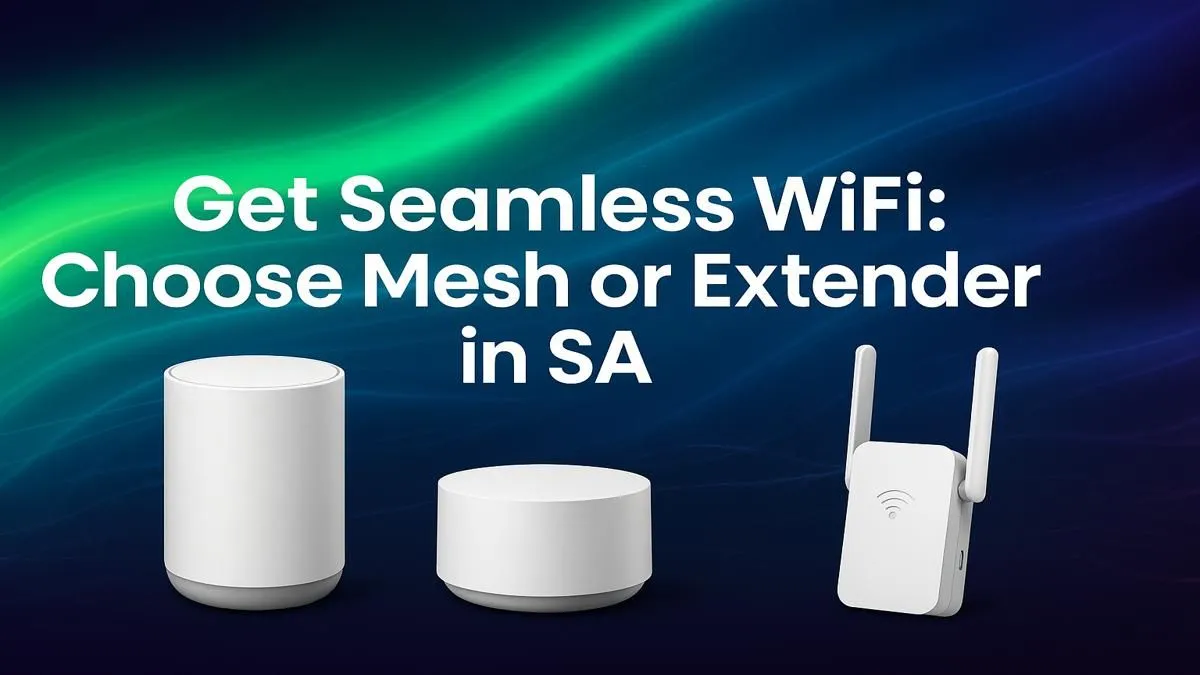
Is your fibre connection feeling a bit... sluggish? You're paying for fast internet, but the signal dies the second you step onto the patio. For South African gamers, that buffering icon during a tense match is a disaster. For remote workers, a dropped video call is just embarrassing. The problem isn't your ISP; it's your WiFi's reach. So, what’s the fix? Let's settle the great debate: Mesh vs Extender in South Africa.
Think of a WiFi extender, or repeater, as a simple signal booster. It captures the existing wireless signal from your router and rebroadcasts it, pushing the boundaries of your network's coverage into a previously unreachable area. It’s a straightforward and often affordable solution for a very specific problem.
They are ideal for smaller homes or for targeting a single dead zone, like a study at the far end of the house. Setup is usually as simple as plugging it into a wall socket and following a quick configuration process. However, this simplicity comes with a trade-off. Extenders typically create a new network (e.g., "MyWiFi_EXT"), and your devices won't automatically switch between them. More importantly, they can cut your available bandwidth in half, which can be a real problem for gaming or 4K streaming.
If you just need to solve one pesky dead spot on a budget, browsing some affordable wireless range extenders is a great place to start.
A mesh WiFi system is a more modern and intelligent solution to home networking. Instead of one device repeating a signal, a mesh system uses multiple "nodes" or "satellites" placed around your home. These nodes communicate with each other and your main router to create a single, strong, and seamless WiFi network under one name.
As you move through your house, your phone or laptop intelligently connects to the nearest node without any dropouts. This is the magic of mesh networking. It blankets your entire property in reliable WiFi, from the kitchen to the garage. It's the ultimate fix for larger, double-storey homes or properties with thick brick walls that are notorious for killing WiFi signals. While the initial investment is higher, the performance gain is massive. It's the clear choice for anyone who can't afford lag.
Whether you choose a mesh node or an extender, avoid placing it on the floor or behind a big appliance like a fridge. For best results, position it in an open area, about halfway between your router and the dead zone. This gives it a strong signal to catch and rebroadcast.
So, how do they stack up in a typical South African home? Let's break down the key differences in the mesh vs extender battle.
A WiFi extender inherently reduces speed because it has to receive and then transmit data using the same radio. A mesh system’s nodes are smarter, using dedicated channels (backhaul) to talk to each other, ensuring your devices get much closer to your full internet speed everywhere. For a gamer, this is non-negotiable.
Mesh wins, hands down. You get one network name and seamless roaming. Walk from your lounge to the garden on a video call, and the connection remains stable. With an extender, you'd likely have to manually switch networks, causing an interruption. Many modern setups begin with one of Evetech's powerful wireless routers as a base, which can then be expanded with a compatible mesh or extender system.
What if you only have one device, like a gaming PC in a back room, that needs a better connection? In this specific case, neither a mesh nor an extender might be the most efficient solution. Sometimes, one of the high-gain wireless adapters that plugs directly into your PC can pull in a weak signal far more effectively, saving you money and complexity.
Choosing between a mesh vs extender in South Africa comes down to your specific needs and home layout.
Get a WiFi Extender if:
Get a Mesh WiFi System if:
Ultimately, the goal is to eliminate lag and buffering for good. By understanding your home's unique challenges, you can invest in the right tech. Explore Evetech's complete range of wireless networking gear to see all the options available.
Ready to Banish WiFi Dead Zones for Good? Don't let a weak signal ruin your game or buffer your favourite show. Whether it's a simple extender or a powerful mesh system, the right solution is waiting. Explore our massive range of networking specials and build the powerful, reliable home network you deserve.
A mesh network is generally better than an extender for larger homes with multiple dead zones. It provides seamless, high-speed coverage under a single network name for better performance.
Use a WiFi extender if you have a small, specific dead zone close to your main router. They are a cost-effective solution for extending your signal to just one or two rooms.
An extender repeats your router's signal, often creating a separate network and halving bandwidth. A mesh system replaces your router with multiple nodes that work together as one intelligent network.
Extenders struggle with thick brick or concrete walls. For homes with such construction in South Africa, a powerline adapter or a mesh WiFi system is often a more reliable choice.
To fix dead spots, you can either reposition your router, use a WiFi extender for a small area, or install a mesh WiFi system for comprehensive coverage throughout a larger home.
Mesh WiFi systems in South Africa can range from R2,000 to over R10,000, depending on the brand, number of nodes, and features like WiFi 6 or WiFi 6E support.
GTA 6 Max Settings on RTX 5070. Tested & verified settings for best FPS and visual quality on SA hardware budgets.
Read more
Cyberpunk 2077 Max Settings on RTX 5080. Tested & verified settings for best FPS and visual quality on SA hardware budgets.
Read more
Starfield Max Settings on RTX 5070 Ti. Tested & verified settings for best FPS and visual quality on SA hardware budgets.
Read more
AMD RX 9050 XT: Rumoured Specs, Price & Release. SA-focused analysis with local pricing data, real-world insights & actionable buying advice.

Can RTX 4080 Super Run AI Workloads for SA Developers Detailed answer with SA data, expert analysis & practical recommendations for local buyers.

Can RTX 4090 Run AI Workloads for SA Developers Detailed answer with SA data, expert analysis & practical recommendations for local buyers.

Top Settings for Intel Arc B580 at Ultrawide 1440p picks evaluated on performance, value & SA availability with current Rand pricing from Evetech.

RTX 4060 CS2 Low Settings at 1080p: FPS Results. Real-world benchmark data, FPS numbers & performance analysis. What SA gamers can actually expect.

Visual Artifacts: Possible GPU Issue Issue #1. Diagnosis steps, proven fixes & when to seek professional help. SA-specific support info included.

Can the RTX 4090 Handle 1440p 144Hz Gaming. Performance testing verdict with real data & practical recommendations for SA buyers.

Top ASUS GPU Under R15000 picks evaluated on performance, value & SA availability with current Rand pricing from Evetech.
GTA 6 Max Settings on RTX 5070. Tested & verified settings for best FPS and visual quality on SA hardware budgets.
Cyberpunk 2077 Max Settings on RTX 5080. Tested & verified settings for best FPS and visual quality on SA hardware budgets.
Starfield Max Settings on RTX 5070 Ti. Tested & verified settings for best FPS and visual quality on SA hardware budgets.

Top RTX 5090 Under R5000 picks evaluated on performance, value & SA availability with current Rand pricing from Evetech.