

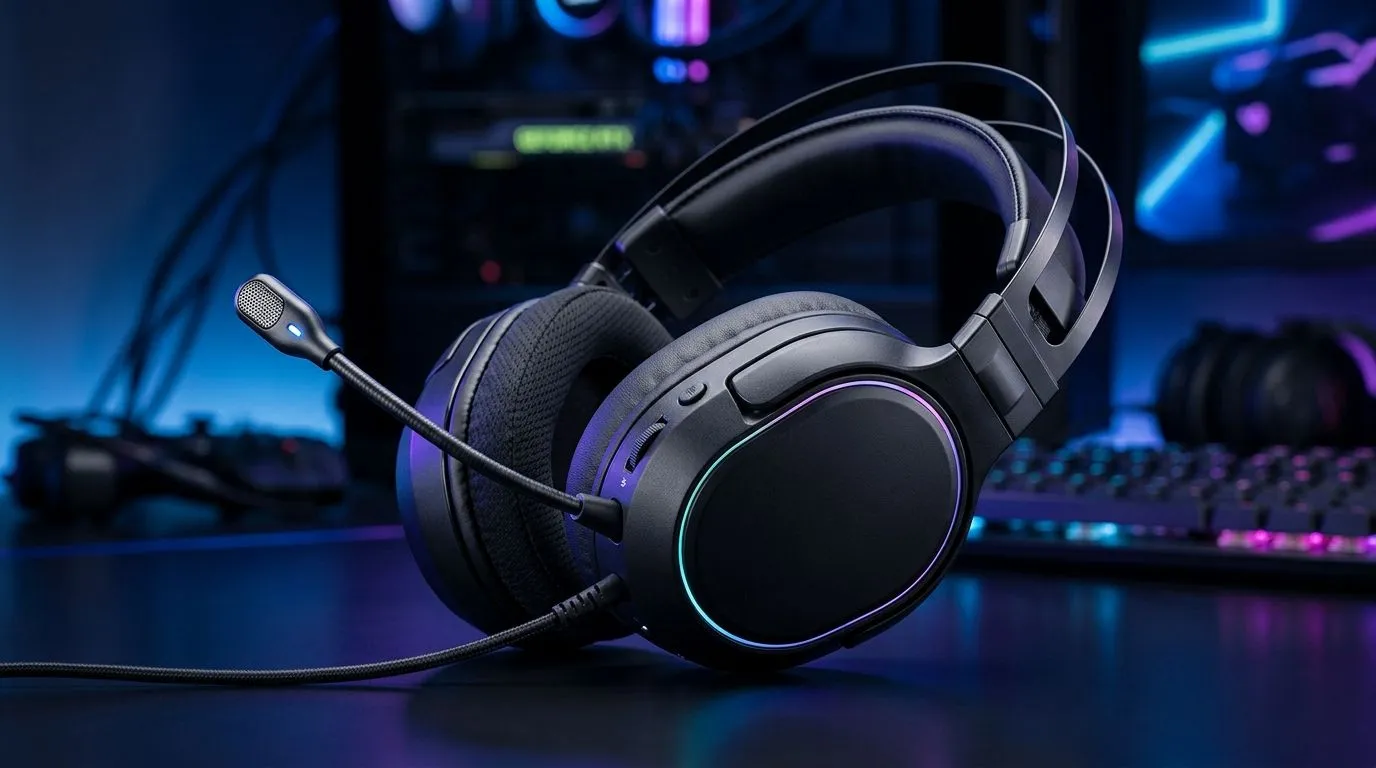
Mic Not Working on Gaming Headsets: Fix It Fast (and get back to your squad) 🎧
So you’re in Discord, the match starts in 30 seconds, and suddenly your teammates can’t hear you… again. It’s the worst kind of lag: the voice kind. The good news? “Mic not working” is usually fixable in minutes 🔧. If you’re gaming in South Africa and you’ve got limited time before load-shedding or another round… follow this step-by-step and you’ll be back online fast.
Mic Not Working on Gaming Headsets: Quick checks that solve most cases ⚡
Before you start reinstalling drivers, do these fast checks first:
- Item
- Item
- Item
- Item
If you recently switched platforms (PS to PC, PC to laptop), the mic default can change without warning.
Mic Not Working on Gaming Headsets: Windows settings and driver fixes that actually work ✨
When the mic is “selected” but still silent, Windows is often the culprit.
Set the right input level (and stop Windows from silencing you)
- Go to Sound → Input
- Select your headset mic
- Look for “Device properties” and ensure the mic isn’t disabled
- Turn “Microphone access” to On
- If you see a volume slider, set it above the default and test again
Update audio drivers the safe way
A bad driver update can break mic permissions. Instead of random driver downloads, use Windows Update first, then check your headset manufacturer support if needed.
If you’re using a USB headset (wireless docks included), make sure the dock is fully connected. Sometimes “connected” means “half-connected”.
Productivity Pro Tip ⚡
If you’re on Windows with an ultrawide setup, use PowerToys FancyZones to keep Discord, your voice settings, and the game visible. You’ll test, tweak, and re-test without alt-tabbing into chaos.
Mic Not Working on Gaming Headsets: Wireless headset realities (latency and mic routing) 🚀
Wireless headsets can fail in ways wired ones don’t.
- Phantom White truth: Some models route audio and mic through a specific dongle. If the dongle is flaky or plugged into a weak USB port, the mic may not stabilise. Try a different USB port (preferably a direct motherboard port).
- If your headset supports multiple modes (Bluetooth + 2.4G), ensure you’re using the mode your PC expects for mic input.
For example, the Razer Barracuda X Chroma Wireless is the kind of headset where the dongle and software profile matter for voice routing. If you’re deciding what to buy next, check it here: Razer Barracuda X Chroma Wireless Headset (Phantom White).
Mic Not Working on Gaming Headsets: Buying a fix (instead of fighting it) 🛒
If you keep having mic issues, you might not be dealing with a “fault”… you might be dealing with a mismatch. Look for:
- Reliable USB/dongle mic support on Windows
- Clear input detection (easy to select)
- Headsets with well-documented compatibility
Browse Evetech’s headset range to compare models and find something that just works with your setup:
Once you find a headset with predictable mic behaviour, you stop losing matches to “Can you hear me?” messages.
Ready to Find Your Perfect Match? Stop wrestling with mic settings and get a headset that’s built for real voice chat. Browse Evetech’s range and match your budget to the right model for South African gaming, from wired reliability to wireless convenience. Explore our massive range of laptop specials and upgrade your whole setup for smoother sessions.











