

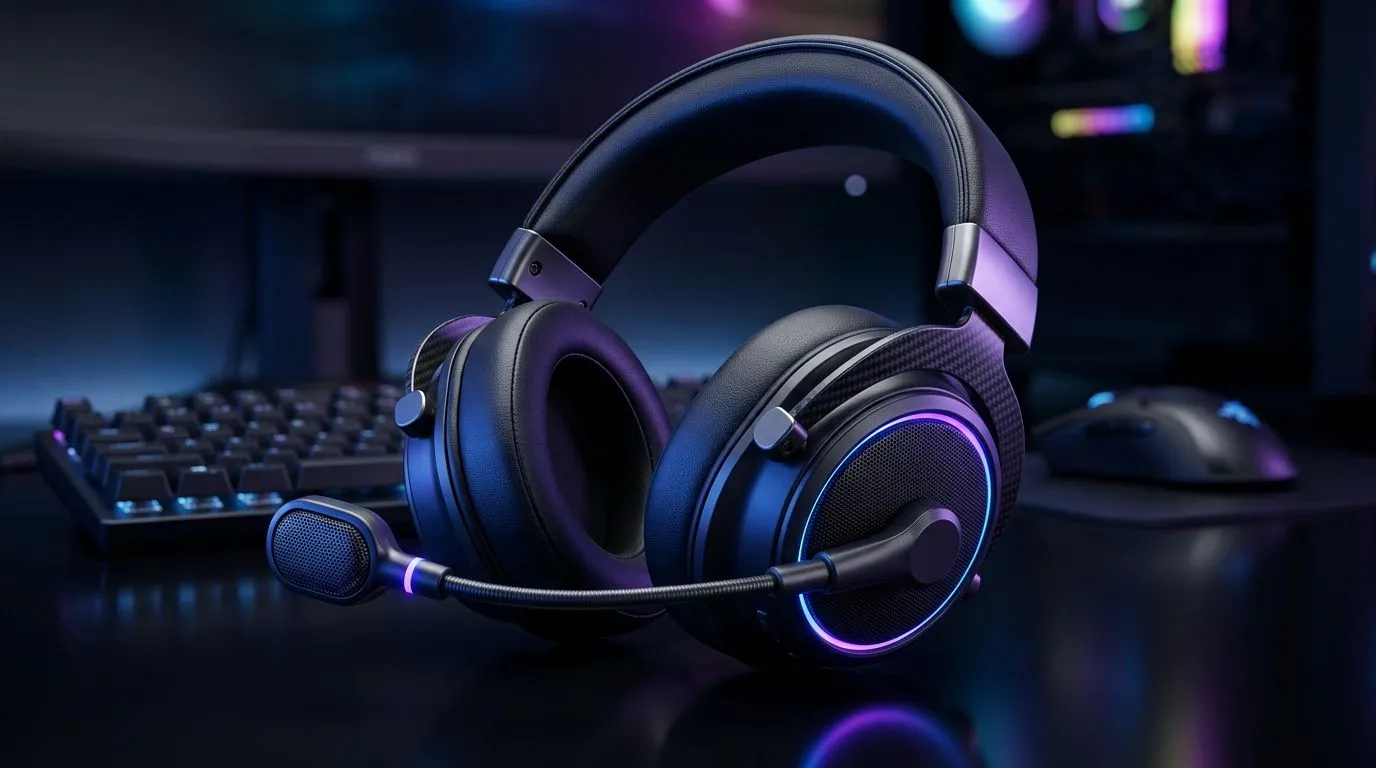
Microphone Sensitivity in Gaming: Does It Actually Matter?
If your teammates sound robotic or “underwater”, you’re not alone. In South Africa’s late-night squad sessions, voice clarity decides whether comms feel smooth… or frustrating. One spec gets blamed a lot, yet people rarely explain it well: microphone sensitivity. Does it matter in a gaming headset, or is it just marketing? Let’s break it down in plain terms, then help you choose a headset that fits your room noise, your voice, and your setup. 🎧
Microphone Sensitivity Explained (Without the Tech Headache)
Microphone sensitivity is basically how easily the mic turns sound into an electrical signal. In real life, that means:
- Higher sensitivity can capture quieter speech… but also background noise (fans, traffic, keyboard clacks).
- Lower sensitivity may reject noise better… but it can make your voice too quiet if you speak softly or you’re farther from the mic.
So yes, it matters. But the “best” value depends on your environment and distance. For most gamers, the win comes from balance: a headset mic that stays intelligible without constantly amplifying noise.
What Sensitivity Means for Your Comm Setup
Here’s a quick scenario many South African players will recognise. You’re in a bedroom with a noisy desk fan, and you’re sitting slightly off-centre from the headset mic. If that mic is very sensitive, your teammates hear the fan as clearly as your callouts. If it’s not sensitive enough, they hear you… but not your urgency.
The practical takeaway: sensitivity isn’t a standalone “good or bad” number. It’s part of a chain:
- Mic sensitivity
- Noise handling / filtering
- Your speaking distance
- Your PC audio settings
Productivity Pro Tip 🔧
On Windows, open Sound settings and check the Recording device level. If your mic is too sensitive, lower the input level slightly first, then test again in a private voice chat. This prevents background noise from being amplified before it reaches Discord or the in-game voice engine. "
Real-World Choices: Wireless, Tuning, and Mic Performance
Not all gaming headsets tune their mics the same way. Wireless models often emphasise comfort and stable connection, while still aiming for clear speech. For example, the Razer Barracuda X Chroma Wireless is positioned as a premium gaming option, and you’ll find it listed in Evetech’s headset lineup for people who want both convenience and a usable mic for squad comms. Check it out here:
Explore the Razer Barracuda X Chroma Wireless deal ✨
If you’re comparing options, don’t only look for “louder mic” claims. Also look at how a headset is described across Evetech’s categories, because listings often reflect what customers care about: comfort for long sessions, stable wireless, and overall audio balance. Start broad:
Browse Evetech’s Razer headphones & headsets range
And if you want to narrow by comfort and purpose (gaming vs general), use this category page to filter your shortlist:
Shop Evetech’s headphone & headset collection 🚀
How to Choose the Right Mic Sensitivity (Fast Checklist)
Before you buy, ask yourself:
- Is your room noisy? If yes, you likely want less sensitivity or better noise rejection.
- Do you sit close to the mic? Close-up speech can “unlock” lower sensitivity mics.
- Do you play with fans, open windows, or a loud PC? Then test with a real voice message.
- Can your teammates actually understand you without shouting? That’s the only spec that truly matters.
If you can’t test in person, rely on reviews and clear headset listings. Then use Windows mic level control (TipBox) to prevent background noise from being boosted in the first place. 🙂
Ready to Find Your Perfect Match?
Ready to Find Your Perfect Match? The Mac vs Windows debate is complex, but for maximum power, choice, and value in South Africa, Windows is hard to beat. Explore our massive range of laptop specials and find the perfect machine to conquer your world.











