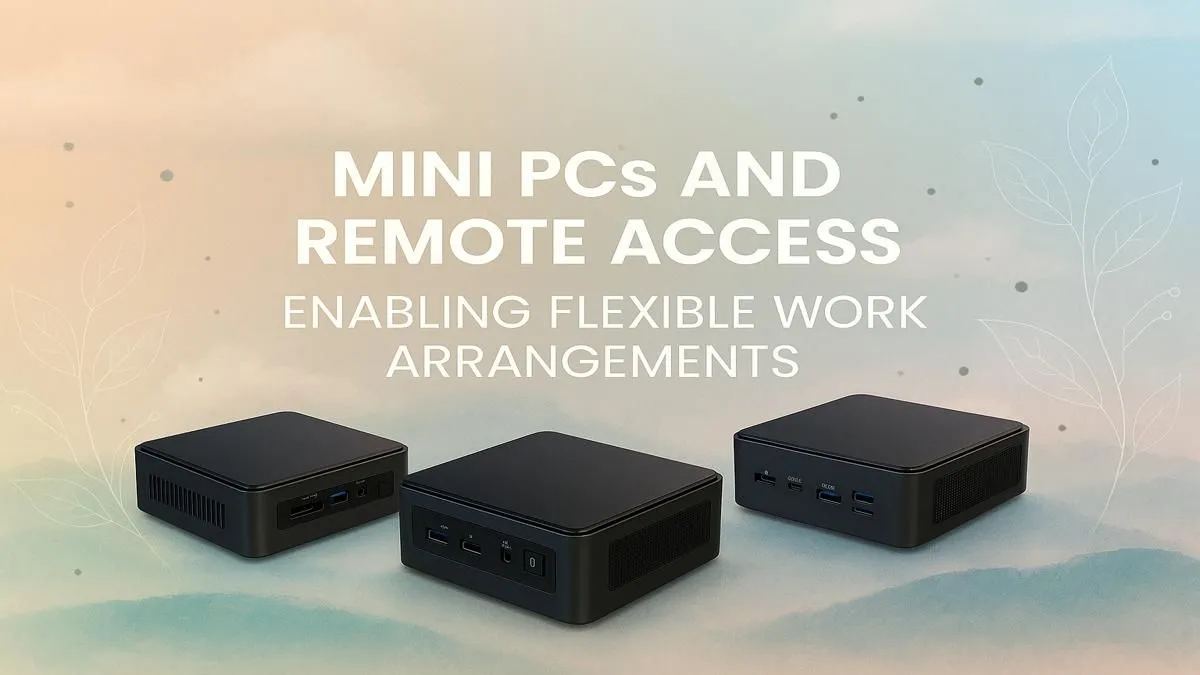
Tired of your bulky desktop hogging the dining room table? With remote work now the norm in South Africa, our office space has shrunk. But what if your PC could shrink with it? A Mini PC for remote work isn't just a gadget; it's a powerful, space-saving command centre that reclaims your home. Imagine a full-power office setup that fits in the palm of your hand. Let's explore why this is your new flexible office solution. 🚀
Why a Mini PC is Your Ultimate Home Office Upgrade
The shift to hybrid and remote work has changed everything. Suddenly, that spare room... or corner of the lounge... is a permanent office. This is where a compact PC for work truly shines, especially in a South African context.
First, there's the obvious space-saving. Whether you're in a chic Cape Town apartment or a busy Gauteng townhouse, desk space is prime real estate. A mini PC can sit discreetly behind your monitor or tuck away on a shelf, giving you room to breathe.
Then there's the power efficiency. With loadshedding and soaring electricity costs, a power-hungry desktop tower is an unnecessary expense. Mini PCs sip electricity, meaning they're kinder to your wallet and put less strain on your UPS or inverter during outages. But don't let their size fool you; modern mini PCs pack a serious performance punch.
What to Look for in a Mini PC for Remote Work
Choosing the right machine is key to creating a productive environment. A mini computer for a home office needs to be more than just small; it needs to be a capable workhorse. Here’s what to prioritise:
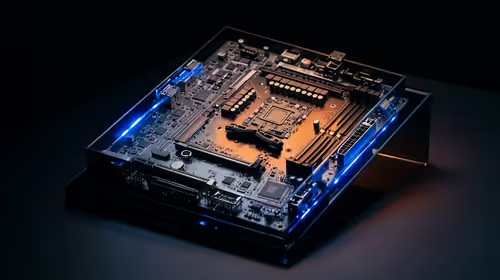
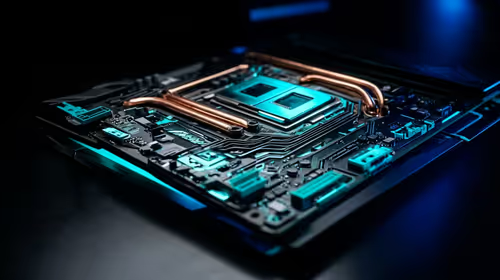
- Processor (CPU): This is the engine. For smooth multitasking across Zoom calls, spreadsheets, and emails, aim for at least an Intel Core i5 or AMD Ryzen 5.
- Memory (RAM): 16GB is the new standard for professional work. It ensures you can have dozens of browser tabs, your team chat, and multiple applications open without your system slowing to a crawl.
- Storage (SSD): An NVMe Solid-State Drive is non-negotiable. It makes your PC boot in seconds and launch apps instantly. A 512GB drive is a fantastic starting point for your OS and essential programs.
- Connectivity: Look for modern standards like Wi-Fi 6 for a rock-solid wireless connection, plenty of USB ports for your keyboard, mouse, and webcam, and dual video outputs (like HDMI and DisplayPort) to power a multi-monitor setup. Finding the right mini computer for your home office means checking these specs carefully. ✨
The Ultimate Space-Saving Trick 🔧
Most mini PCs are VESA-compatible. This means you can mount them directly onto the back of your monitor! You get a clean, cable-managed, all-in-one-style setup without being locked into a specific screen. It’s the ultimate way to create a minimalist and flexible office solution.
Finding Your Flexible Office Solution on a Budget
One of the best things about building your workspace around a mini PC is the incredible value. You aren't paying for a built-in screen or battery you might not need. This allows you to invest in a powerful core system and the perfect monitor for your specific workflow.
You don't need to spend a fortune to get a machine that can handle everything your workday throws at it. You can find some excellent value with powerful options under R22,000, giving you a top-tier remote work experience without breaking the bank. A mini PC for remote work is the smart, cost-effective choice for the modern professional.
Ready to Reclaim Your Desk?
Stop letting a bulky tower dictate your workspace. A compact, powerful mini PC is the smart choice for modern South African professionals. Explore our curated selection of Mini PCs and find the perfect machine to power your productivity.