Article (MDX)
Tired of your PC tower hogging all your desk real estate? Imagine reclaiming that space without sacrificing performance. A powerful mini PC is the answer, but the magic truly happens with a smart setup. A great mini PC setup transforms your workspace from a chaotic mess into a streamlined, minimalist command centre. Let’s dive into some practical tips to help you build the ultimate clutter-free desk, perfect for both work and play. 🚀
Go Vertical: The VESA Mount Advantage
One of the best features of a compact PC is its ability to disappear completely. How? The VESA mount. Most quality monitors and TVs have a standard four-screw mounting pattern on the back, and many modern mini PCs come with a compatible VESA bracket right in the box.
By mounting your mini PC directly onto the back of your monitor, you achieve several things at once:
- Zero Footprint: Your PC takes up literally no desk space.
- Improved Airflow: Lifting the PC off the desk can help with cooling, especially if your desk surface is cluttered.
- Clean Aesthetics: All the ports are hidden behind the screen, making cable management far simpler.
It’s the single most effective trick for a truly clean mini PC setup.
Check Your Monitor First! 🔧
Before you buy, quickly check the back of your monitor for four screw holes in a square pattern (usually 75x75mm or 100x100mm). If they're there, you're VESA-ready!
Master Your Cables for a Zen Workspace
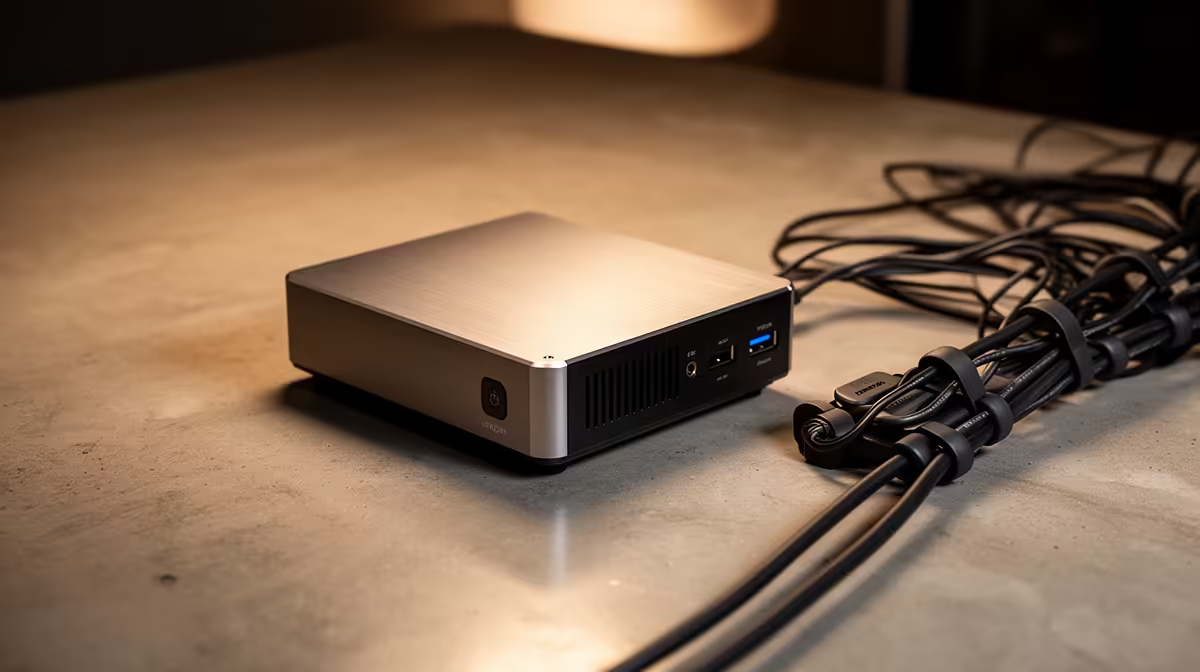
A tiny PC with a massive nest of cables defeats the purpose, doesn't it? Taming the cable spaghetti is crucial for that clutter-free look. Your goal is to make as many wires as possible invisible.
Smart Cable Routing
Invest in some simple, affordable tools:
- Cable Sleeves: Bundle multiple cables (like power, HDMI, and USB) into one neat-looking tube.
- Adhesive Cable Clips: Run cables along the back edge of your desk or down a desk leg, completely out of sight.
- Under-Desk Trays: The ultimate solution for hiding power strips and adapters.
Combining these with a VESA-mounted PC creates an incredibly tidy effect. Many top-tier options from leading brands like Minisforum are designed with port placement that simplifies this process.
Go Wireless Where Possible
The easiest cable to manage is the one that isn't there. A wireless keyboard and mouse are essential for any minimalist mini PC setup. They give you total freedom and instantly make your desk look more organised and spacious.
Choose Peripherals That Fit the Vibe ✨
Your PC is tiny… so your peripherals shouldn't be gigantic. A cohesive, clutter-free workspace is all about matching components in scale and style.
Think about downsizing your keyboard to a tenkeyless (TKL) or compact 65% layout. You get back valuable mouse space and it complements the small form factor of your rig. Similarly, consider a monitor with a slim bezel and a small stand, or better yet, attach it to a monitor arm. A monitor arm not only frees up desk space but also gives you perfect ergonomic positioning.
The beauty of these systems is their versatility. You can configure them with surprisingly powerful mini PC components, ensuring your compact setup can still handle demanding tasks and games.
Ready to Reclaim Your Desk Space?
A clutter-free workspace is just a few clicks away. Explore our massive range of mini PCs and find the perfect powerhouse for your minimalist setup. Shop now at Evetech and build the clean, powerful desk you deserve.