

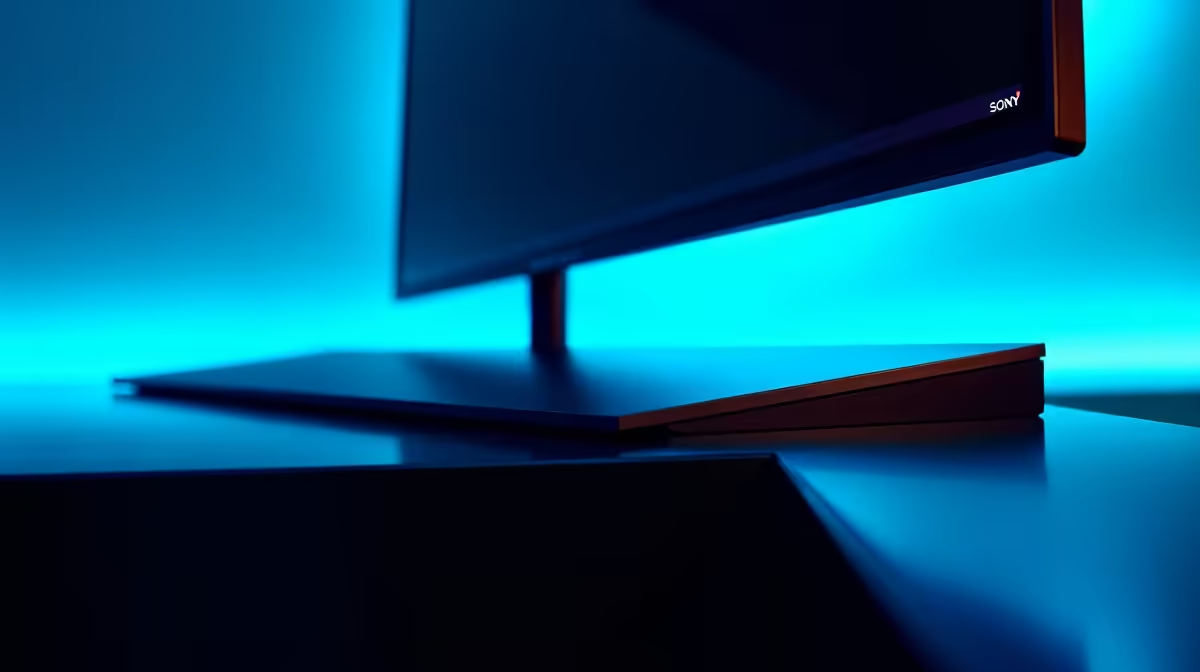
You've just unboxed your shiny new frameless monitor. The plastic is peeled, the stand is clicked in, and it looks incredible… until you spot it. A tiny, almost invisible gap between the LCD panel and the bezel. Your heart sinks. Is it a defect? Should you pack it all up again?
Hold on. Before you start the return process, let's talk about the reality of the monitor panel gap on modern frameless displays. It’s a common concern for buyers browsing the latest PC monitors, but it's not always a crisis.
Why Does a Monitor Panel Gap Even Happen?
First, that "frameless" or "borderless" design is more of a marketing term. There's always a border, it's just much, much thinner and often sits flush with the panel. The gap you're seeing is usually a result of normal manufacturing tolerances. 🔧
Think of it like this: a monitor is made of different materials (plastic, metal, glass) that all expand and contract with heat. A minuscule gap is intentionally engineered to allow for this thermal expansion without the panel cracking or the bezel warping. An overly tight fit can cause more problems than a small, uniform monitor panel gap. This is true across the board, from budget screens to the absolute best PC monitor deals you can find in South Africa.
Defining an "Acceptable" Panel Gap
So, what's a normal gap versus a real defect? While there's no single industry standard measurement, a good rule of thumb is the "credit card test." If you can't easily slide the corner of a credit card into the gap, it's likely within manufacturing tolerance.
What's more important than the size of the gap is its consistency. A small, uniform gap around the entire display is perfectly fine.
Here's what is not acceptable:
- Significant Light Bleed: If bright light is escaping from the gap, especially on a dark screen, that's a problem.
- Pinching or Warping: The bezel shouldn't look bent or squeezed.
- Audible Creaking: Gently pressing on the bezel shouldn't cause loud creaking or popping sounds.
- Large, Uneven Gaps: If the gap is wide enough to see internal components or is much larger in one area than another, that's a red flag.
This level of quality control is crucial for all displays, but especially for high-performance gaming monitors where immersion is everything.
Check for Backlight Bleed While You're At It ✨
When you're inspecting the panel gap, take the opportunity to check for backlight bleed. Turn the lights off in your room, display a completely black image on the screen, and turn the monitor's brightness up. Look for uneven patches of light, especially around the edges. A little "IPS glow" is normal, but distinct "clouds" of light are not.
How to Properly Check Your New Monitor
Just got your delivery? Awesome. Take five minutes to do this quick inspection:
- Place it on a stable surface: Put the monitor on a desk in a well-lit room.
- Visual Inspection: Look around the entire perimeter of the screen. Does the gap between the monitor screen and bezel look mostly even?
- The Gentle Press Test: Lightly press on the bezels around the screen. It should feel solid, with no major give or creaking. This is especially important for curved monitors, where the panel is under tension.
- The Black Screen Test: As mentioned in our tip, check for significant light bleed coming from the gap.
This simple process applies to all types of displays, from tiny portable monitors right up to the most premium 5K and 4K monitors where precision is paramount.
When to Worry (and What to Do) 🤔
The bottom line is this: if the monitor panel gap is small, uniform, and doesn't cause any performance issues like light bleed, you can relax. It's a normal part of how modern displays are built.
However, if you see any of the "unacceptable" signs—especially noticeable light bleed or a physically warped bezel—don't hesitate to contact support and arrange for a return or exchange. A premium viewing experience is what you paid for. Once you're happy with your panel, you can focus on perfecting your setup with the right monitor accessories to complete your battle station.
Ready to Upgrade with Confidence? Now that you know what to look for, finding the perfect panel is a lot less stressful. A tiny gap isn't a deal-breaker, but quality craftsmanship is. Explore our incredible PC monitor deals and find a display that will blow you away.











