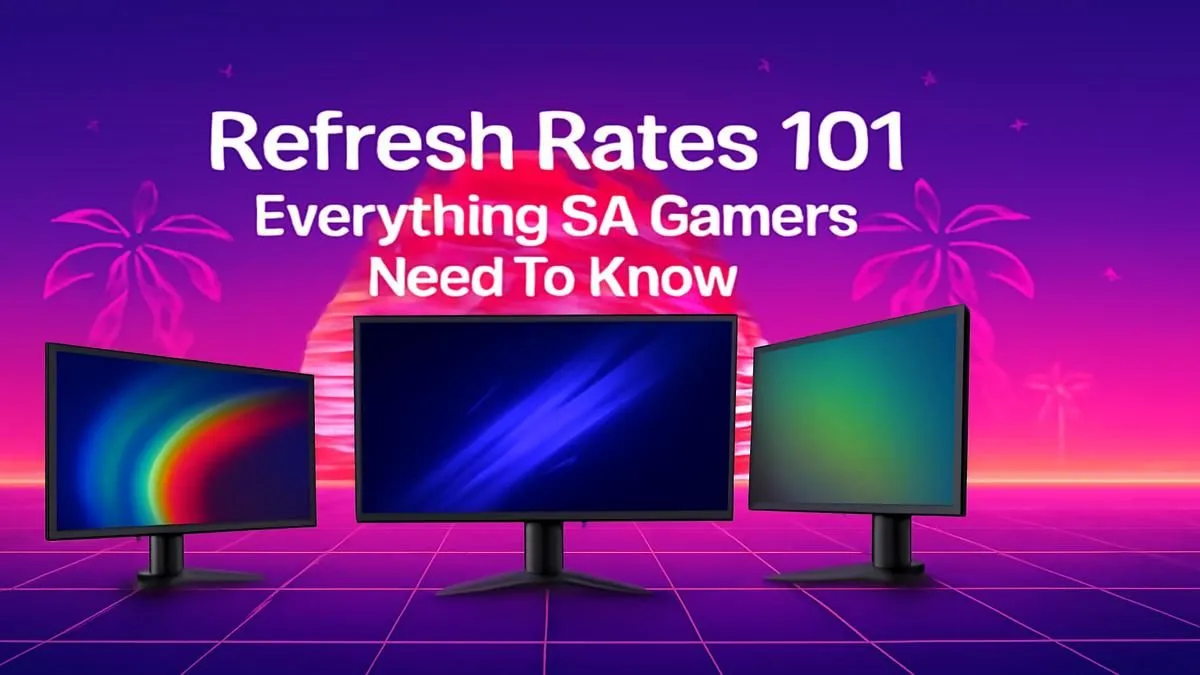
Ever felt like you shot first but still lost the gunfight in Apex Legends? You check your ping, and it's fine. So, what gives? The culprit might not be your internet, but a tiny number on your monitor’s spec sheet: the refresh rate. For South African gamers, understanding this spec is crucial for gaining a competitive edge. This guide will explain monitor refresh rate in simple terms, helping you choose the right screen for buttery-smooth gameplay. 🚀
What is Monitor Refresh Rate, Really?
Think of your monitor like a high-tech flipbook. The refresh rate, measured in Hertz (Hz), is simply how many times per second the screen can draw a new image. A standard 60Hz monitor updates the picture 60 times every second. A 144Hz gaming monitor does it 144 times. More updates mean smoother motion, less blur, and a more responsive feel.
This isn't just a number on a box; it's a tangible difference you can see and feel, especially in fast-paced games. The jump from 60Hz to 144Hz provides a massive visual upgrade, making tracking opponents and reacting to action significantly easier. This fundamental spec is one of the most important things to consider when browsing for new PC monitors.
Why a High Refresh Rate is Your Secret Weapon
A high refresh rate gives you more visual information, faster. When an opponent peeks around a corner, a 144Hz or 240Hz monitor will display their movement sooner and with more frames in between than a 60Hz screen. This split-second advantage can be the difference between winning a round in Valorant or getting sent back to the lobby. 🎯
Here’s what you gain:
- Superior Motion Clarity: Fast movements look crisp and clear, not like a blurry mess. This makes tracking targets across your screen far more effective.
- Reduced Input Lag: While not the same as response time, a higher refresh rate lowers the time between your mouse movement and the action appearing on screen, making your aim feel more connected.
- Less Screen Tearing: When your graphics card outputs frames faster than your monitor can display them, it can cause an ugly visual glitch called tearing. Higher refresh rates naturally reduce this.
For anyone serious about their performance, exploring all gaming monitors with 144Hz or higher is a must.
Don't Forget Your GPU! ⚡
Your monitor's refresh rate (Hz) and your graphics card's frame rate (FPS) need to work together. For the best experience, you want your GPU to consistently produce frame rates at or above your monitor's refresh rate. Technologies like NVIDIA G-Sync and AMD FreeSync are vital, as they synchronise your GPU and monitor to eliminate screen tearing and stuttering for the smoothest possible gameplay.
Finding Your Sweet Spot: What Refresh Rate Do You Need?
Not everyone needs a 360Hz beast. The right choice depends on the games you play and your budget. Let's break down the common tiers to help you decide.
60Hz – 75Hz: The Everyday Standard
This is the baseline for most office and general-use displays. It's perfectly fine for slower-paced, story-driven games like Baldur's Gate 3 or strategy titles. However, for competitive shooters, you'll feel at a disadvantage.
144Hz – 165Hz: The Competitive Gaming Sweet Spot
This is where the magic happens for most gamers in South Africa. The leap from 60Hz is immediately noticeable and provides a clear competitive advantage without costing a fortune. It's the perfect balance of performance and price, and many gamers find that the added immersion from curved monitors in this refresh rate category is a fantastic combination.
240Hz and Beyond: For the Esports Elite
Are you grinding leaderboards and dreaming of going pro? A 240Hz or even 360Hz monitor offers the absolute pinnacle of motion clarity. The gains are smaller than the 60-to-144 jump, but for elite players, every single millisecond counts. These are often paired with powerful PCs to ensure frame rates are high enough to take advantage of the speed.
More Than Just Hertz: Other Key Specs
While refresh rate is king for competitive gaming, it's not the only thing that matters. Keep these in mind as you shop:
- Resolution: Do you want the sharpness of 1440p or the breathtaking detail of the crisp 4K monitors? Just remember, higher resolutions demand more from your GPU.
- Response Time: Measured in milliseconds (ms), this is how quickly a pixel can change colour. Look for 1ms (GtG) for the least amount of "ghosting" or motion blur.
- Panel Type: IPS panels offer the best colours, TN panels offer the fastest response times (traditionally), and VA panels provide the best contrast. Modern IPS panels are so fast they've become the top choice for most gamers.
- Portability: If you're a student or frequently attend LANs, a high-refresh-rate option from our range of portable monitors could be the perfect solution for gaming on the go.
Ultimately, choosing a monitor is about finding the right balance for your needs and budget. Now that the mystery of monitor refresh rate is explained, you're equipped to make a smart choice. Check out some of the best PC monitor deals available right now and get ready to see your games in a whole new light. ✨
Ready to Find Your Perfect Match?
Understanding monitor refresh rate is the key to unlocking your true gaming potential. Now that you know what to look for, browse the incredible monitor ranges we linked above and find the perfect display to give you that competitive edge.