

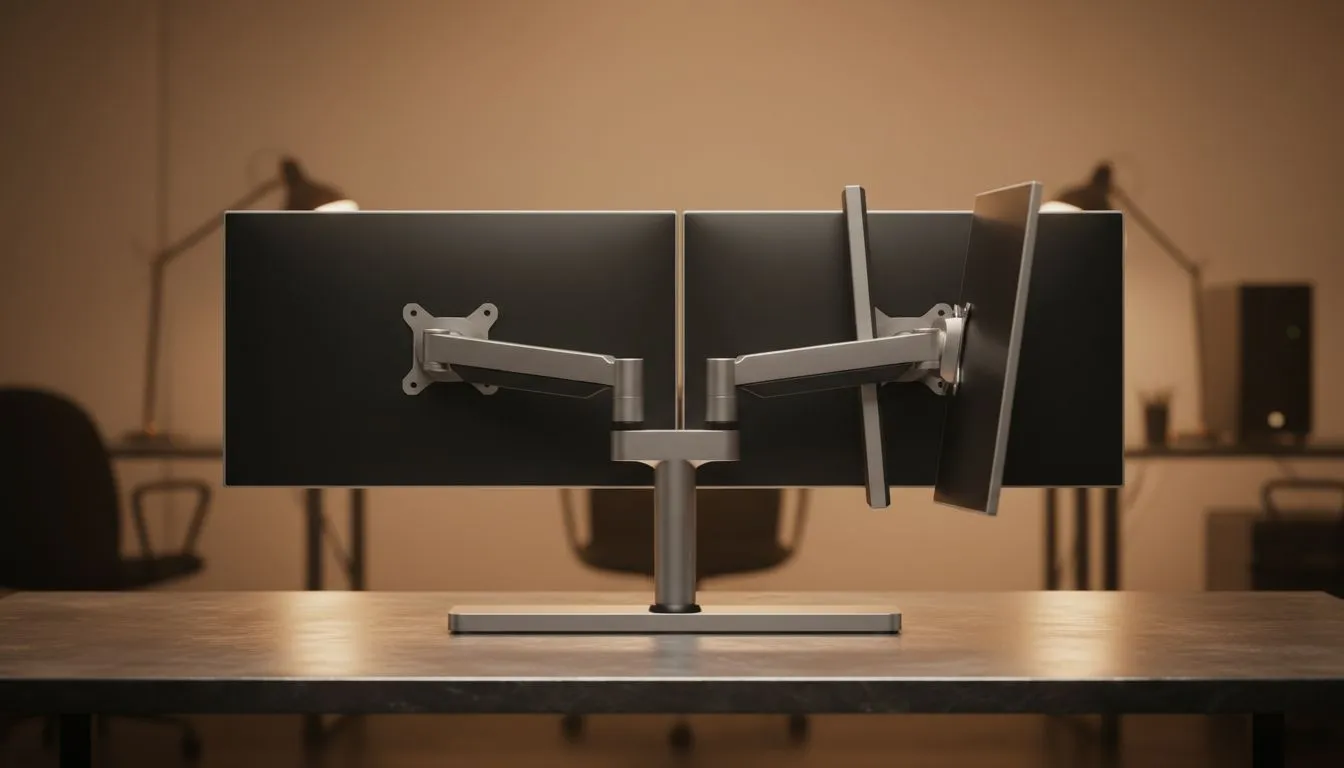
Ever finish a five-hour session in Elden Ring only to find your neck feels like it’s been through a car compactor? You aren't alone. Many South African gamers overlook the importance of monitor stand adjustment. Getting your screen height and angle right is the difference between a pro setup and a trip to the physio. Let’s break down tilt versus full adjustment. 🔧
The Basics of Tilt-Only Monitor Stand Adjustment
Most entry-level PC monitors come with a basic tilt-only stand. This allows you to angle the screen slightly upward or downward. While this is better than a fixed position, it’s often limited. If your desk is too low, a tilt-only stand might still leave you hunching.
Standard Flat monitors are frequently paired with these basic stands to keep costs down. If you are shopping on a budget... perhaps looking for a screen under R3,000... you will likely encounter this setup. It works well if your chair height is perfectly aligned with your desk, but it lacks the versatility needed for dynamic workspaces.
Ergonomic Pro Tip ⚡
Position your monitor so the top third of the screen is at eye level. This naturally encourages a neutral neck position. If your stand doesn't offer height adjustment, consider a monitor arm or even a sturdy ream of paper to save your spine during those late-night raids.
Why Full Adjustment Changes the Game
A fully adjustable stand offers height adjustment, swivel, pivot, and tilt. This is where monitor stand adjustment becomes a powerful tool for comfort. Being able to slide your monitor up or down by 130mm ensures that you aren't straining your upper back.
This versatility is especially important for Curved monitors. Because curved screens are designed to wrap around your field of view, having them at the exact correct height is vital for immersion. If a curved display is too low, the arc doesn't align with your eyes, which can lead to distorted visuals and increased eye strain.
Panel Types and Viewing Angles
The quality of your display also dictates how much you’ll rely on your stand. For instance, IPS panels are famous for their wide viewing angles. This means even if your monitor stand adjustment isn't perfect, the colours won't shift or wash out. 🚀
However, even with great viewing angles, ergonomics should come first. Most modern displays include Adaptive Sync to keep gameplay smooth, but a wobbly or poorly positioned stand can be a major distraction during high-intensity moments.
Stability and Performance
When you’re pushing high frame rates, you want a stand that stays planted. Many premium displays supporting FreeSync for AMD users or G-Sync for Nvidia fans come with heavy, reinforced bases. These stands offer the full range of motion while ensuring your screen doesn't vibrate every time you click your mouse.
Investing in a monitor with a fully adjustable stand might cost a few hundred Rand more upfront... but your neck and back will thank you after years of use.
Ready to Find Your Perfect Match? Ergonomics can make or break your gaming performance and long-term health. Whether you need a simple tilt or a full range of motion, we have the right display for your desk. Explore our massive range of PC monitors and find the perfect machine to conquer your world.











