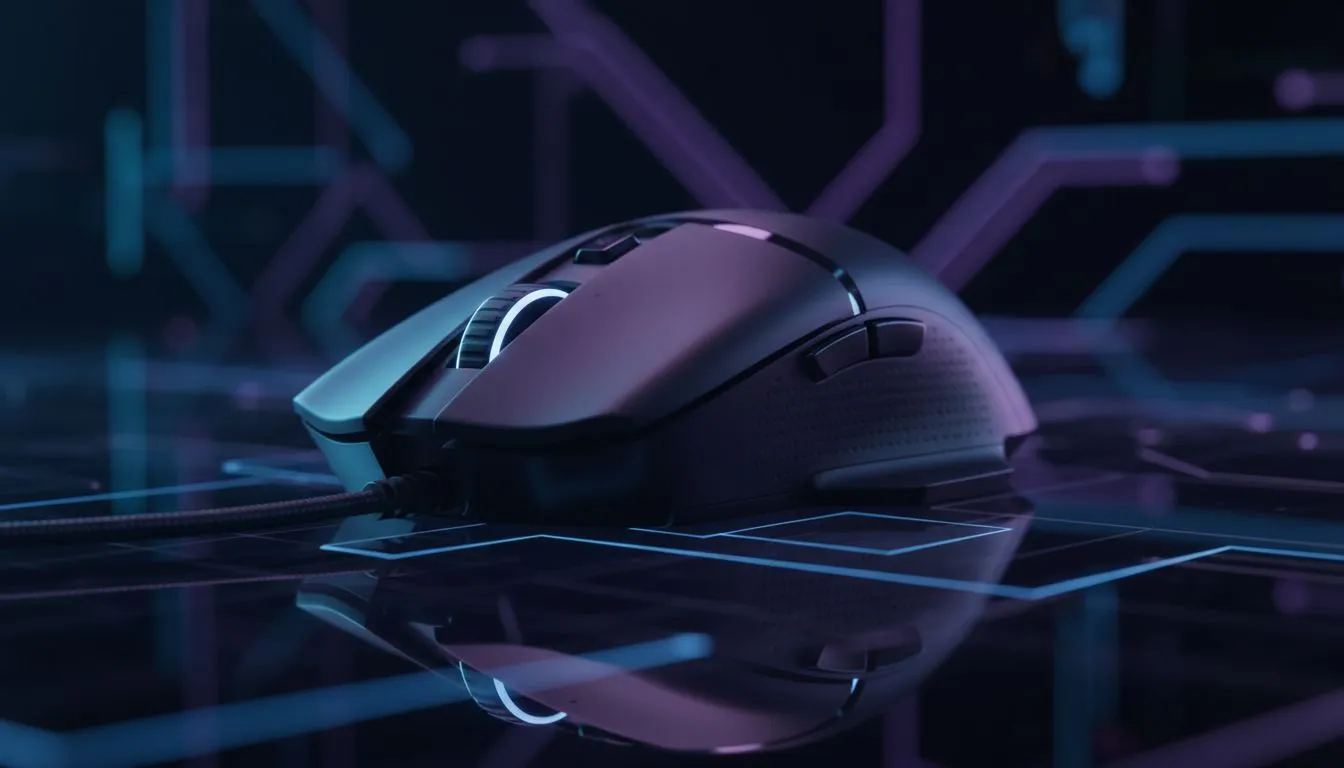
We have all been there. You are standing in the store or browsing online, staring at a spec sheet that boasts a staggering "30,000 DPI" sensor. It sounds impressive. It sounds fast. It sounds like it justifies the price tag. But here is the cold, hard truth: unless you have the reflexes of a fighter pilot and play on an 8K stadium screen, you probably don't need it.
Let’s cut through the marketing noise and find the sweet spot for your setup. 🎯
The Numbers Game: What is DPI?
DPI stands for Dots Per Inch. In simple terms, it measures how far your cursor moves on the screen for every inch you move the mouse on your pad. At 30,000 DPI, a microscopic twitch of your wrist sends your cursor flying across three monitors instantly.
For the average South African gamer, control is king. Most esports professionals—the folks playing for millions—actually set their gaming mouse to between 400 and 1,600 DPI. Why? Because lower sensitivity allows for precise tracking and consistent muscle memory. High numbers look great on the box, but they are often unusable in a competitive lobby.
eDPI Cheat Sheet ⚡
To find your 'true' sensitivity, calculate your eDPI (Effective Dots Per Inch). Multiply your mouse DPI by your in-game sensitivity setting. For example, 800 DPI x 1.5 in-game sensitivity = 1200 eDPI. This lets you compare settings across different games accurately!
When Does High DPI Actually Matter?
So, is high DPI a scam? Not entirely. High-DPI sensors are generally newer and more accurate, even if you run them at lower settings. They track better and spin out less.
Additionally, screen resolution plays a role. If you have upgraded to high-resolution PC monitors, such as a 4K panel, you need a higher DPI just
to navigate your desktop comfortably without rowing your arm across the table. But even then, 3,000 to 4,000 is usually the upper limit of usability.
The Full Peripheral Ecosystem
Your aim is only as good as the hardware supporting it. You can have the best sensor in the world, but if your system stutters, you miss the shot. Fast load times and asset streaming from quality solid state drives ensure your game keeps up with your hand movements.
Space is another factor. If you play on low DPI (which requires large arm movements), you need desk real estate. This is why many FPS players opt for the cheapest gaming keyboard in South Africa that offers a "TKL" (Tenkeyless) or 60% layout, giving the mouse more room to breathe.
Of course, not every game requires precise clicking. For racing titles or platformers like Rocket League, you are better off ditching the mouse entirely for gaming controllers. It is about using the right tool for the job. 🚀
Audio and Comms: The Unsung Heroes
While we obsess over sensor specs, we often neglect the other senses. In tactical shooters, hearing footsteps is arguably more important than snap-aiming. A high-fidelity pair of headphone headsets provides the spatial awareness needed to pre-fire corners.
If you are looking to share your gameplay, the production quality matters more than your raw DPI stat. Investing in streaming essentials like capture cards and lighting will retain viewers longer than a jittery, high-sensitivity camera view. And please, for the sake of your teammates, ensure your callouts are crisp with dedicated microphones rather than a staticky built-in mic.
The Verdict
Don't let the "30,000 DPI" sticker fool you into spending extra ZAR unnecessarily. Look for a mouse with a flawless sensor, a shape that fits your hand, and a weight that suits your playstyle. That is the real secret to ranking up. ✨
Upgrade Your Aim Today
Whether you are a low-DPI sniper or a high-sensitivity speed demon, we have the gear to elevate your game. Browse our premium selection of gaming mice and find the perfect fit for your hand and budget.