

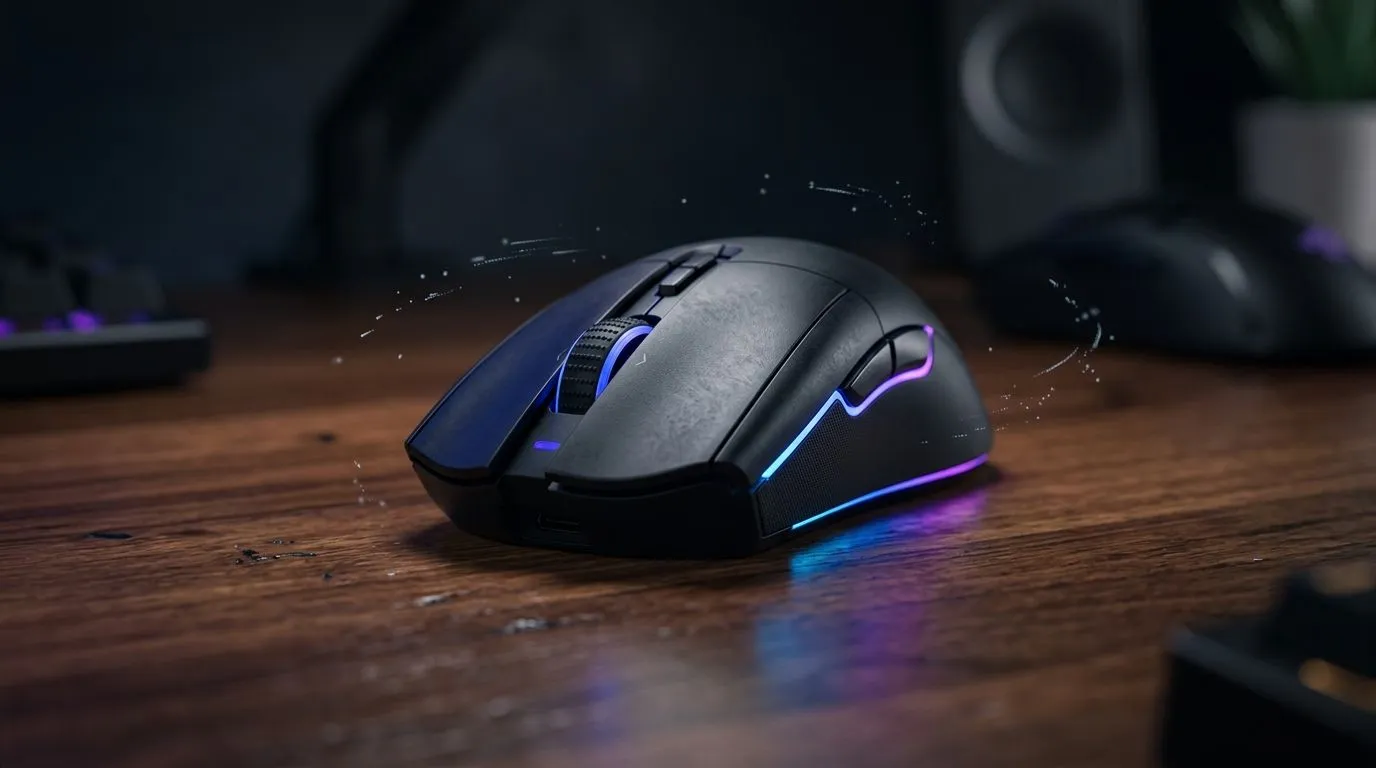
Mouse Glide and Control in South Africa: Climate and Desk Effects
If your aim feels “slippy” when the weather changes, you’re not imagining it… you’re reacting to real-world variables. In South Africa, indoor temperatures swing, humidity creeps in, and dust gathers on desk surfaces. The result? Mouse glide changes, tracking feels inconsistent, and your sensitivity starts fighting you. 🎮✨
The good news: you can fix most of it with small, repeatable tweaks. And once your setup feels consistent, games like CS2, Valorant, and Fortnite stop punishing you for factors outside your control.
What Causes Glide Changes in South African Homes
Temperature, humidity, and surface physics 🌡️
Optical and laser sensors read motion off your surface. When humidity rises, oils from hands and skin can make micro-prints on your mousepad. That can create “patches” where your mouse grips more or less than usual. Likewise, a colder room can slightly affect how your mouse skates, especially if you have worn PTFE feet.
Even if the sensor spec stays the same, the friction between feet and pad does not. This is why two “identical” mousepads can feel different across seasons.
Desk material matters more than you think 🧠
Hard desks and glass can create ultra-low friction that feels great until dust lands on it. Soft desks or textured surfaces can increase friction, making controlled flicks harder. If your desk is near a window, sunlight and heat can also warp materials over time.
A simple rule: if your glide changes when you clean your desk… your surface is the culprit.
How to Tune Control (Without Buying Everything at Once) 🔧
Calibrate your mousepad habits
- Clean the pad weekly (dry wipe first, then a damp cloth if it’s fabric-rated).
- Avoid lotion on your mouse hand. It’s not dramatic… it’s just sticky.
- Keep your setup stable. If possible, use the same mousepad in the same spot.
Productivity Pro Tip ⚡
Use a gaming mouse with properly matched feet and keep a dedicated mousepad for competitive sessions. If your desk is inconsistent, switching to a full-size pad removes surface variables and improves repeatability for micro-adjustments in aim trainers."
Pick the right mouse feel for your environment
When climate and desk conditions fluctuate, you want predictable control. That usually comes down to glide quality, polling stability, and the way your mouse tracks on your chosen surface.
- Wired mice can be a simple “set it and forget it” choice for consistent performance. Browse wired options here: wired mouse options at Evetech.
- Wireless mice are convenient for clean desk setups, but charging habits matter. If you want wireless, start here: wireless mouse options at Evetech.
- If you’re chasing a smoother skate, consider accessories and upgrades here: mouse accessories at Evetech.
Need a starting point without overthinking? Check gaming mouse deals at Evetech.
A Quick “Fix It Tonight” Routine for Better Aim
Try this in 15 minutes:
- Wipe your mouse feet gently with a dry cloth.
- Clean your mousepad (or switch to a known-clean pad).
- Lower sensitivity slightly if glide increased after cleaning. Your muscle memory will catch up.
- Do 10 minutes of aim training on the same surface you’ll use for matches.
Consistency beats perfection. Once your glide stops changing between sessions, you’ll feel steadier tracking and cleaner flicks.
If you’re shopping for a mouse that fits your hands and grip style, use Evetech’s category guide as a shortlist: gaming mouse lineup at Evetech.
CALLTOACTION
Ready to Find Your Perfect Match? The Mac vs Windows debate is complex, but for maximum power, choice, and value in South Africa, Windows is hard to beat. Explore our massive range of laptop specials and find the perfect machine to conquer your world.











