

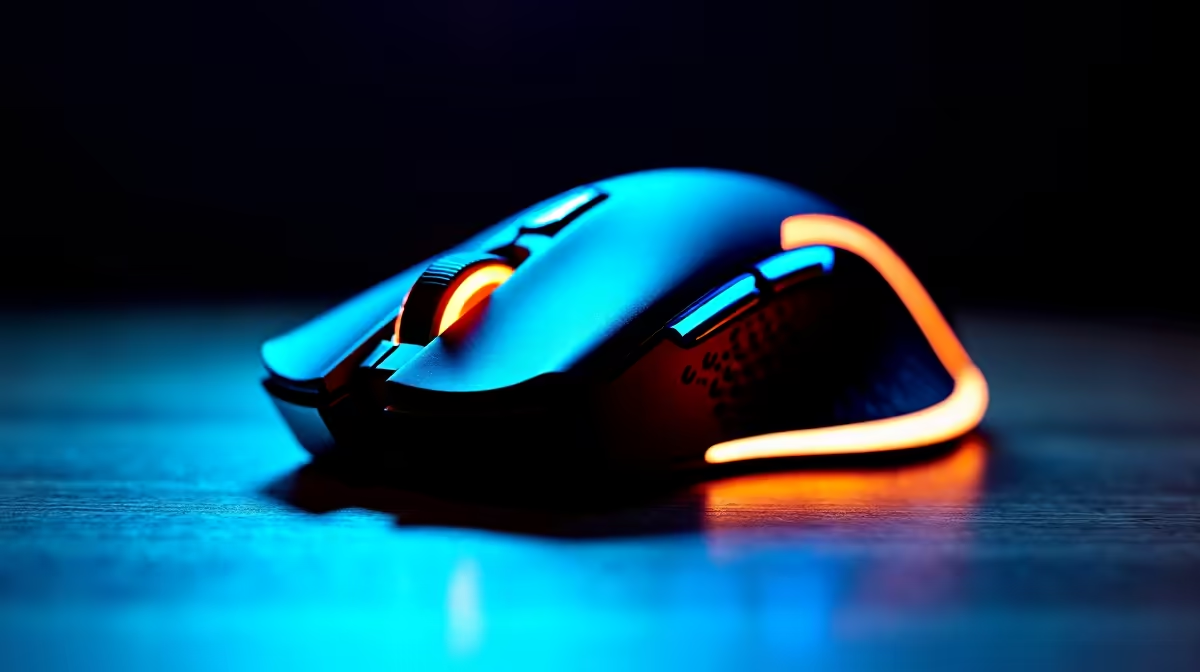
Understand Your Mouse Terms: A South African Gamer’s Guide 🔧
Are you ready to upgrade your setup but feel lost in a sea of mouse jargon? You’re not alone. South African gamers often face confusing specs and features when shopping for the perfect gaming mouse. From DPI to polling rate, knowing the basics helps you pick a device that suits your style and boosts your gameplay. Let’s break down the essential mouse terms you need to master.
What Does DPI Mean for Your Gaming Mouse?
DPI, or dots per inch, measures how sensitive your mouse is to movement. The higher the DPI, the further your cursor moves when you shift the mouse physically. For FPS gamers, a moderate DPI around 800–1600 is often ideal—it gives precision without overshooting your target. Meanwhile, RTS players might prefer higher DPI settings for swift, broad movements across the screen.
Brands sold on Evetech’s gaming mouse selection feature adjustable DPI, so you can tweak it mid-game. This lets you respond in real time to different scenarios without missing a beat.
Polling Rate and Its Role in Mouse Performance ⚡
Polling rate shows how often your mouse reports its position to your PC, measured in Hz. A 1000 Hz polling rate means your mouse updates its position 1000 times per second. This lowers input lag and keeps your actions fluid—especially crucial in South Africa’s fast-paced multiplayer battles.
Choosing a mouse with a high polling rate is a smart move for gamers craving responsiveness. If you’re upgrading your whole rig, check out Evetech’s best gaming PC deals. Pair the right mouse with a potent PC for seriously sharp performance.
Mouse Sensor Types and What They Mean to You
Optical or laser? Optical sensors use light to track movement, offering accuracy on most surfaces. Laser sensors can track even on glass but might suffer minor jitter. For gaming, optical sensors are usually the winner due to consistent, smooth tracking.
South African gamers favour options that balance durability and speed—try pre-built choices optimised for this, like those on Evetech’s pre-built PC deals.
Mouse Grip Styles and Ergonomics
Your grip style impacts comfort and control. Three common grips: palm, claw, and fingertip. Palm grip users benefit from larger mice with ergonomic designs, while fingertip grip users prefer smaller, lighter mice for quicker flicks.
Evetech also stocks laptops tailored for South African gamers if mobility is a priority. Many high-end gaming laptops feature specialised mice or compatibility with top-tier peripherals for the best experience.
Pro Tip for Mouse Picking
When testing a mouse, try it on your usual game surface and check if the sensitivity and clicks feel natural. Comfort translates directly into better reaction times on the battlefield.
Refresh Rate, Acceleration and More: Fine-Tuning Your Advantage
Refresh rate refers to how quickly your monitor updates, but your mouse's coordinate update also affects gameplay smoothness. Mouse acceleration can throw off muscle memory, so most pros disable it for consistent tracking.
Hunting for deals ahead of your next build? Visit Evetech’s specials page to find fresh offers on peripherals and gear that refine your setup without blowing your budget.
Elevate Your Gameplay Today Confidently choose the mouse that suits your style and budget. Shop now at Evetech for performance that leaves lag in the dust.











