

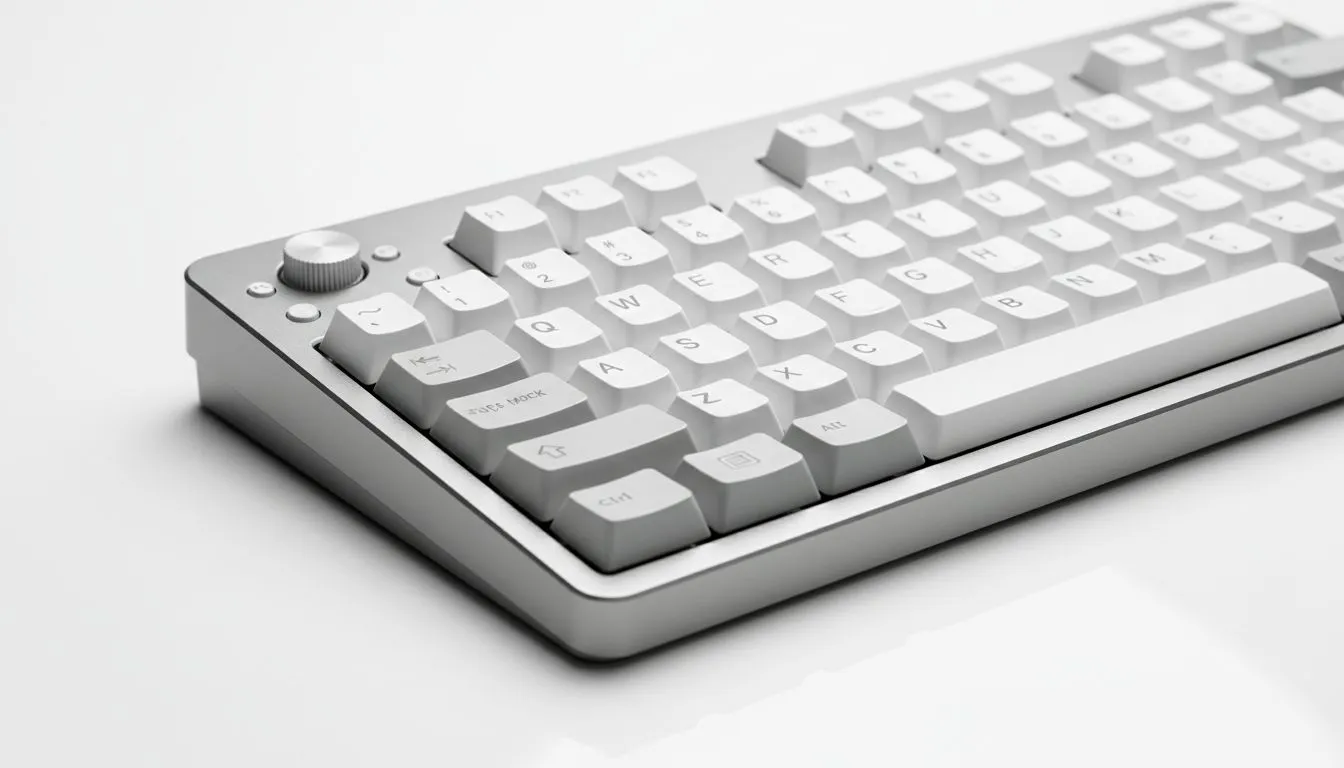
Understanding Triple-Mode Connectivity
Tired of swapping cables between your PC and your work laptop? In South Africa, our desks are often crowded enough without extra clutter. A multi-device keyboard using triple-mode switching solves this. It lets you jump between three different devices instantly. Whether you are grinding in a lobby or finishing a report, this tech keeps your workflow smooth and your setup clean.
When searching for the cheapest gaming keyboard in South Africa, you might notice "Triple-Mode" in the specs. This refers to three distinct ways to connect. First, there is the 2.4GHz wireless connection. This uses a small USB dongle to provide a lag-free experience. It is the gold standard for competitive gaming where every millisecond counts ⚡.
Second, you have Bluetooth. This is where the multi-device keyboard truly shines. Most models allow you to pair with up to three Bluetooth devices simultaneously. You can switch from your desktop to your tablet or smartphone with a simple key combo. It is perfect for those who need to respond to messages without leaving their workstation.
Switching Shortcut ⚡
To swap between Bluetooth devices quickly, most keyboards use Fn + 1, 2, or 3. Keep your manual handy to learn the specific key combinations for your model. It saves seconds every time you move from your PC to your phone for a quick text.
Why Multi-Device Switching Matters
The beauty of wireless connectivity is the freedom it provides. Modern setups often involve more than one machine. You might have a dedicated gaming rig and a MacBook for work. Instead of buying two peripherals, one multi-device keyboard handles everything.
This versatility is great for South African gamers who value desk space and budget. Investing in one high-quality board that works across all your hardware is a smart move. It simplifies your environment and reduces the number of cables snaking across your desk. If you prefer the stability of a physical link, you can always rely on wired connections via a USB-C cable. This also charges the battery while you play.
Choosing the Right Multi-Device Keyboard
Not all switches are created equal. Some brands focus on pure speed, while others prioritise the typing feel. For those who want premium performance, Razer Gaming Keyboards often feature proprietary wireless tech that rivals wired speeds. They are excellent for fast-paced titles where reliability is non-negotiable.
If you are more into the enthusiast scene, Glorious Keyboards offer fantastic customisation options. Many of their models support triple-mode switching... allowing you to enjoy a bespoke typing experience across all your devices. Whether you are coding in the morning or raiding at night, the flexibility is unmatched 🔧.
When shopping in ZAR, look for keyboards that offer long battery life. This is especially important during load shedding schedules. A keyboard that stays powered for weeks on a single charge ensures you are never left in the dark during a critical match ✨.
Ready to Find Your Perfect Match? Triple-mode switching is the ultimate way to declutter and boost productivity. Explore our massive range of keyboards and find the perfect peripheral to master your multi-device lifestyle.











