

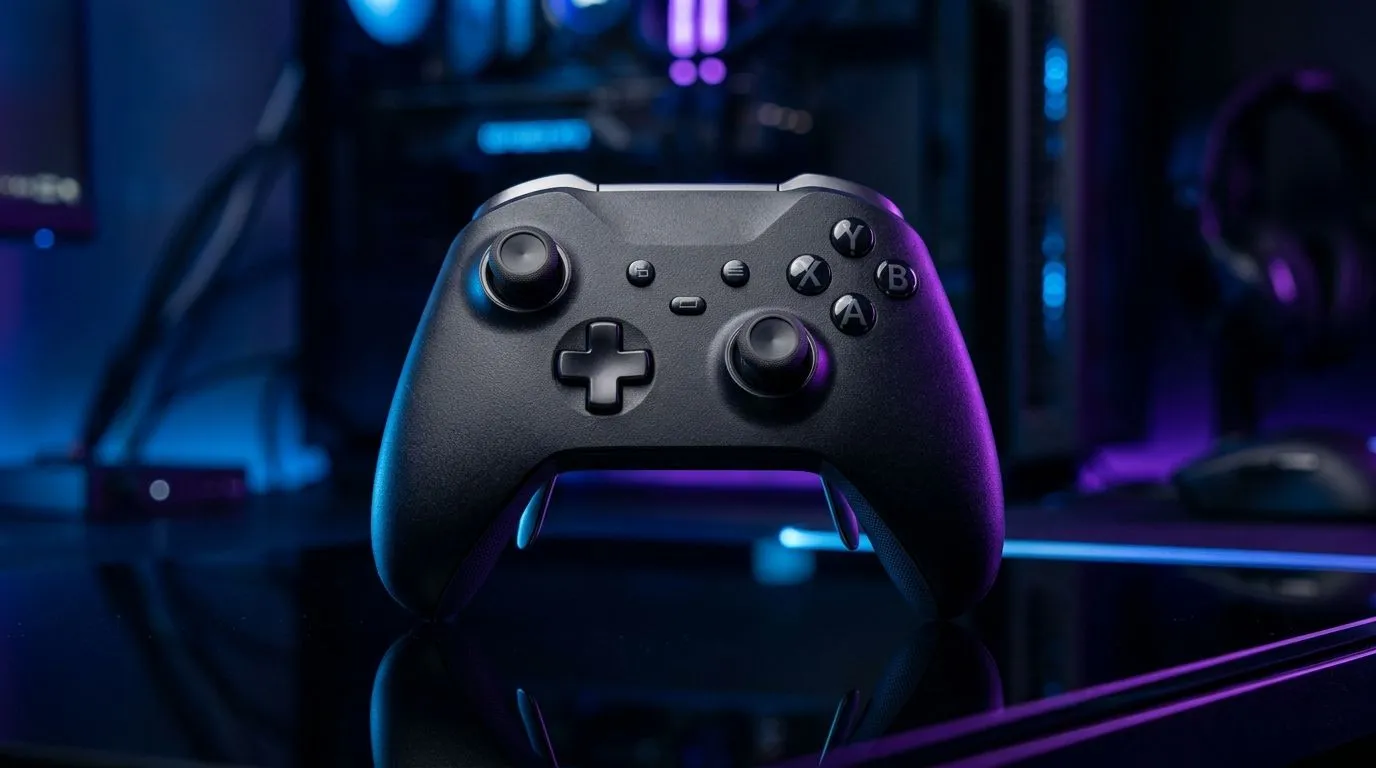
Multi-Platform Gaming Controller for Xbox PC and Mobile: the One Purchase That Actually Travels
South Africans love a bargain… and we love gear that works everywhere. You might start a match on Xbox, hop onto your PC for Discord + aim training, then finish a late round on your phone on the couch. 🎮 That’s where the idea of a Multi-Platform Gaming Controller for Xbox PC and Mobile gets real. Not just hype. Practical convenience, fewer headaches, and less money wasted on “almost compatible” controllers.
In this Deep Dive, we’ll unpack what to look for, how to set it up fast, and why the right controller can feel consistent across devices. ✨
Multi-Platform Gaming Controller for Xbox PC and Mobile: what “compatible” should mean
“Works on everything” sounds nice… but buyers know the truth: compatibility is a mix of hardware support and software behaviour.
When you’re shopping for a controller that covers Xbox, PC, and mobile, focus on:
- Connection options: Bluetooth is common for phones. Wired USB often simplifies PC setup.
- Input mapping: good controllers keep button layouts consistent so you don’t relearn muscle memory.
- Responsiveness: the controller should feel predictable in aim and movement, not “floaty”.
For South African buyers, a smart route is to start with Evetech’s controller selection. That way you’re seeing products designed and sold for real-world local setups.
Multi-Platform Gaming Controller for Xbox PC and Mobile: quick setup flow (so you can play today) 🔧
Here’s a setup approach that keeps things smooth across platforms.
On PC (Windows)
- Plug in via USB first if possible. It reduces pairing issues.
- Open controller settings and verify button recognition.
- Test in-game sensitivity and deadzones. Even small changes matter.
On Xbox
- Pair the controller through Xbox settings.
- Ensure any “alternate profiles” are turned off until you test your preferred layout.
- Do a 5-minute warmup. If jump timing feels off, fix mappings before long sessions.
On Mobile
- Use Bluetooth and connect from the phone’s settings.
- Launch the game and check whether the on-screen mapping matches the controller.
- If a game supports custom mapping, use it. Muscle memory wins.
If you want to keep your PC workflow tight while configuring and testing, try this…
Productivity Pro Tip ⚡
On Windows, use the PowerToys FancyZones utility to create custom snap layouts for your windows. It's a lifesaver for managing multiple apps on an ultrawide monitor, letting you organise your timeline, preview window, and asset folders perfectly for video editing.
Multi-Platform Gaming Controller for Xbox PC and Mobile: the deal-smart way to buy
Controllers can be pricey, so you want confidence before you click “Buy”.
Start by checking a high-performance option like the Razer Wolverine V3 Tournament Edition (8K), especially if you care about tournament-grade feel and serious PC play. You can compare it against other controllers in Evetech’s listings here: See the Razer Wolverine V3 Tournament Edition 8K best deal on Evetech
Then, if you’re still deciding, browse the broader category to match your budget and device use-case. Evetech keeps the selection clear and localised for buyers: Explore Evetech’s guide for buying gaming controllers
And if you already know the brand you like, filter to speed things up. It’s one less step before you get playing: Shop Raze-branded controllers on Evetech 🚀
Multi-Platform Gaming Controller for Xbox PC and Mobile: what to test before you commit
Before you fully commit to the “it’s compatible” belief, test:
- Button consistency across devices (A/B swaps, triggers, bumpers)
- Trigger travel feel in a game you know well
- Latency feel by doing quick reactions (double jump, quick turns)
If the controller feels different after switching devices, don’t force it. Fix mappings or choose a model with better profile support.
Ready to Find Your Perfect Match?
Ready to Find Your Perfect Match? The Mac vs Windows debate is complex, but for maximum power, choice, and value in South Africa, Windows is hard to beat. Explore our massive range of laptop specials and find the perfect machine to conquer your world.











