


Humidity Damage to PC Components: Recovery Guide
Humidity Damage to PC Components: Recovery Guide. Everything you need to know with SA pricing, step-by-step instructions & expert recommendations.
Read moreNahimic 3D Audio and spatial sound can sharpen positioning in games 🎮, but it depends on your headset and titles. Here’s the full explanation, what to enable, and when it truly improves gameplay. 🔊
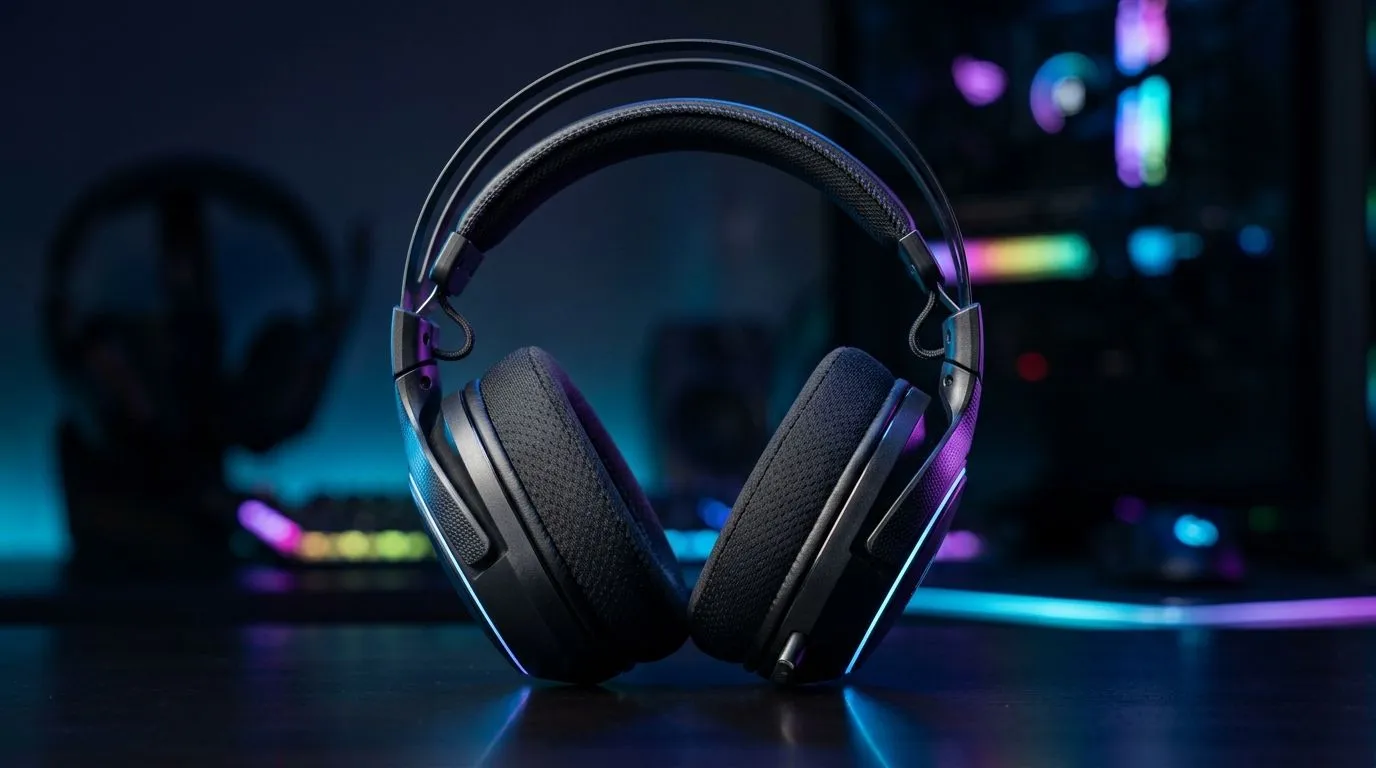
If you’ve ever lost a fight because you heard footsteps too late, you already understand the value of sound. In South African gaming, where every millisecond matters and every headset purchase has to earn its keep, Nahimic 3D audio gets talked about a lot… but rarely explained properly.
The short version? It helps make in-game audio feel wider, more directional, and easier to place. That can mean hearing someone reload on your left, or tracking a flank before it turns into a messy push. For competitive players, that extra awareness can be the difference between a clutch round and a quick return to lobby.
Nahimic is a software-based audio enhancement layer used on many gaming systems and accessories. Its main goal is to create a more immersive soundstage, especially with stereo headphones. In plain English, it tries to make sound feel less like it comes from inside your head and more like it exists around you.
That matters because most games are not just about loud explosions. They’re about cues. A distant shot, a door opening, a reload, or movement above you can all provide useful information. Spatial audio makes those cues easier to separate.
A quick note of caution though... more spatial effect is not always better. If the settings are pushed too far, audio can become unnatural. For esports-style play, the best setup is usually the one that helps you identify direction clearly, not the one that sounds the biggest.
Your ears are surprisingly good at locating sound when the signal is clean. In games, that means direction and distance become strategic tools. Spatial processing can help exaggerate those clues so they stand out more clearly in busy fights.
That is especially useful in shooters, battle royales, and tactical games. You may notice:
It is not magic. It won’t turn a casual player into a pro overnight. But it can improve awareness, which is a real advantage when matches get tense ⚡
The effect depends heavily on your headset, sound source, and in-game audio settings. A good headset gives the software something worth working with. A poor one can make everything muddy.
If you’re shopping for a fresh upgrade, it’s worth looking at options designed with gaming audio in mind, such as the Razer Barracuda X Chroma wireless headset in Phantom White. For broader browsing, Evetech also carries a dedicated Razer headphones and headsets selection as well as a wider range of headphone and headset options for different budgets and use cases.
If you’re in South Africa, that flexibility matters. One gamer may want a lightweight wireless model for long loadshedding sessions. Another may want a simpler wired option with solid positional audio and no charging stress.
Try to pay attention to these details:
If you can test a headset, do it with a game you already know well. Familiar audio makes it easier to spot the difference.
Use a familiar game map when testing spatial sound. Load a mode you know well, then walk the same route with the feature on and off. If you can place footsteps and reloads more accurately, the setting is helping. If not, dial it back.
Many players leave enhancement features on by default and never revisit them. That’s a pity, because the best results usually come from small tweaks, not maxed-out presets.
Start simple:
A useful rule: if your headphones already have a wide sound signature, you may not need aggressive enhancement. If they sound narrow or flat, software processing can help fill the gap.
Also, keep your expectations realistic. Software spatial audio can improve perception, but it does not replace accurate stereo imaging from a decent headset. The hardware still matters.
Not every gamer needs the same sound profile. Here’s where spatial audio tends to shine most:
On the other hand, if you mostly play rhythm games or prefer pure music listening, you may want a more neutral profile. The best setup matches the way you actually play.
If you’re building a new battlestation, audio should sit alongside your monitor, mouse, and GPU decisions. It is easy to overlook. Yet it affects focus every single session. And unlike a cosmetic upgrade, you feel the difference immediately once the match starts 🚀
Spatial sound is not about flashy marketing. It is about clarity, direction, and control. When tuned well, Nahimic 3D audio can help you read the battlefield faster and react with more confidence.
For South African gamers, that means getting more value from the gear you already own... or choosing a headset that supports better positional audio from day one. If you’re due for an upgrade, start with the headset first. The right choice can make your whole setup feel sharper.
Ready to Find Your Perfect Match? The Mac vs Windows debate is complex, but for maximum power, choice, and value in South Africa, Windows is hard to beat. Explore our massive range of laptop specials and find the perfect machine to conquer your world.
Nahimic 3D Audio is a suite of audio enhancements that can emulate spatial sound effects, helping you perceive direction and depth through your headset or speakers.
It processes audio streams to simulate left/right width, height cues, and distance. In supported games, this can make footsteps and alerts easier to locate.
It can help in competitive titles with clear directional cues (like footsteps, reload sounds, and gunfire). It may be less useful in music-heavy or poorly mixed games.
Start with Balanced or Natural profiles, avoid overly strong virtual surround, and fine-tune clarity/voice options. Test in-game with consistent volume.
Yes. Too much virtual processing can smear transients or exaggerate stereo, making sounds feel less precise or causing listening fatigue over long sessions.
It works best with headsets that have stable stereo imaging and good mic monitoring. Some open-back or low-quality headsets may not benefit as much.
Generally, avoid stacking multiple spatial processors. Choose one system (Nahimic or Windows) to reduce conflicts and maintain consistent sound cues.
Compare before/after while focusing on footsteps and off-screen events. If positioning gets clearer without muddy voices, keep it; otherwise reduce effects.
Humidity Damage to PC Components: Recovery Guide. Everything you need to know with SA pricing, step-by-step instructions & expert recommendations.
Read more
Gamer Spending Trends April : Complete Setups. Clear setup instructions with SA-specific considerations, troubleshooting tips & recommended components.
Read more
Setting Up DDR5 32GB Kit. Tested & verified settings for best FPS and visual quality on SA hardware budgets.
Read more
Tech Setup Guide for SPU Res Students. Clear setup instructions with SA-specific considerations, troubleshooting tips & recommended components.
Read more
Monster Hunter Wilds Ultrawide Support: 21:9 and. Clear setup instructions with SA-specific considerations, troubleshooting tips & recommended components.
Read more
Apple iPad Durability Guide: Cases, Screen. Practical breakdown of costs, regulations & whether it makes financial sense for SA buyers.
Read more
AMD RX 9050 XT: Rumoured Specs, Price & Release. SA-focused analysis with local pricing data, real-world insights & actionable buying advice.

Can RTX 4080 Super Run AI Workloads for SA Developers Detailed answer with SA data, expert analysis & practical recommendations for local buyers.

Can RTX 4090 Run AI Workloads for SA Developers Detailed answer with SA data, expert analysis & practical recommendations for local buyers.

Top Settings for Intel Arc B580 at Ultrawide 1440p picks evaluated on performance, value & SA availability with current Rand pricing from Evetech.

RTX 4060 CS2 Low Settings at 1080p: FPS Results. Real-world benchmark data, FPS numbers & performance analysis. What SA gamers can actually expect.

Visual Artifacts: Possible GPU Issue Issue #1. Diagnosis steps, proven fixes & when to seek professional help. SA-specific support info included.

Can the RTX 4090 Handle 1440p 144Hz Gaming. Performance testing verdict with real data & practical recommendations for SA buyers.

Top ASUS GPU Under R15000 picks evaluated on performance, value & SA availability with current Rand pricing from Evetech.

GTA 6 Max Settings on RTX 5070. Tested & verified settings for best FPS and visual quality on SA hardware budgets.

Cyberpunk 2077 Max Settings on RTX 5080. Tested & verified settings for best FPS and visual quality on SA hardware budgets.

Starfield Max Settings on RTX 5070 Ti. Tested & verified settings for best FPS and visual quality on SA hardware budgets.

Top RTX 5090 Under R5000 picks evaluated on performance, value & SA availability with current Rand pricing from Evetech.