


Complete Guide: Setting Up AIO Liquid 420mm
Setting Up AIO Liquid 420mm. Tested & verified settings for best FPS and visual quality on SA hardware budgets.
Read moreNVCleanstall Download & Setup Guide: NVIDIA. Clear setup instructions with SA-specific considerations, troubleshooting tips & recommended components.
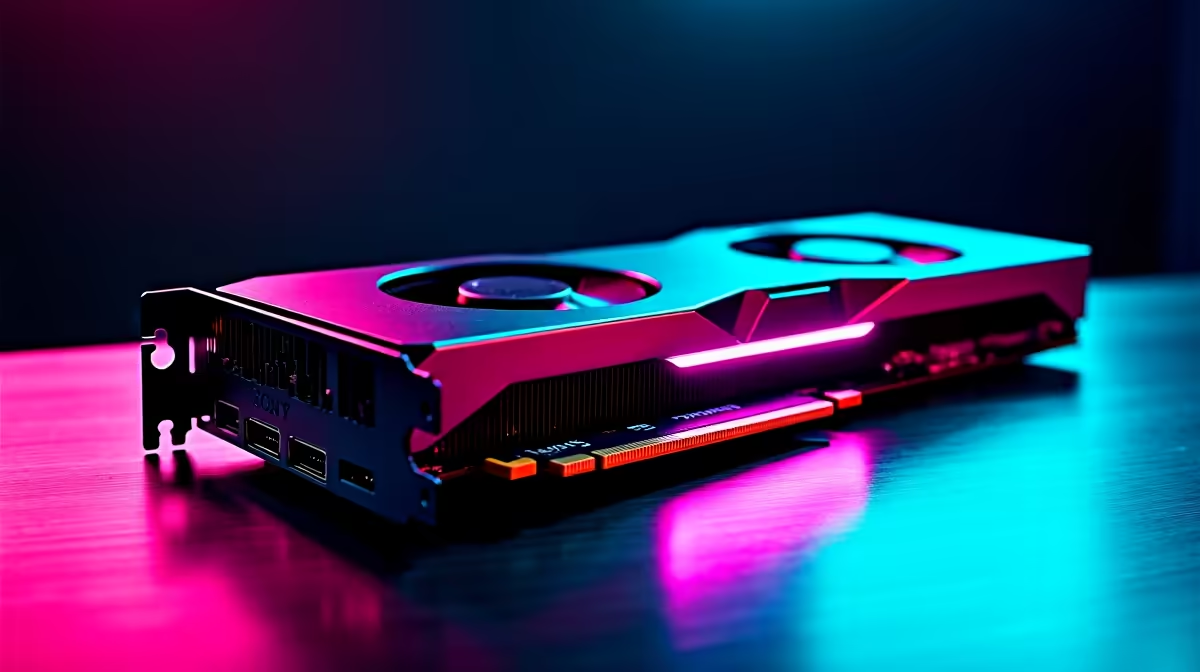
NVCleanstall trims NVIDIA driver bloat, installing only the GPU driver and PhysX while skipping telemetry, GeForce Experience, and unused components. Download it free from TechPowerUp, run it as administrator, tick only what you need, and let it pull the latest verified driver from NVIDIA's servers.
Head to techpowerup.com/nvcleanstall and grab the latest portable build. Right-click and run as administrator, no installer needed. The tool fetches the freshest official NVIDIA driver, then presents a checklist of components. For most SA gamers, tick Display Driver, PhysX, and HD Audio Driver, then untick Telemetry, GeForce Experience, USB-C Driver (unless you use it), and Container. Click Next and let NVCleanstall download the driver, this takes 5-10 minutes on most home fibre lines.
Enable Disable Driver Telemetry and Disable Installer Telemetry under the Tweaks tab for a leaner driver footprint. Optional: enable Allow NVIDIA Driver on All Cards if you're testing legacy hardware or running a homelab with mismatched GPUs. Skip Perform Clean Installation only if you've never had driver issues, otherwise tick it for a fresh slate. Click Install and let it complete, your GPU may flicker mid-install which is completely normal as the driver swaps.
Running NVCleanstall during load shedding without a UPS can corrupt the driver mid-install, leaving Windows in a broken state and forcing a safe-mode rescue. Always plug into a UPS or wait for Eskom calm before installing. Also, don't run DDU and NVCleanstall back-to-back without rebooting in safe mode between them, the leftover registry hooks cause install loops. Evetech-built PCs ship with clean driver stacks already applied so you can skip this whole exercise on a new rig. Local fibre speeds in metro areas comfortably handle the 800MB driver download in a few minutes.
Yes, it pulls the official signed NVIDIA driver and only changes which components install. Nothing modified, nothing risky.
If you skip GFE during install, you lose ShadowPlay, Game Filters, and auto-optimised settings. Re-tick GFE if you want those.
Yes, it always grabs the latest driver from NVIDIA, including support for the newest RTX 50-series silicon.
Ready to Find Your Perfect Match? Pair a clean driver install with a fresh Evetech gaming PC for the smoothest experience. Shop gaming PCs
NVCleanstall Download & Setup Guide: NVI available at Evetech.co.za with local warranty and fast delivery.
NVCleanstall Download & Setup Guide: NVI - check Evetech for latest stock and SA pricing.
Depends on your use case. NVCleanstall Download & Setup offers good value at current Rand pricing.
Setting Up AIO Liquid 420mm. Tested & verified settings for best FPS and visual quality on SA hardware budgets.
Read more
Intel XTU Download & Setup Guide: Intel CPU. Clear setup instructions with SA-specific considerations, troubleshooting tips & recommended components.
Read more
Cyberpunk 2077 Max Settings on RTX 4090. Tested & verified settings for best FPS and visual quality on SA hardware budgets.
Read more
The Complete Guide to GPU. Everything you need to know with SA pricing, step-by-step instructions & expert recommendations.
Read more
to Driver Installation for Beginners. Everything you need to know with SA pricing, step-by-step instructions & expert recommendations.
Read more
Cross-Border Motherboard Purchases: Guide. Hand-picked gift ideas at every budget tier. SA pricing & Evetech availability included.
Read more
AMD RX 9050 XT: Rumoured Specs, Price & Release. SA-focused analysis with local pricing data, real-world insights & actionable buying advice.

Can RTX 4080 Super Run AI Workloads for SA Developers Detailed answer with SA data, expert analysis & practical recommendations for local buyers.

Can RTX 4090 Run AI Workloads for SA Developers Detailed answer with SA data, expert analysis & practical recommendations for local buyers.

Top Settings for Intel Arc B580 at Ultrawide 1440p picks evaluated on performance, value & SA availability with current Rand pricing from Evetech.

RTX 4060 CS2 Low Settings at 1080p: FPS Results. Real-world benchmark data, FPS numbers & performance analysis. What SA gamers can actually expect.

Visual Artifacts: Possible GPU Issue Issue #1. Diagnosis steps, proven fixes & when to seek professional help. SA-specific support info included.

Can the RTX 4090 Handle 1440p 144Hz Gaming. Performance testing verdict with real data & practical recommendations for SA buyers.

Top ASUS GPU Under R15000 picks evaluated on performance, value & SA availability with current Rand pricing from Evetech.

GTA 6 Max Settings on RTX 5070. Tested & verified settings for best FPS and visual quality on SA hardware budgets.

Cyberpunk 2077 Max Settings on RTX 5080. Tested & verified settings for best FPS and visual quality on SA hardware budgets.

Starfield Max Settings on RTX 5070 Ti. Tested & verified settings for best FPS and visual quality on SA hardware budgets.

Top RTX 5090 Under R5000 picks evaluated on performance, value & SA availability with current Rand pricing from Evetech.