


Starfield Max Settings on RTX 5070: Complete Guide
Starfield Max Settings on RTX 5070. Tested & verified settings for best FPS and visual quality on SA hardware budgets.
Read moreNVMe bottlenecks can keep your PC feeling sluggish even after an SSD upgrade 🚀 Learn the most common slowdown causes and how to fix them for faster boot times, loading, and everyday performance.
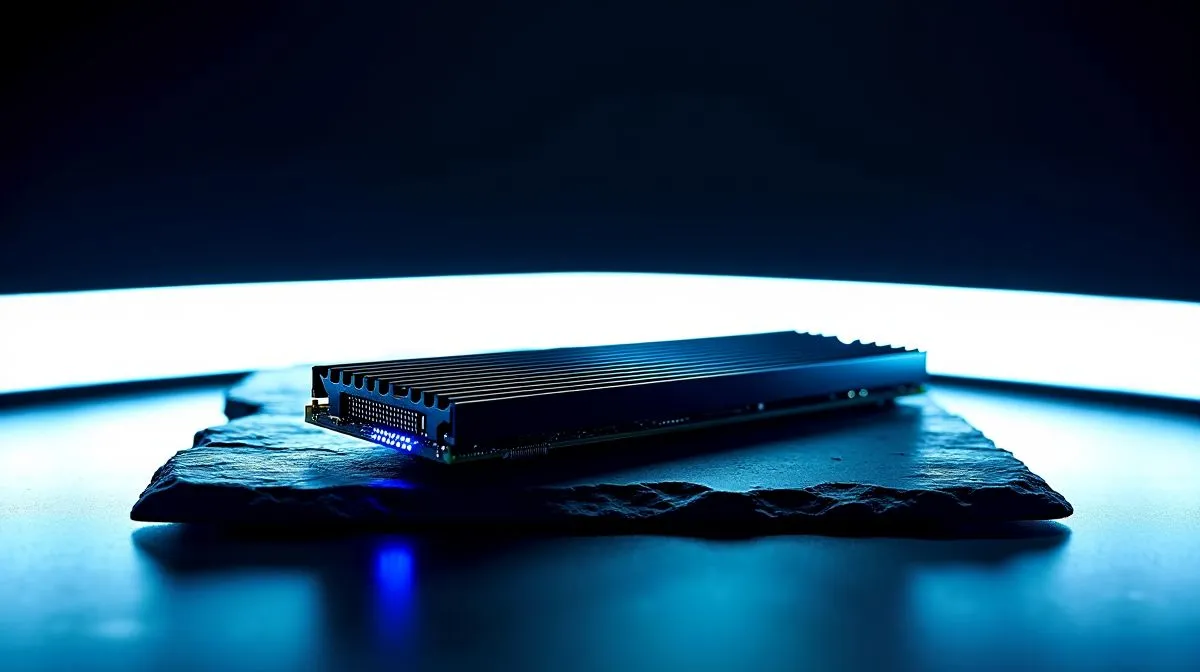
You just dropped a few thousand ZAR on a blazing-fast drive. You expected instant boot times and zero load screens. But your rig still stutters when dropping into a match. What gives? If you face NVMe bottlenecks, why your PC is still slow after an SSD upgrade involves hidden hardware conflicts. Let us find the problem and optimise your setup.
Your motherboard dictates how fast data can travel. Plugging a cutting-edge Gen 4 drive into an older Gen 3 motherboard slot instantly halves your maximum speed. It is like driving a supercar in bumper-to-bumper Johannesburg traffic. You simply cannot use the power you paid for.
When shopping for new solid state drives, always match the generation to your motherboard specifications. On an older system, even highly reliable ADATA NVMe drives only run as fast as the board allows. Check your manual before buying.
Storage speed is only one piece of the performance puzzle. Your new drive sends massive amounts of data to the CPU and RAM. If you have an outdated processor, it simply cannot unpack modern game assets fast enough. The drive ends up waiting for the CPU to catch up.
Furthermore, if you lack sufficient RAM, Windows uses your drive as virtual memory. This constant swapping drastically reduces overall performance. Fast Kingston SSD options will not fix a system starving for memory or processing power.
These tiny drives work incredibly hard... and they get dangerously hot. Once a drive hits around 70 degrees Celsius, it protects itself by slowing down. This safety measure is called thermal throttling.
Drives sitting under massive graphics cards without proper heatsinks cause sudden frame drops. Heat is the ultimate enemy of consistent speed. Premium brands like Corsair high-performance SSDs often include beefy aluminium heatsinks to dissipate heat and prevent this exact issue.
Did you know that flash storage actually slows down when it gets full? Once you pass the 80 percent capacity mark, the drive struggles to find empty blocks to write new data. It has to shuffle existing files around... which crushes your write speeds.
If you are a heavy gamer or video editor, you need breathing room for your cache. Upgrading to massive 2TB SSDs ensures you have enough free space to keep your system running at absolute peak performance.
Always install your primary Windows drive in the top M.2 slot closest to your CPU. This specific slot usually connects directly to the processor rather than the chipset. This gives you the lowest possible latency for gaming and heavy creative workloads.
Ready to Maximise Your PC Performance? 🚀 Do not let older hardware or thermal issues hold back your frame rates. Whether you need a higher capacity drive, a modern motherboard, or a complete system overhaul, Evetech offers the best value in South Africa. Explore our massive range of SSDs and unlock your rig's true potential today.
Common causes include CPU bottlenecks, low RAM, outdated drivers, SATA mode settings, or an NVMe bottleneck from a slower PCIe lane.
Yes. If your drive is on a limited PCIe lane or older slot, it can cap NVMe speeds and reduce real-world performance.
An SSD mainly cuts load times. It won’t fix low FPS if the CPU or GPU is the real bottleneck.
Use storage benchmarks and confirm the drive is using the correct PCIe generation, lane width, and M.2 slot.
Startup apps, firmware issues, old drivers, or a nearly full drive can slow boot times even on fast NVMe storage.
Yes. BIOS settings, disabled PCIe modes, or shared lanes can create an SSD performance issue and lower throughput.
Often it’s the CPU, RAM, or a PCIe lane bottleneck rather than the SSD itself.
Starfield Max Settings on RTX 5070. Tested & verified settings for best FPS and visual quality on SA hardware budgets.
Read more
When Will the RTX 6090 Launch in South Africa Detailed answer with SA data, expert analysis & practical recommendations for local buyers.

Top Valorant Settings for RTX 5070: FPS Optimisation picks evaluated on performance, value & SA availability with current Rand pricing from Evetech.

RDNA 3.5 Graphics in Ryzen AI 400? Can You Game. Plain-English explanation of what it means, why it matters & how it affects your buying decisions in SA.

GPU Price Index : December Report. Current stock data & price tracking for SA buyers. See what is available and where prices are heading.

Core i5-14600K + B760 + RTX 5060 Build Under. Full parts list, Rand pricing & expected performance. Build confidently with SA-available components.

RX 7600 Apex Legends at 4K: FPS Benchmark. Real-world benchmark data, FPS numbers & performance analysis. What SA gamers can actually expect.

RX 7900 XTX GTA 6 at 4K: FPS Benchmark & Optimal. Real-world benchmark data, FPS numbers & performance analysis. What SA gamers can actually expect.

Head-to-head comparison of RTX 5070 vs RX 9070 XT: Gaming Performance for SA gamers. Performance benchmarks, Rand pricing & which delivers better value.

GPU Setup Guide Gamers. Clear setup instructions with SA-specific considerations, troubleshooting tips & recommended components.

Top RTX 5090 Under R12000 picks evaluated on performance, value & SA availability with current Rand pricing from Evetech.

Call of Duty Warzone 2 Settings on RX 7600. Real-world benchmark data, FPS numbers & performance analysis. What SA gamers can actually expect.

GTA 6 Settings on RTX 5070 Ti: Performance. Real-world benchmark data, FPS numbers & performance analysis. What SA gamers can actually expect.