


GPU Setup Guide for SA Gamers
GPU Setup Guide Gamers. Clear setup instructions with SA-specific considerations, troubleshooting tips & recommended components.
Read moreOffline backups for ransomware protect data by isolating copies from networks. Learn step-by-step backup methods, air-gapped storage, verification, and recovery drills to stop ransom threats and restore systems fast. 🔐💾
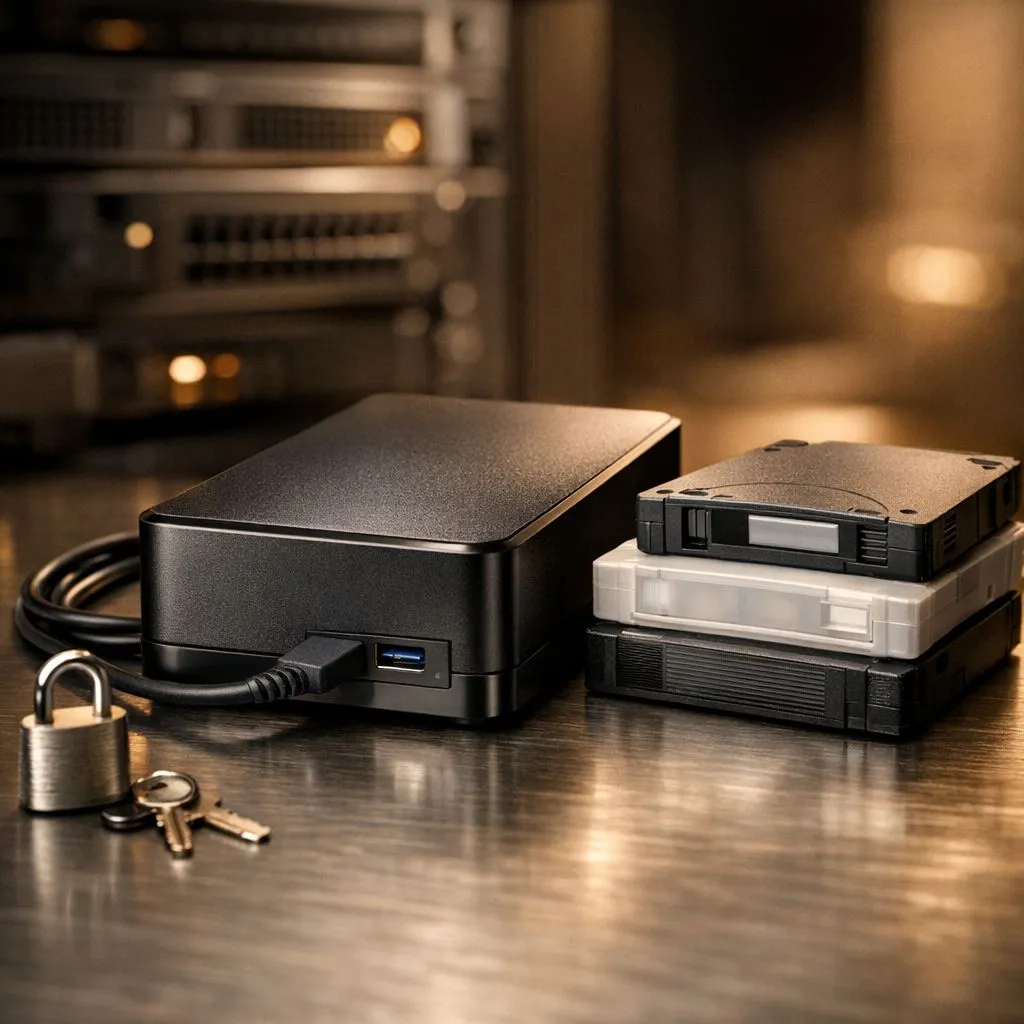
Imagine waking up to find your entire Steam library and years of work encrypted by a hacker. In South Africa, ransomware isn't just a corporate problem... it's hitting home users hard. While cloud storage is handy, it's often synced to the infection. That is why offline backups for ransomware are your only true safety net. Let's look at how to protect your data effectively.
Ransomware works by locking your files and demanding a payment to release them. If your backup drive is always plugged in, the malware can spread to it instantly. This is why a standard solid state drive inside your PC is great for speed... but it shouldn't be your only copy. You need a physical "air gap" between your data and the internet.
An air gap means your storage device is physically disconnected from your computer. When you use a portable external SSD, you only plug it in during the backup process. Once the transfer finishes, you unplug it. This simple act makes it impossible for a remote hacker to touch your files. It is the most reliable way to ensure your memories and projects stay safe 🔧.
Waiting hours for a backup is a chore. If you want the fastest possible local transfers, modern Gen 5 NVMe drives offer incredible performance for your main system. For your offline copy, choosing the right external form factor ensures you have a rugged, fast device that can be stored in a drawer or safe ⚡.
Always keep three copies of your data. Store them on two different media types. Keep one copy entirely offline and off-site. This simple rule is the best defence against total data loss during a cyber attack.
When it comes to your precious data, brand reputation matters. Many South African gamers prefer ADATA storage solutions for their balance of price and performance. If you need professional-grade reliability for long-term archiving, Western Digital drives are a staple in the industry. Investing a few hundred ZAR now can save you from a massive headache later 🚀.
Ready to Find Your Perfect Match? Protecting your data shouldn't be an afterthought. For maximum security, choice, and value in South Africa, a dedicated backup solution is hard to beat. Explore our massive range of SSD specials and find the perfect drive to secure your digital life.
Offline backups are copies stored disconnected from networks. They block ransomware by preventing remote encryption or deletion of backup files.
Use an external drive or standalone server, copy data, then disconnect power/network and store securely. Air-gapped backups prevent remote access.
External HDDs, SSDs, tape, or immutable WORM storage work well. Choose based on retention needs and tamper resistance.
Update critical data daily and less-critical weekly. Keep multiple restore points and rotate media to limit data loss.
Partly. Use scheduled local scripts or appliances that attach, copy, then disconnect removable media to approximate automation.
Isolate infected systems, verify backup integrity with checksums, restore to clean machines, then run a security review and patch gaps.
They are essential but must pair with patching, endpoint security, access controls and regular backup testing for full protection.
GPU Setup Guide Gamers. Clear setup instructions with SA-specific considerations, troubleshooting tips & recommended components.
Read more
When Will the RTX 6090 Launch in South Africa Detailed answer with SA data, expert analysis & practical recommendations for local buyers.

Top Valorant Settings for RTX 5070: FPS Optimisation picks evaluated on performance, value & SA availability with current Rand pricing from Evetech.

RDNA 3.5 Graphics in Ryzen AI 400? Can You Game. Plain-English explanation of what it means, why it matters & how it affects your buying decisions in SA.

GPU Price Index : December Report. Current stock data & price tracking for SA buyers. See what is available and where prices are heading.

Core i5-14600K + B760 + RTX 5060 Build Under. Full parts list, Rand pricing & expected performance. Build confidently with SA-available components.

RX 7600 Apex Legends at 4K: FPS Benchmark. Real-world benchmark data, FPS numbers & performance analysis. What SA gamers can actually expect.

RX 7900 XTX GTA 6 at 4K: FPS Benchmark & Optimal. Real-world benchmark data, FPS numbers & performance analysis. What SA gamers can actually expect.

Head-to-head comparison of RTX 5070 vs RX 9070 XT: Gaming Performance for SA gamers. Performance benchmarks, Rand pricing & which delivers better value.

Top Laptop with Ryzen 5 + RTX 4090 Laptop: Picks picks evaluated on performance, value & SA availability with current Rand pricing from Evetech.

Top Budget GPU for Marvel Rivals picks evaluated on performance, value & SA availability with current Rand pricing from Evetech.

Valorant Settings on RTX 5070: Performance. Real-world benchmark data, FPS numbers & performance analysis. What SA gamers can actually expect.

Top Budget GPU for Assassins Creed Shadows picks evaluated on performance, value & SA availability with current Rand pricing from Evetech.