

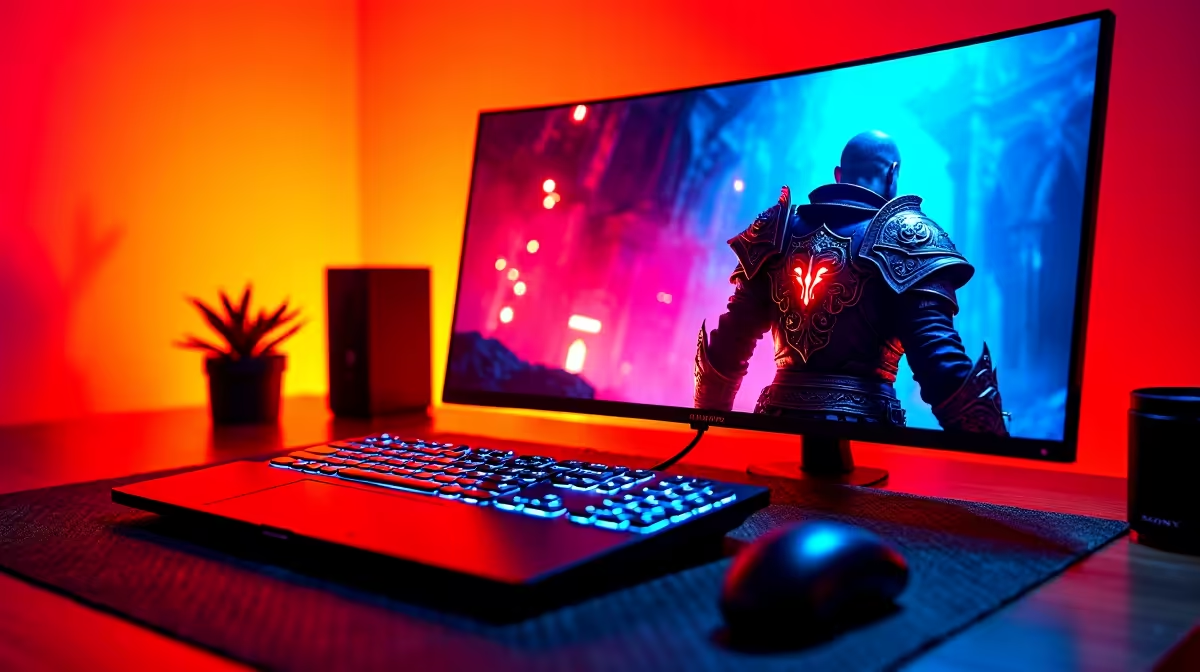
Walking through the ruined streets of a post-apocalyptic world feels heavy... but seeing it on an OLED panel changes the vibe entirely. For fans waiting on Code Vein II, the visual fidelity isn't just about resolution. It's about the contrast between the shadows and those glowing Blood Veils. If you want the best experience in South Africa, HDR is no longer optional... it's the standard.
The Visual Impact of OLED for Code Vein II
Code Vein has always been defined by its striking "anime-souls" aesthetic. The sequel looks to push those boundaries further with more complex lighting and particle effects. When we talk about OLED for Code Vein II, we are really talking about the ability to display "true black." Unlike traditional LCD screens that use a backlight, OLED pixels turn off completely.
In a game where you spend half your time in dimly lit dungeons or gothic ruins, this creates a sense of depth that IPS panels simply cannot match. You won't see that annoying grey haze in dark corners... you will only see what the developers intended you to see. To ensure your system can handle these high-fidelity frames without stuttering, it is worth looking at the latest buy CPU processors online to keep your 1% lows as stable as your contrast ratios.
Why Blood Veils Look Better in HDR
The iconic Blood Veils are more than just armour... they are the centrepiece of the game’s combat visuals. In High Dynamic Range (HDR), the crimson glow of these supernatural garments benefits from a much wider colour gamut. Instead of a flat, saturated red, you get a spectrum of light that actually looks like it is emitting energy.
HDR allows for "specular highlights." This means the glint of light off a blade or the spark of an ichor ability can reach much higher brightness levels without washing out the rest of the image. It makes the combat feel visceral and punchy. If you are building a high-end rig to drive a 4K OLED monitor, choosing to buy Intel CPU components can provide the high clock speeds necessary to push those frames during intense boss fights ⚡.
HDR Calibration Tip 🔧
Before launching Code Vein II, ensure you run the Windows HDR Calibration app. It allows you to set the exact clipping point for your specific OLED panel. This ensures that the brightest whites don't lose detail and the deepest shadows remain "inky" rather than crushed. It takes two minutes but makes a R20,000 monitor look like a R40,000 one.
Smooth Gameplay Meets Infinite Contrast
Visuals are only half the battle. To truly appreciate OLED for Code Vein II, you need a frame rate that matches the near-instantaneous response time of the display. OLED pixels switch almost instantly... usually in 0.03ms. This means motion blur is virtually non-existent compared to older tech.
However, this clarity makes "micro-stutter" much more obvious. A powerful processor is required to feed your GPU fast enough to maintain that fluid motion. For gamers who prefer a balanced approach to multitasking and gaming, many local enthusiasts buy AMD CPU options to take advantage of high core counts and impressive L3 cache sizes, which help significantly in open-world transitions 🚀.
Final Thoughts on the Ultimate Setup
Investing in an OLED monitor for your South African gaming setup is a significant move... usually costing upwards of R15,000 for a decent 27-inch model. But when you see the way the light bleeds through the ruined cityscapes of Code Vein II, you will realise why the enthusiasts won't go back. The combination of perfect blacks, HDR highlights, and instant response times creates an immersion that traditional screens just cannot replicate ✨.
Ready to Find Your Perfect Match? The OLED vs LCD debate is over for enthusiasts, but to drive those pixels, you need the right hardware. For maximum power, choice, and value in South Africa, Evetech has you covered. Explore our massive range of laptop specials and find the perfect machine to conquer your world.











