

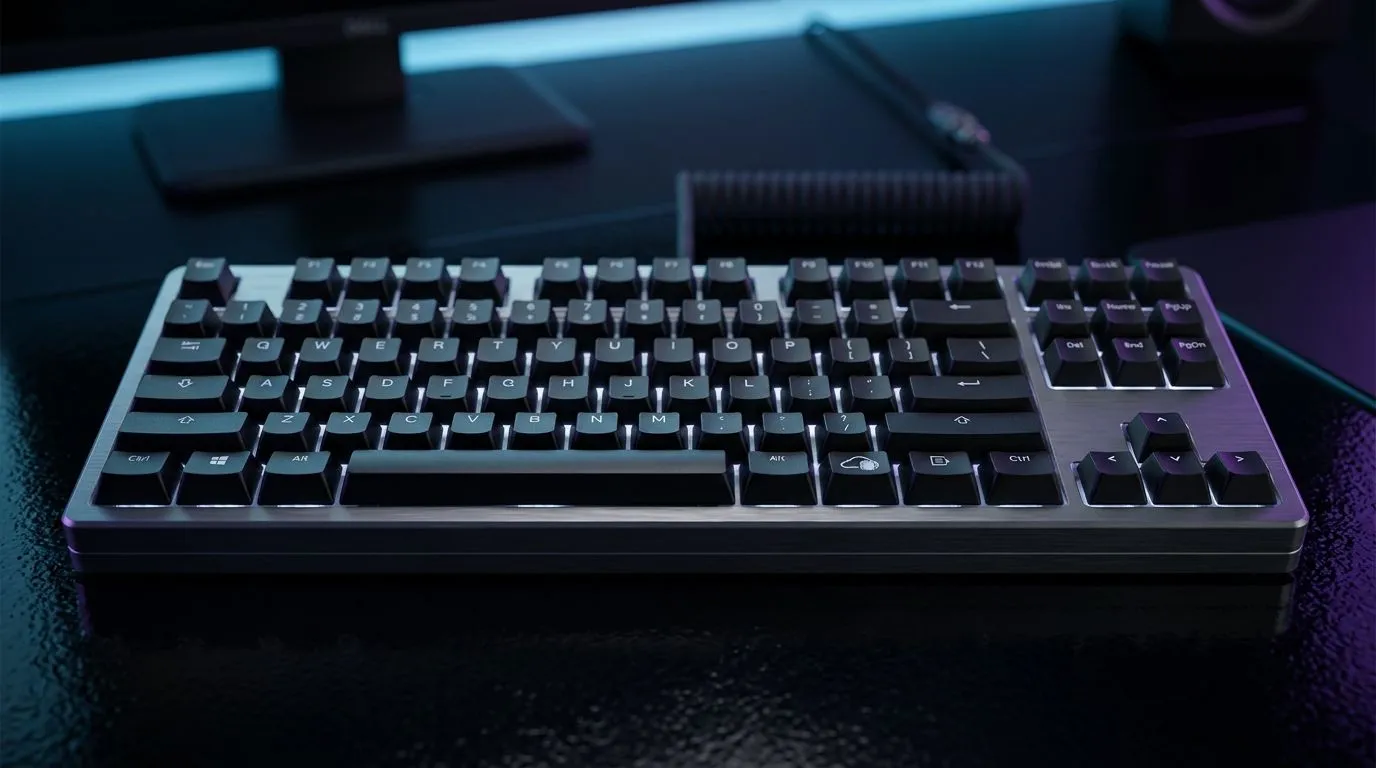
Can Onboard Profile Storage Replace Always-Running Software?
South African gamers hate the “extra step” feeling… especially before a match. If your mouse or keyboard needs a background app just to remember settings, that’s one more thing that can stutter, crash, or hog resources. But can onboard profile storage do the same job without always-running software?
Let’s break it down in plain terms… and help you choose gear that stays consistent, even when the PC isn’t.
Always-Running Software vs Onboard Profile Storage: what actually changes?
Always-running software (drivers + config utilities) typically does two things: it saves your preferences and applies them in real time. That real-time part is where problems can start. When the app fails to load, updates mid-game, or loses permissions, your DPI, lighting, macros, or keybind layers can revert.
Onboard profile storage flips the model. Your device saves profiles directly in its memory, so it can apply settings even when the software isn’t running. In practice, it means:
- quicker “plug in and go” behaviour across PCs
- fewer moving parts during tournaments or LAN sessions
- less risk from background app conflicts
But here’s the catch… onboard profiles are usually limited by onboard memory and hardware capabilities. Fancy lighting, deep macro chains, or complex remapping features may still depend on the software for creation.
When onboard profiles win (and when they don’t) 🔧
Onboard storage is best when you travel between machines: a home PC, a work laptop, a cyber café, or a friend’s rig. It’s also great for competitive players who want stable behaviour.
However, always-running software often wins for:
- frequent on-the-fly profile switching
- advanced macro editing and extensive customisation
- devices that need periodic polling for effects
If you mainly play one game for weeks at a time, onboard can feel effortless. If you tune settings daily, software can still be worth it.
Productivity Pro Tip ⚡
Productivity Pro Tip ⚡
On Windows, use the PowerToys FancyZones utility to create custom snap layouts for your windows. It's a lifesaver for managing multiple apps on an ultrawide monitor, letting you organise your timeline, preview window, and asset folders perfectly for video editing.
Choosing a keyboard or mouse with the right “profile” approach
Not every budget peripheral supports onboard memory in the same way. Before you buy, check what the device actually stores: DPI profiles, lighting modes, and macro buttons.
For practical shopping in South Africa, you can start with proven input options from Evetech and then decide whether you want wired stability or wireless convenience.
If you’re leaning wired, explore options like this gaming keyboard deal: Shop gaming keyboard deals here
If you prefer a specific setup, compare keyboard-mouse combos so your muscle memory stays consistent across both devices: Find a keyboard and mouse combo
For wireless buyers, you’ll want gear that’s still responsive without needing the app in the background: Browse a wireless keyboard selection
For the wired crowd who want fewer variables, use this linked category: Browse a wired keyboard selection
And if you simply want the broadest view of the cheapest keyboard options first: Compare the cheapest gaming keyboard picks
Quick test before you commit (save yourself months) ✨
Try this before your next big purchase:
- Set your profiles (DPI, keybinds, lighting) in the software once.
- Close the software completely.
- Unplug and replug the device.
- Switch between two games… then check that your keybind layers still match.
If your settings survive those steps, onboard storage is doing its job.
Can onboard profile storage replace always-running software? The honest answer 🚀
Mostly, yes… for many everyday gamers and even more for commuters, travellers, or LAN regulars. It can eliminate the “software dependency” feeling and keep your controls consistent when Windows isn’t cooperating.
For deep customisation and constant tweaks, always-running software may still be the better workflow. The key is choosing hardware that supports the profiles you actually care about.
Ready to Find Your Perfect Match? The Mac vs Windows debate is complex, but for maximum power, choice, and value in South Africa, Windows is hard to beat. Explore our massive range of laptop specials and find the perfect machine to conquer your world.











