

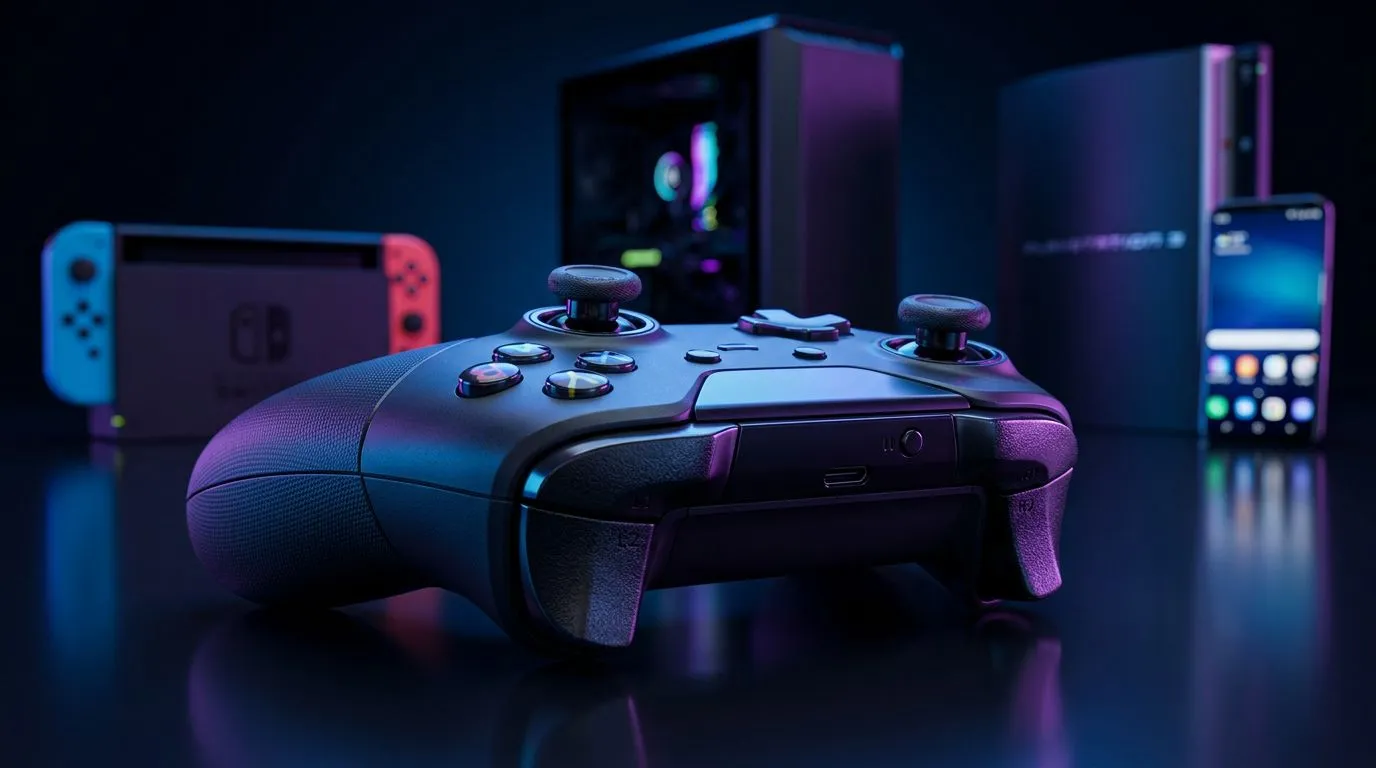
How to Make One Controller Work on Nintendo Switch, PC, PS3 & Android
Want to use one pad for everything—from Smash sessions to mobile shooters? South African gamers are doing exactly that. This guide shows practical ways to Use One Controller Across Nintendo Switch, PC, PS3 & Android without faffing with adapters. Read quick compatibility hacks, budget‑smart buys, and what to expect when you pair cross‑platform. 🎮🔧
Compatibility basics for Nintendo Switch, PC, PS3 & Android
First: not every controller natively talks to every device. Consoles and mobile OSes use different Bluetooth stacks and USB implementations. Start by checking the product listing for compatibility notes; Evetech’s controller category is a good place to begin when you’re shopping locally. Browse our full controllers range for options that advertise multi‑platform support. (Link: browse our controllers) https://www.evetech.co.za/PC-Components/buy-gaming-controllers-365
Wired, wireless and adapters for Switch, PC, PS3 & Android
Wired USB controllers often need no drivers on PC, but PS3-specific controllers may require special pairing steps. Wireless controllers can work across devices but sometimes need a USB dongle or a bridge. If you prefer premium performance and extra buttons, consider pads designed for tournaments and remappable inputs. Check the Razer Wolverine V3 Tournament Edition for a pro‑grade wired option sold at Evetech. (Link: Razer Wolverine V3 Tournament Edition) https://www.evetech.co.za/razer-wolverine-v3-tournament-edition-8k/best-deal/24274
Best brands and setups to use one controller across devices
Razer and other mainstream brands offer good cross‑platform compatibility, often with proprietary software for remapping on PC. If you want a single eco‑system, compare models filtered by brand. See the Razer collection on Evetech for controllers that frequently support multiple platforms. ⚡ (Link: Razer controllers collection) https://www.evetech.co.za/PC-Components/buy-gaming-controllers-365?brands=Razer
Quick Pairing Tip ⚡
For Android, enable Developer Options and switch Bluetooth HCI snoop logging off if pairing fails. If a controller needs a dongle, use a powered USB hub for stable connections.
Practical steps: pairing and testing across devices
- Update firmware where possible on PC before pairing to consoles.
- Test inputs with a simple on‑screen game or a controller tester app on Android.
- Label profiles if your pad has onboard memory. That avoids confusion when swapping between Switch and PC. These steps keep sessions smooth and prevent mid‑match surprises.
Final thoughts on buying and compatibility
Buying a controller that promises multi‑platform support removes a lot of headaches. For hands‑on choices and local stock, Evetech’s product pages list compatibility and support details. Use those pages when comparing controllers to be sure you get exactly what you need. 🚀
Ready to Find Your Perfect Match? The Mac vs Windows debate is complex, but for maximum power, choice, and value in South Africa, Windows is hard to beat. Explore our massive range of laptop specials and find the perfect machine to conquer your world.











