

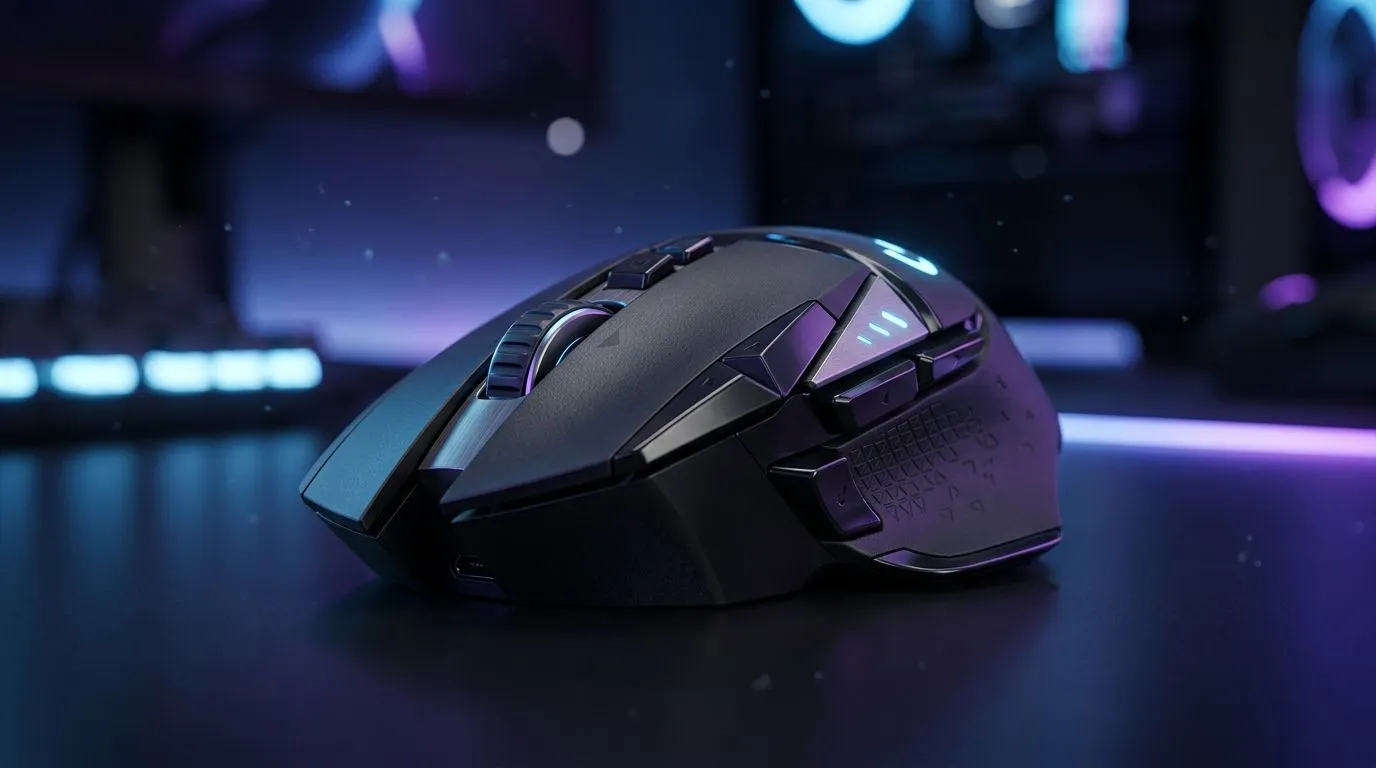
Optical Mouse Switches Explained for Competitive Play: The Early “Why” Behind Your Aim
If your crosshair feels like it’s got a mind of its own, the problem might be the most overlooked component… your mouse switch. In competitive FPS, a few milliseconds and the consistency of clicks can make all the difference. 🔥 In this guide, we’ll break down optical mouse switches in plain South African English, explain why they matter, and help you choose the right gaming mouse for your playstyle and budget.
Optical switches are often marketed as “faster” or “more consistent”… but what does that actually mean in-game?
Optical vs Mechanical Switches for Competitive Play (What Changes?)
Most classic gaming mice use mechanical switches: a physical actuation triggers an electrical contact. Optical mice replace that physical contact with light-based detection. That means the click event is detected optically, usually without the same wear patterns you get from mechanical contacts.
What “less wear” and “more consistency” really means
Mechanical switches can degrade over time due to physical contact. Optical designs aim to reduce that kind of contact wear, which can help maintain consistent actuation behaviour longer.
Reliable tech buyer’s question
When you’re spending real ZAR on a mouse, don’t just ask “is it fast?” Ask: Will it stay consistent after months of ranked grinding? 🎯
How Optical Clicks Can Affect Aim, Timing, and Double-Clicks
In fast shooters, your hands are doing micro-timing constantly. Optical switches are designed to detect click actuation without mechanical contact, which can reduce variability associated with switch bounce and wear.
That said, your overall performance still depends on factors you control: sensor quality, tracking stability, and grip. Still, click consistency is part of the chain.
Quick setup checklist before you test in a match
Start in a low-stakes environment:
- Disable unnecessary software side-effects (like extreme debounce mods, if your mouse supports them).
- Set consistent DPI and polling rates before testing.
- Do a 10-minute aim routine, then a 10-minute click timing routine.
If your clicks “feel” different after a week of use, that’s a sign the switch behaviour or software tuning might be off.
Productivity Pro Tip 🔧
On Windows, use Windows Game Bar (Win + G) to record short gameplay clips while you test click-heavy scenarios. You can compare early vs later shots to spot whether click timing feels inconsistent after a session, without guessing.
Choosing the Right Mouse Switch Type for Your Playstyle (South Africa Edition)
Optical mice can be a great fit if you:
- Play lots of ranked matches
- Want long-term click feel consistency
- Prefer a more consistent trigger experience
But competitive play is personal. Some players simply prefer the tactile “bite” of mechanical switches. If you’re unsure, treat it like a hardware upgrade test: one variable at a time.
Where to buy (and what to compare)
Before you checkout, compare the basics:
- Wired vs wireless for latency preference
- Sensor and tracking behaviour
- Switch tech (optical vs mechanical) and expected lifespan
Browse Evetech’s options here:
- Explore gaming mouse accessories that can pair with your setup: Gaming mouse accessories
- If you want maximum reliability, start with wired models: Wired gaming mice
- If you’re chasing desk freedom, check out wireless options: Wireless gaming mice
- For budgets and smart upgrades, watch the deals: Best gaming mouse deals
- Want to narrow down options fast? Browse the category: Gaming mouse selection
Final Words: Test, Tune, Then Commit
Optical mouse switches explained for competitive play is really about consistency. If your click timing stays stable, your aim routines feel repeatable… and your muscle memory gets stronger.
So go ahead. Pick a mouse, set your DPI and polling rate, and test in your real games. If it feels right, commit. If it doesn’t, you’ll know quickly.
Ready to Find Your Perfect Match? The Mac vs Windows debate is complex, but for maximum power, choice, and value in South Africa, Windows is hard to beat. Explore our massive range of laptop specials and find the perfect machine to conquer your world.










