

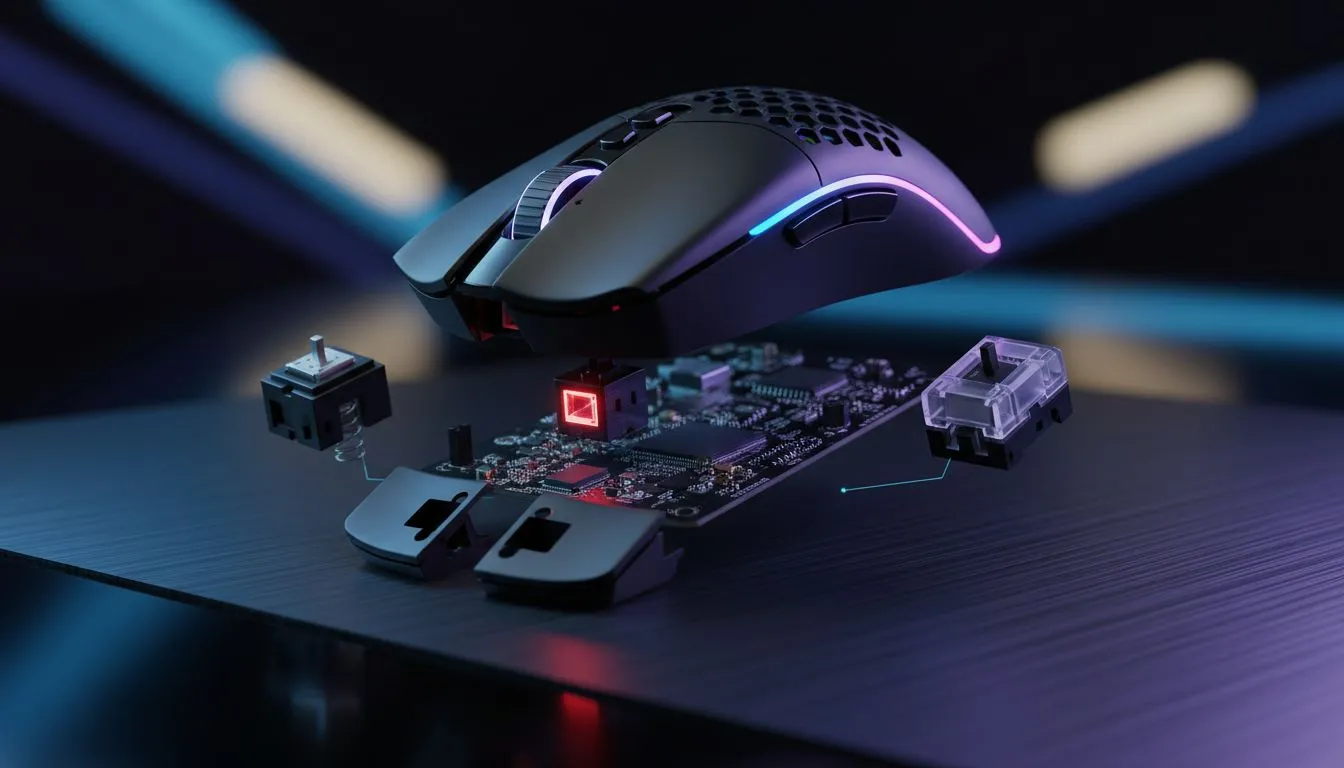
Optical mouse switches vs mechanical: what changes under your fingertip 🔧
Short answer first: optical mouse switches change how a click is detected, not just how it feels. For South African gamers chasing split-second response and long-lasting hardware, understanding optical mouse switches helps you pick the right kit without guesswork. Read on for hands-on differences, upkeep tips, and where to shop locally for wired, wireless and accessory options.
Optical mouse switches — the tech that removes debounce
Optical mouse switches use a light-based actuation to register clicks, replacing the metal contact bounce found in many mechanical switches. That means cleaner electrical signalling and a much lower chance of accidental double-clicks as the switch ages. For more options if you want to try these in person, check our curated gaming selection on Evetech — explore our gaming mouse range. ⚡
How optical differs from mechanical in feel and durability
Physically, optical and mechanical switches can feel similar. The difference shows up in consistent actuation and longevity. Optical designs often avoid contact wear because actuation is optical rather than mechanical contact, which can mean fewer performance dips over thousands of clicks. If you’re tempted by value buys, compare current offers on the Evetech deals page to see which mice use optical switches and what’s in stock: best gaming mouse deals.
Click Longevity Tip ⚡
Keep the mouse clean and avoid leaving it in dusty or humid rooms. Optical switches are more tolerant of contact wear, but dust can still affect the sensor and feet. Regularly wipe the sensor window and mouse feet for steady tracking.
What this means for South African gamers — latency, reliability, and esports
If you play competitive shooters or fast-paced MOBAs, the slight reduction in debounce time can feel marginal yet decisive. Optical mouse switches reduce internal debounce delay and provide consistent actuation thresholds, so your click timing stays predictable. For wireless setups that don’t compromise on this tech, browse our wireless mice selection to match performance with convenience.
Thinking wired is safer for latency? There are plenty of wired mice using optical switches too — see wired mice options if you prefer a cabled tournament setup.
Choosing the right mouse: switches, shape, and accessories
Pick a mouse by how the switch system fits your playstyle. Light fingertip players might prioritise a low-actuation force optical switch, while palm players look for comfortable curves and reliable weight. Don’t forget accessories: replacement pads, braided cables, and extra mouse feet can extend life and tuning — find mouse accessories to personalise your setup.
Short buying checklist for local buyers
- Prioritise consistent actuation; optical switches are strong here.
- Match the shell to your grip style and hand size.
- Consider warranty and local support when paying in ZAR — Evetech provides local customer care and clear return policies.
- Try demos if possible; a quick in-store feel test beats specs alone. For more wireless vs wired considerations and deals, check our wired and wireless categories respectively: buy-wireless-mouse and buy-wired-mouse.
Ready to Find Your Perfect Match? The Mac vs Windows debate is complex, but for maximum power, choice, and value in South Africa, Windows is hard to beat. Explore our massive range of laptop specials and find the perfect machine to conquer your world.











